

Avoid A Holiday Tech Meltdown With Better IT
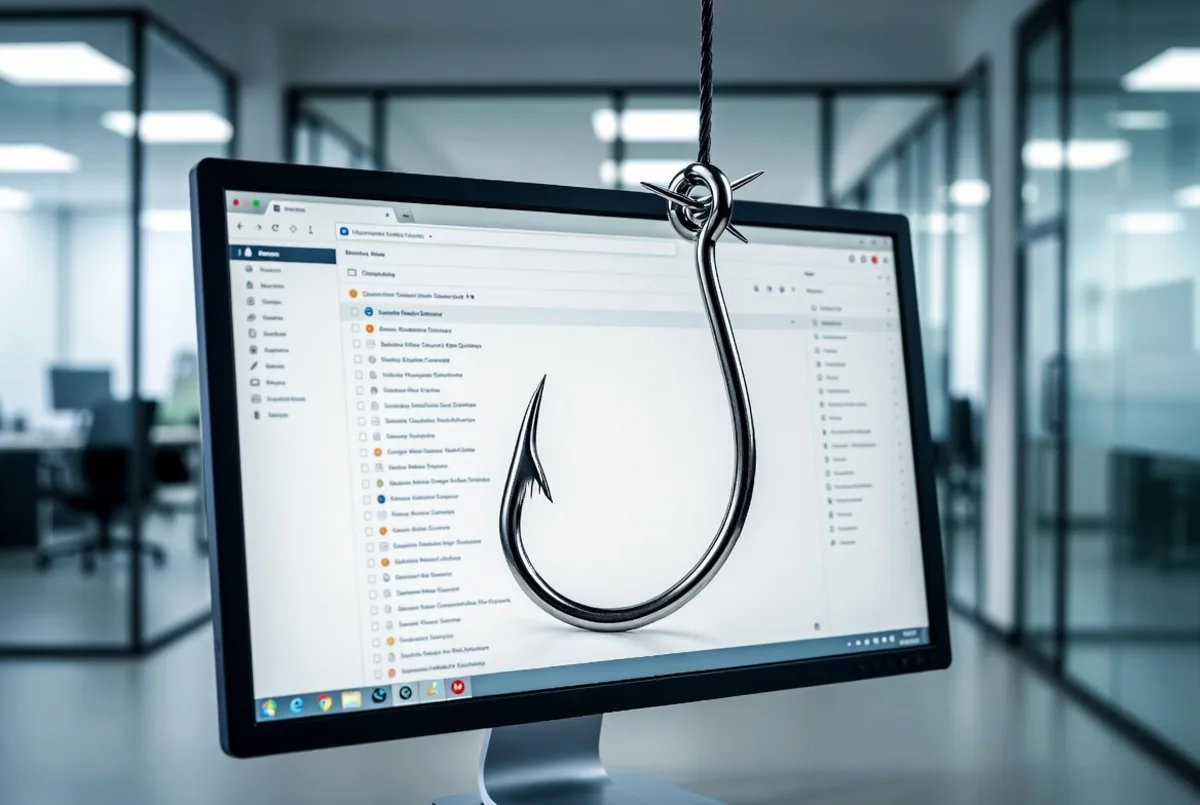
The way to avoid a holiday tech meltdown is to fix your IT before the rush, not during it. Proactive support, meaning continuous monitoring, scheduled patching, load testing, and hardened security done in October and November, is what separates businesses that glide through December from businesses that spend Black Friday on the phone with an emergency repair tech.
The holiday season is a stress test your systems didn’t sign up for. Traffic spikes, transaction volume climbs, staff are stretched thin, and attackers know all of it. If there’s a weak point in your infrastructure, this is when it surfaces, at exactly the moment downtime costs the most.
Why Do IT Systems Fail During the Holidays?
Three pressures stack up at once, and each one turns small problems into outages:
- Load. More shoppers, more website visits, more point-of-sale transactions, more of everything. A server or network that handles a normal Tuesday fine can buckle under two or three times the volume. Without optimization ahead of time, that means slowdowns at best and a full outage at worst, during your highest-revenue days of the year.
- Attackers on schedule. Cybercriminals deliberately time phishing campaigns and ransomware deployment for the holidays, when finance teams are rushing, staff are covering for vacationing coworkers, and IT attention is elsewhere. A fake “shipping problem” invoice in mid-December gets clicked at rates a July version never would.
- Deferred maintenance coming due. The updates you postponed in the quiet months don’t stay harmless. Aging hardware and unpatched software pick the worst moment to fail, because the worst moment is when they’re finally under real strain.
Retailers feel this most obviously, but it applies just as much to distributors closing the year, professional firms racing year-end deadlines, and any Houston or DFW business trying to invoice, ship, and collect before December 31.
What Does Proactive IT Support Actually Do?
Proactive support inverts the model: instead of reacting after something breaks, your provider works to keep it from breaking. In practice that means four things:
- Around-the-clock monitoring. Systems are watched continuously, so a server trending toward overload on Black Friday morning gets caught and handled before it crashes, not diagnosed afterward. Paired with a responsive help desk, small issues get resolved while they’re still small.
- Scheduled maintenance and patching. Updates happen on a calendar, in maintenance windows, before peak season. You’re not scrambling to patch a critical vulnerability the same week you’re running your biggest promotion.
- Load testing and optimization. Before the rush, your provider simulates the traffic you’re expecting and finds the bottlenecks with time to fix them. That’s the difference between knowing your systems can handle the season and hoping they can.
- Layered security. Multifactor authentication, managed firewalls, email filtering, and monitoring for suspicious activity, so seasonal phishing surges hit a defense instead of an open inbox. This is the core of a managed cybersecurity program, and December is when it pays for itself.
And behind all of it: tested backups. If something does go wrong in peak season, a verified backup and recovery plan is what turns a disaster into an inconvenience.
Is Proactive IT Worth the Cost?
Run the numbers on one bad day. Holiday downtime can cost thousands of dollars per hour in lost sales, and that ignores the abandoned carts, frustrated customers, and reviews that outlive the outage. Meanwhile employees stuck troubleshooting technology aren’t serving customers or shipping orders. Emergency fixes, rush hardware replacement, and data recovery all carry panic pricing.
Proactive managed IT services trade those unpredictable spikes for a flat, predictable monthly cost, and prevent most of the incidents outright. It’s the same logic as maintaining a delivery truck before the busy season instead of towing it during it.
When Should You Start Preparing?
Now. A useful pre-holiday IT check takes a few weeks: audit the infrastructure, identify what’s outdated or at risk, patch and optimize, verify backups, and brief your team on seasonal scams. Start in November and you’re calm by December. Start after the first outage and you’re paying emergency rates to fix things in the middle of your revenue peak.
Rather spend December selling instead of firefighting? Let’s get your systems ready before the rush.