

My family loves a card-and-dice game we play at the table all the time. I wanted to play it on the couch without hunting for the physical box, so I went looking for it in the Apple App Store. Nothing.
So I did what any reasonable person with a deck of cards and an AI subscription does: I sat down, counted every card, wrote down the rules, and decided to build my own version from scratch.
A few days later I had a fully working, multiplayer, online card game running on my tablet or laptop. I never wrote a single line of code. Here’s exactly how, tool by tool and prompt by prompt, I created my version — called Monster Fight.
▶ Play Monster Fight in your browser
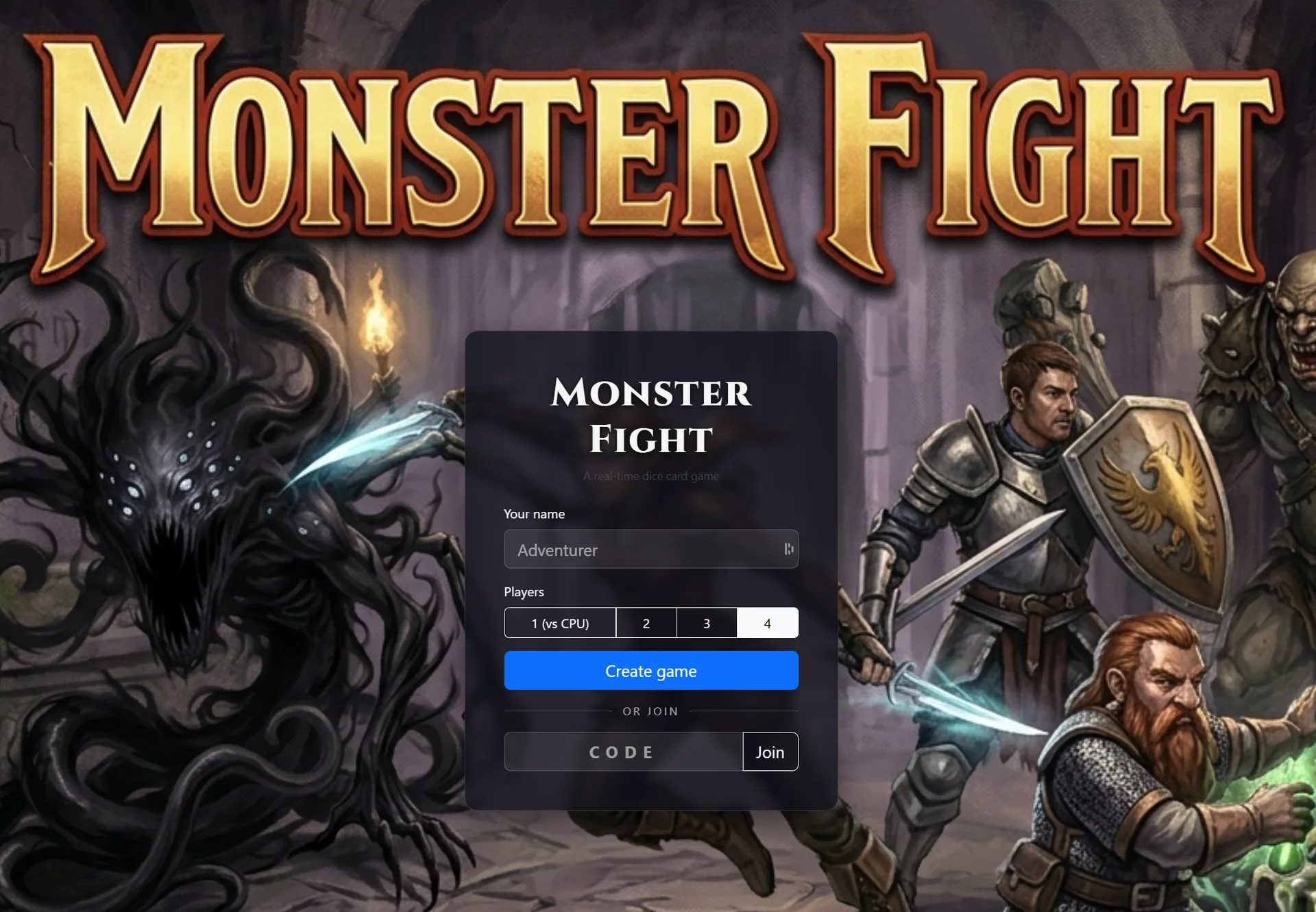
A quick note on copyright
Game mechanics — roll dice, beat a number — aren’t copyrightable, but names, art, and branding are. So this was never about cloning someone else’s product. I built my own game inspired by the mechanics, with completely original monsters, original artwork, my own scoring and scaling, and a different name. I never used another company’s name, text, or art anywhere in mine. If you do a project like this, respect that line: borrow the math, invent everything else.
The pipeline: five tools, one game
No single AI did the whole thing. The magic was in the handoffs:
- Claude (web chat): turned my pile of rules into a rock-solid written spec — the Markdown file.
- Claude Design: card frames, hand layout, the landscape board.
- Google Gemini: the actual monster and character artwork.
- Claude Design (again): finalize and clean up the art.
- Claude Code: built the entire working game from the spec and art.
Let me walk through each.
Step 1 — Describe the game (and let the AI interrogate it)
This is the step most people get wrong. They ask AI to “make a card game” and get mush. I did the opposite: I dumped everything I knew and let Claude poke holes in it.
My opening prompt was basically a brain-dump of the whole game — every card, every number, every monster:
“I want to make a 1–4 player game. It’s a card game. It has a red adventure deck of cards that have numbers/colors… Numbered 1–12 green, red, blue, purple, orange… Total of 60 cards… A green deck with a mixture of monsters and abilities and actions…”
…and on through every monster’s stats, the dice faces, setup, and an example turn. I finished with the important part:
“Let me answer any questions about the game play you don’t understand.”
That last line is the whole trick. Instead of letting the AI guess and fill gaps with nonsense, I invited it to ask. And it did — it came back with questions I hadn’t even thought about:
- Do the card numbers matter, or just how many you play?
- Do ability bonuses add to your roll, or lower the monster’s target?
- When you draw a “Draw Two” card mid-game, does it trigger instantly?
- Can you stack three one-time abilities on a single attack?
I answered each one in plain English. For example, on how the bonuses stack:
“If I am striking and I roll 3 but need a strike hit of 5 and I have either the Sword +2, Unicorn +1, or Cloak +2… the effects are stacking. So as I win more abilities, I can drop to a strike with just two cards and do the same damage.”
Every answer got folded back into the design. By the end of this loop the rules were tighter than the original game in my head — because the AI forced me to make every fuzzy edge explicit.
Takeaway: Treat the AI like a sharp new hire who will build exactly what’s written. Your job is to leave nothing ambiguous, and the fastest way to find ambiguity is to let it ask.
Step 2 — Get it in writing (the spec)
Once the rules were nailed down, I asked for the whole thing as a single document — a Markdown spec file I could hand to other tools:
“Update the spec into a single document.”
This is the unsung hero of the whole project. That spec became the single source of truth. It had the full card list, the turn-by-turn state machine, the scoring rules, even the technical architecture. Every other tool downstream — Design, Code, all of it — got fed from this one file.
Download the game design spec (Markdown)
If you take one thing from this post: the document is the product. Get the spec right and everything after it is assembly.
Step 3 — Designing the cards in Claude Design
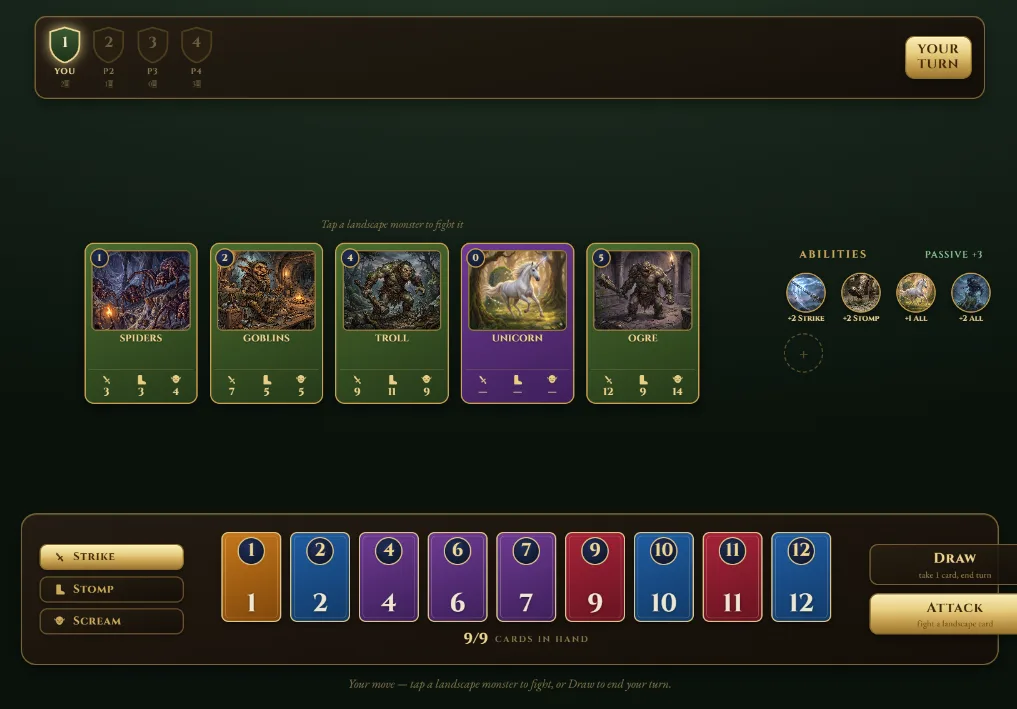
With the rules locked, I moved to Claude Design for the visual side: the card frames, the hand layout, and the “landscape” — the row of five face-up monster cards you choose to fight.
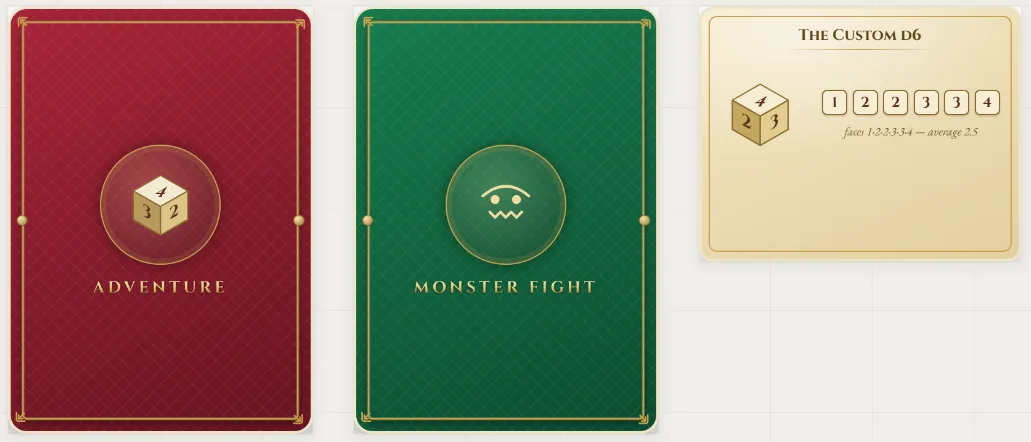
Claude Design nailed the structure fast. The gold-trimmed card frames, the dark-forest palette, the typography (Cinzel for headings, EB Garamond for body), the stat cells along the bottom of each monster card — all clean, all consistent, all done in CSS so it stayed crisp at any size. It took a couple of prompts to get it exactly the way I wanted.
Here are the cards.
Here’s one of the early landscape designs.
But there was one thing it wasn’t giving me…
Step 4 — Jumping to Gemini for the artwork
I wanted rich, painterly, Dungeons & Dragons-style monster art — the kind of dramatic, hand-painted bestiary look that makes you want to pick up the card. Claude Design is brilliant at layout and interface, but it wasn’t producing the illustrated creature art I had in my head.
So I switched tools, took my monster list over to Google’s Gemini, and started generating creatures one at a time.
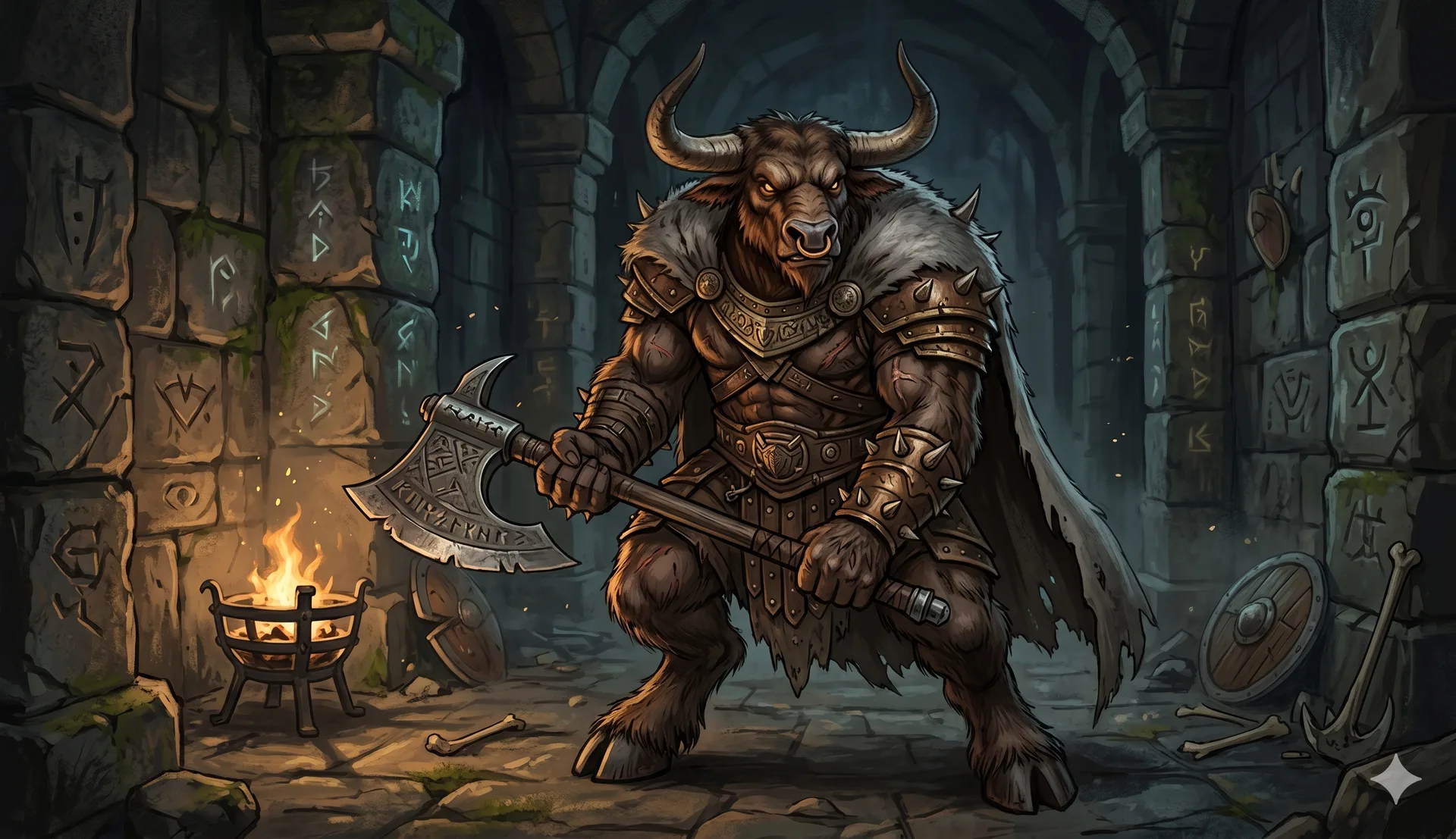
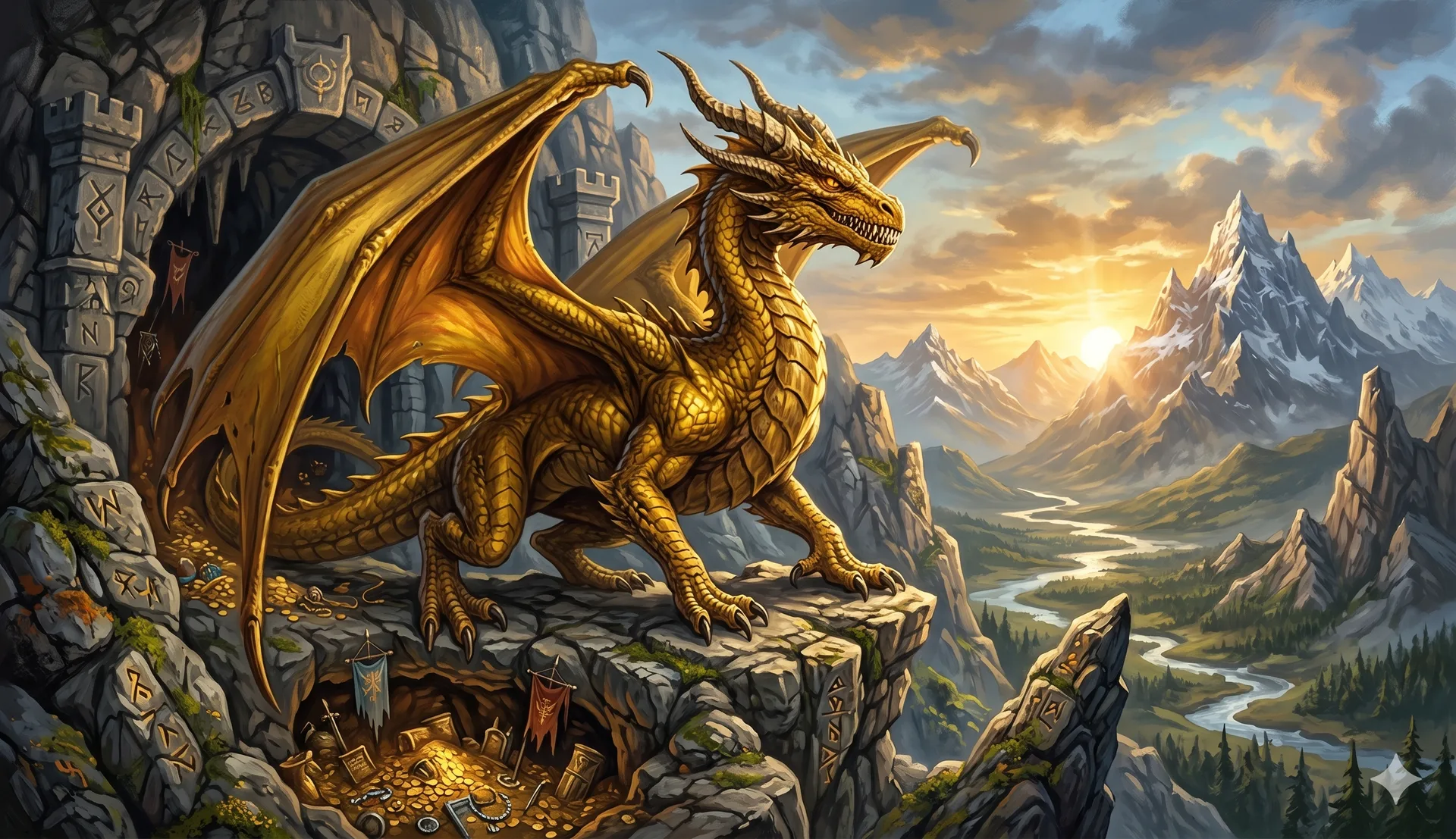
These came out beautifully. Dramatic lighting, real character, exactly the bestiary vibe I was chasing. The lesson here is one I keep relearning: no single AI is best at everything. Claude was the better game designer and engineer; Gemini was the better illustrator that day. Use the right tool for each job instead of forcing one to do all of them.
Step 5 — Back to Claude Design to finalize the art
Raw generated art is never quite drop-in ready. I brought the Gemini images back into Claude Design to finish them — cropping each one so the creature sat in the right part of the frame, cleaning up edges, making sure every card looked like it belonged to the same set.
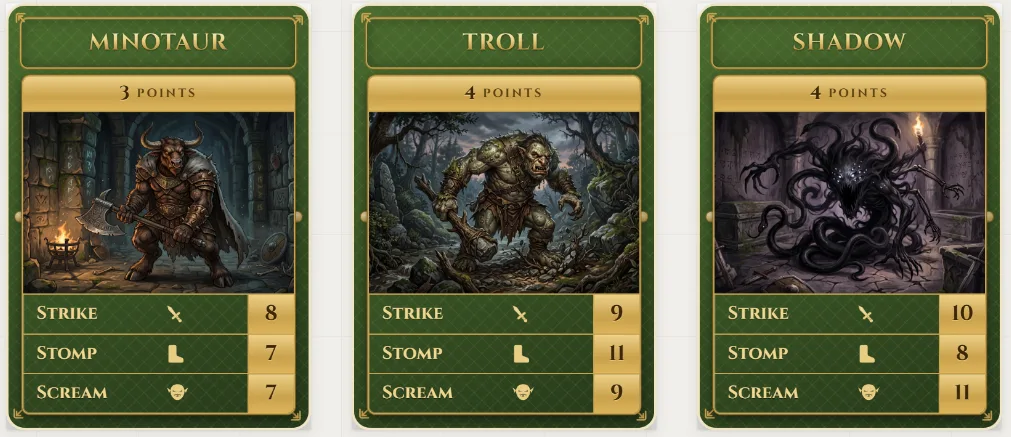
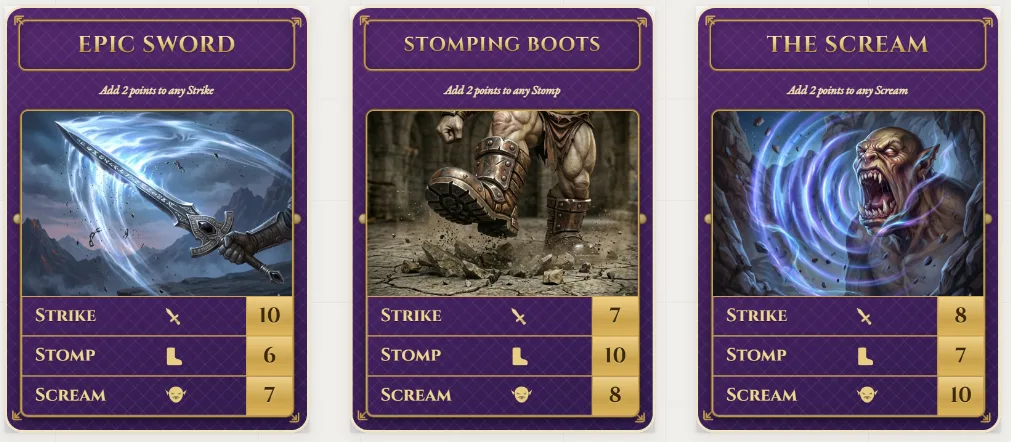
That round-trip — generate in one tool, refine in another — is where the polish came from.
Step 6 — Claude Code builds the whole game
Here’s the part that still feels like magic.
I downloaded my spec, design layouts, and images to a folder, started Claude Code, and asked it through a series of prompts to build the actual, working, online game. Not a mockup — the real thing: the rules engine, the turn logic, the dice math, the multiplayer, the lobby with join codes, even a computer opponent for solo play.
It started with one line: “Take a look at this folder.” That folder held only a ruleset (the Markdown spec) and an art folder. Before writing any code, I worked through design decisions with Claude’s questions. The spec got updated first, then we built.
Lesson worth calling out: nail the design doc before generating the project.
Then came the fun part — play-testing and tweaking. Anything I didn’t like or that didn’t work well, I adjusted in plain English until it looked and played the way I wanted:
- Won abilities render below the landscape; a defeated monster’s score shows only in that player’s bar.
- Fixed early bugs: missing +1 Die graphic, drawing didn’t work, removed unneeded decks, replaced the “Your Turn” label with a turn highlight, added Strike/Stomp/Scream sorting.
- Tap-to-fight: tap a landscape card to bring it into focus, choose attack type, choose which cards to attack with.
- Built a cheat panel (show all abilities, force 5 monsters left, simulate Draw-2, force over-cap discard) purely to test edge cases faster.
- Reworked ability cards: dropped the points bar, added a title + subtitle (“Epic Sword — Adds 2 to any strike”), bigger art.
- Fixed combat bugs: Stomp with three 1s, discard-on-defeat letting the player choose which card to drop.
- Endgame screen: randomized win/lose art, “Congrats Greg — 110 pts!” / “Sorry Greg, you lost to Bob,” other players’ scores listed below.
- Flee handling: added fleeing art, then a design decision — drop the player and continue rather than kill the game, even down to solo, but warn everyone “a coward left.”
- Cleanup from real multiplayer playtests: a left player’s avatar lingering, removing the Pass-Right card when only one player remains, disabling Pass-Right in solo.
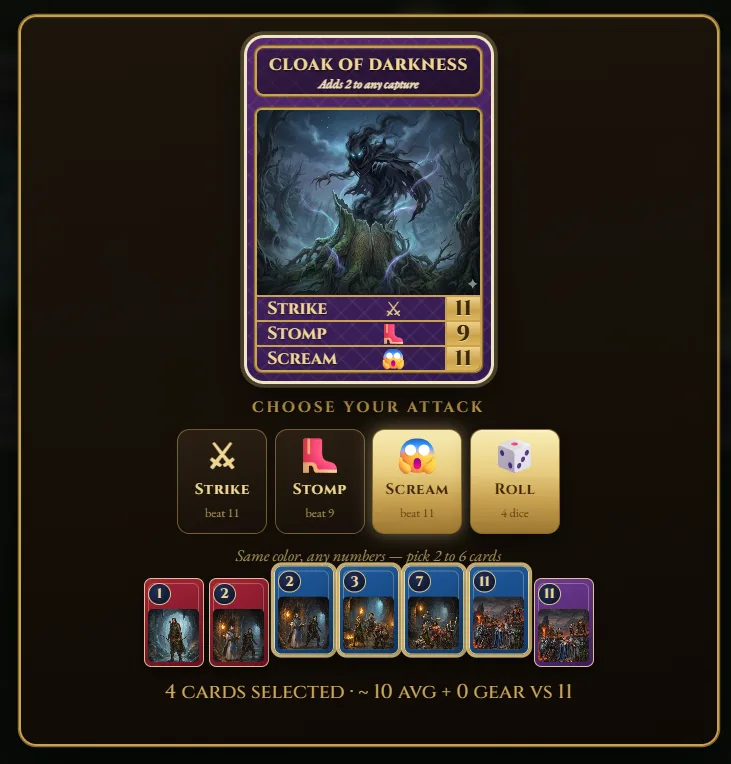
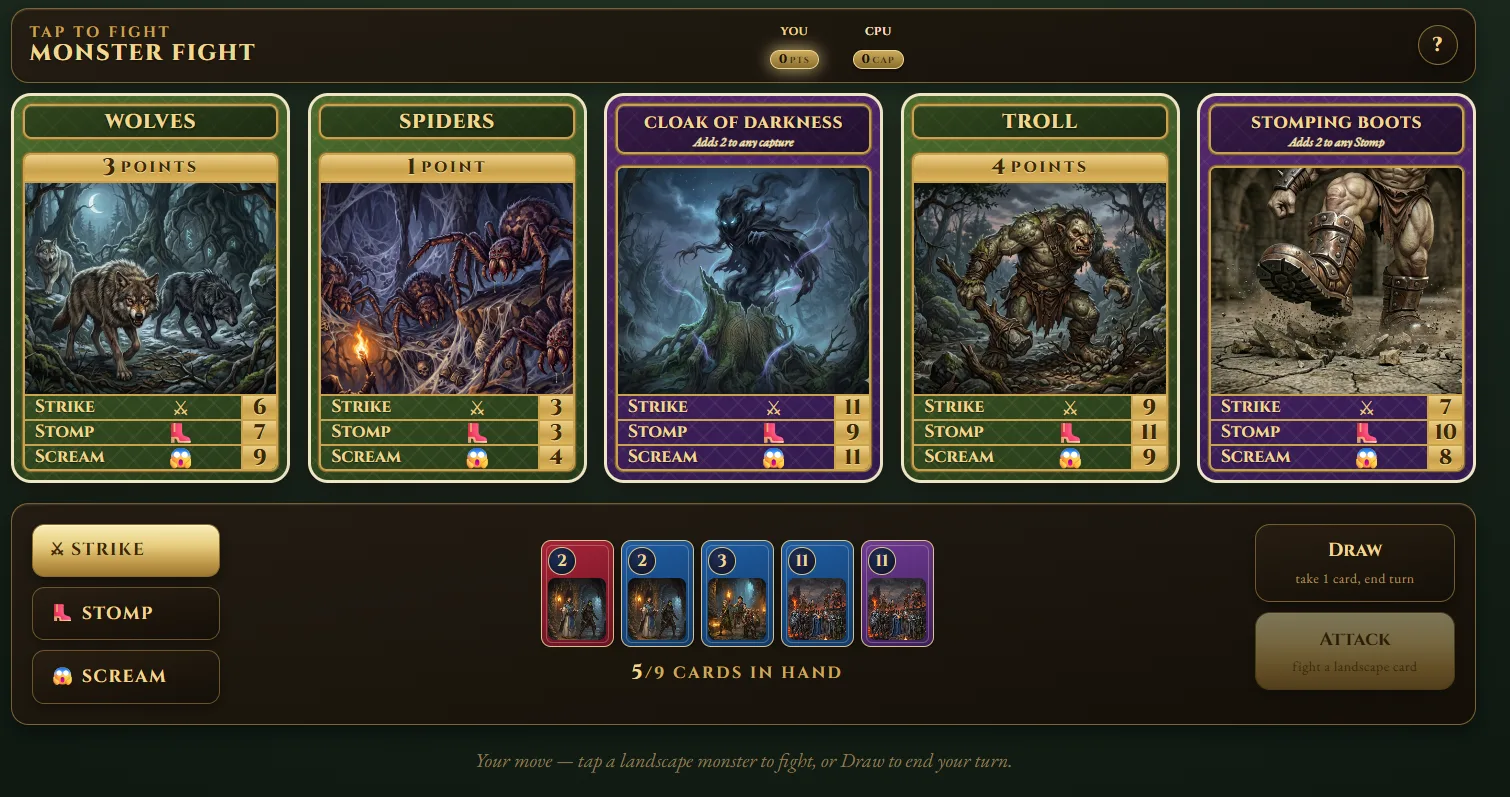
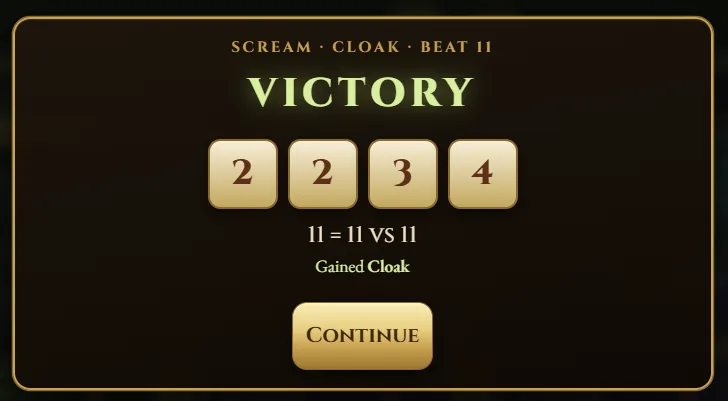
I deployed it to Azure, and now I can pull it up on my tablet, send a friend a four-letter code, and play. No code written by me. Not one line.
▶ Play Monster Fight in your browser
What I’d tell you if you want to try this
- Start with the what, not the code. The clearer your written spec, the better everything downstream goes.
- Let the AI ask you questions. Ambiguity is the enemy. Invite the interrogation.
- If you don’t know something, ask for help. If you aren’t sure how to do something, the AI can help you find the answer.
- One document is the source of truth. Feed every tool from it.
- Use different AIs for their strengths. Claude for design and build, Gemini for illustration, and back again. Don’t marry one tool.
- Iterate in plain English. “Make the hand limit nine” is a valid instruction now. Describe what you want; let the tool implement it.
This was a bigger lift than my last project, and it took a few days of evenings. But the fact that a busy business owner can go from “I wish this existed” to “it’s running on my tablet” in a weekend — with no coding — says something about where these tools are.
If you’ve got an idea collecting dust because you “can’t build it,” that excuse is getting harder to justify. See more of what’s possible in our build apps with AI showcase, or book a discovery call and tell us what you’re trying to build.
— Greg