

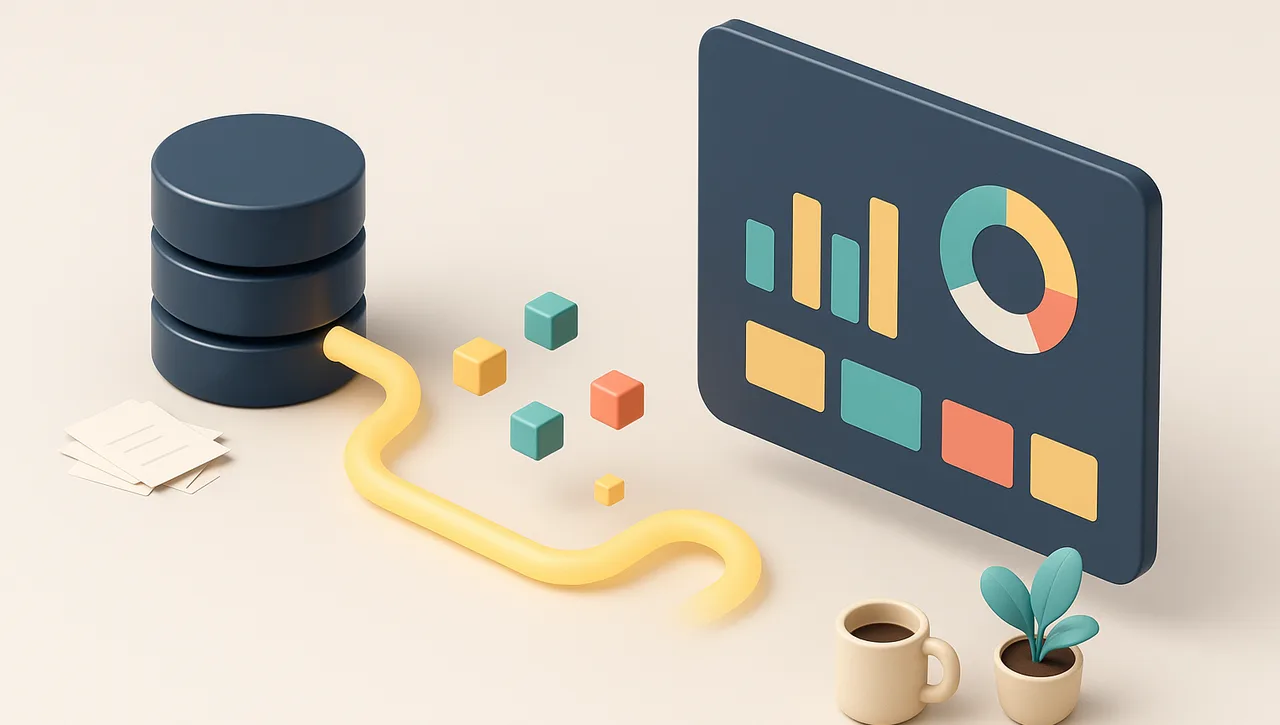
The Problem: Your Numbers Don’t Live in One Place
Here’s a question that should take ten seconds to answer: How much money are our customers currently late paying us?
For most businesses, it doesn’t. The answer is in your accounting system. But the context — which of those late payers is a big account you don’t want to annoy — is in your CRM. Whether the work is even finished is in your project tool. And the running total your bookkeeper keeps “just to be safe” is in a spreadsheet on someone’s desktop.
So the real answer takes an hour: export from one system, export from another, paste them into Excel, line up the columns, and hope nobody fat-fingered a number. By the time you have the report, it’s already a day old, and you have to do the whole thing again next week.
This is the single most common data frustration we see in Houston businesses. It isn’t that the data doesn’t exist — it’s that it’s scattered across systems that don’t talk to each other, and pulling it together is manual, slow, and error-prone.
The Shift: Let the Software Read the Software
Every modern business system — your accounting package, your CRM, your project tool — has an API: a secure, official doorway that lets other software read its data on your behalf. (If you want the plain-English version of what that means, start with What Is an API? and How AI and APIs Work Together.)
APIs are the part that’s been around for years. What’s new is the layer on top: AI that can take that raw data, understand it, summarize it, and answer questions about it in plain English. You no longer need to know which table a number lives in or how to write a query. You ask, “What’s our outstanding A/R over 60 days, and which three customers owe the most?” — and the dashboard answers.
Put those two pieces together — APIs to reach the data, AI to make sense of it — and the hour-long manual report becomes a question you type into a box.
How It Comes Together: Four Steps
This isn’t magic, and it isn’t a single product you buy off a shelf. It’s a small, deliberate build. Here’s the shape of it.
1. Connect the data sources
Each system gets connected through its API using secure, least-privilege access — meaning the connection can read exactly the data the dashboard needs and nothing more, ideally read-only. Your accounting connection can see invoices; it can’t move money. Your CRM connection can see the pipeline; it can’t delete a contact. This step is the foundation, and it’s where getting the security right matters most.
2. Let AI query and summarize
Once the data is reachable, AI does the heavy lifting that used to be manual: it pulls the relevant numbers, joins related records across systems (matching the late invoice to the right customer to the right project), and summarizes the result into something a human actually wants to read — totals, trends, exceptions, and the handful of things that need attention.
3. Render the dashboard — or just answer the question
The output can be a clean visual dashboard — charts, a few key numbers, a sortable list — or it can be conversational: you type a question and get a written answer with the supporting figures. Most businesses want both: a one-screen overview for the daily glance, and the ability to drill in by asking a follow-up.
4. Keep it live
Finally, the dashboard stays current on its own. It refreshes on whatever schedule fits — every few minutes for an operations board, overnight for a financial summary — so what you’re looking at is real, not a snapshot from last Tuesday. No export, no copy-paste, no “let me regenerate that for you.”
What This Looks Like in Practice
Abstract is easy to nod along to, so here are concrete things this approach builds:
-
A QuickBooks A/R aging dashboard you can ask about. One screen shows what you’re owed, broken down by how overdue it is. Then you ask it questions: “Who are my five biggest late payers?” “How much of the over-90 bucket is from one customer?” “Has total A/R gone up or down since last month?” The data is live from QuickBooks; the answers are instant.
-
A sales pipeline summary pulled from your CRM. Instead of clicking through a dozen CRM screens, you get a plain-English readout: deals by stage, total pipeline value, what moved this week, and which deals have gone quiet. Ask “what’s likely to close this month?” and it tells you.
-
A one-screen “state of the business.” The numbers that matter most to you — cash position, open invoices, pipeline, active projects, maybe headcount or utilization — pulled from several systems into a single view you check with your morning coffee. The report you currently build by hand once a week, except it builds itself and never goes stale.
The pattern is always the same: data that used to require a person and an hour becomes a glance and a question.
The Honest Part: Security Is the Whole Game
A dashboard like this touches your most sensitive data — financials, customer records, maybe payroll. That’s exactly why how it’s built matters more than the flashy front end.
A few rules we don’t bend on:
- Least-privilege, scoped access. Every connection reads only what it needs, read-only wherever possible. No connection gets the keys to the whole building.
- Confidential data never goes to a public AI tool. The summarizing happens inside a controlled setup — sensitive details are not pasted into a consumer chatbot where you’ve no idea where they end up. This is the same rule we hammer on in our AI assistants comparison: consumer AI tools are not the place for regulated or confidential data.
- Accurate data in, accurate answers out. A dashboard is only as trustworthy as its sources. Part of the build is making sure the connections pull the right fields and the numbers reconcile with reality — a pretty chart over bad data is worse than no chart.
None of this is a reason to avoid the approach. It’s the reason to have it set up by an IT partner who handles access control, security, and data accuracy as the core of the job rather than an afterthought.
This Is the Kind of Thing We Build
Connecting business systems through their APIs, putting an AI layer on top, and getting it set up securely is squarely what we do. If you’re tired of building the same report by hand every week — or you’ve never been able to get your real numbers onto one screen at all — that gap is closeable, and closing it is the kind of project we take on every day.
It usually starts with one painful report. We figure out which systems hold the pieces, wire them together safely, and hand you a live screen you can finally just ask. If you’d like to talk through what that would look like for your business, this is a good fit for our IT consulting — book a discovery call and tell us which numbers you wish lived on one screen.