

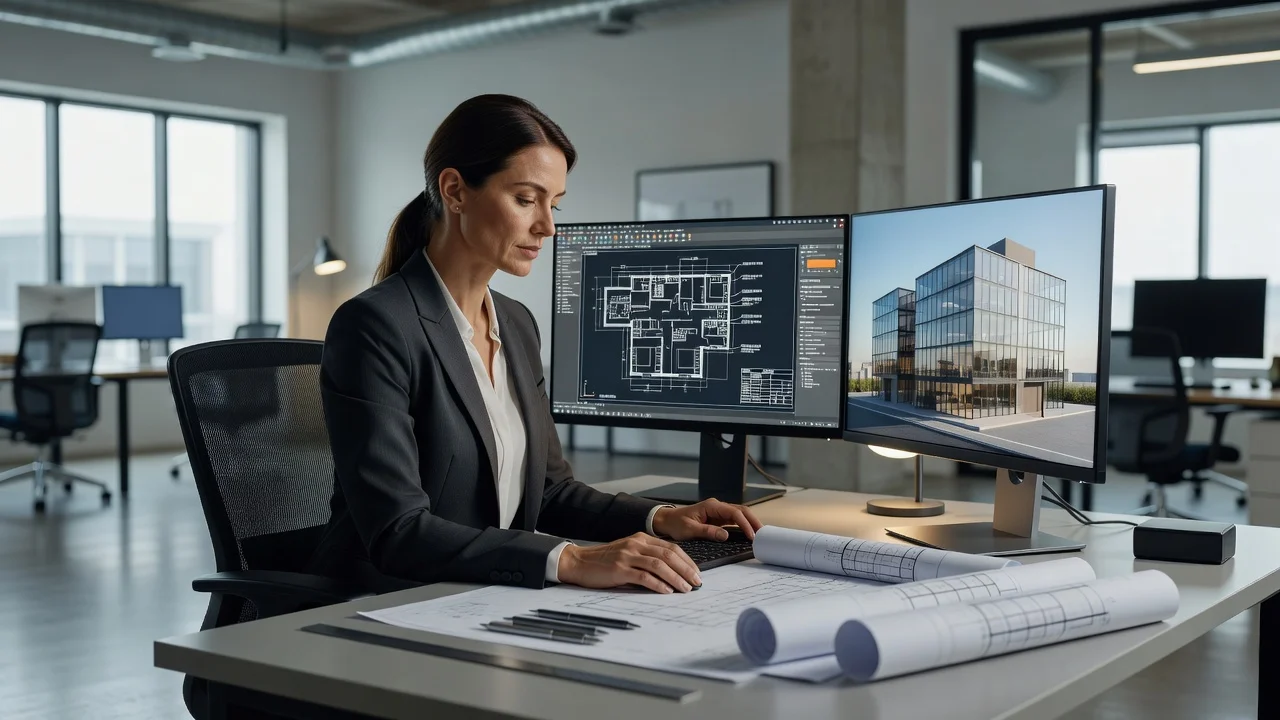

IT support for engineering firms means managed help desk, workstation, network, and security services built around CAD, BIM, and analysis workloads rather than a generic office template. Braintek has provided that support to engineering companies and architecture firms across Houston and Dallas-Fort Worth since 2002, from our headquarters in Spring, TX, including the aerospace and engineering cluster around League City.
A network that’s fine for email and Outlook falls apart under a Revit model or a rendering job. That’s the core reason engineering firms outgrow both generalist IT providers and the one overloaded in-house tech: the workloads are different, and the cost of downtime is billed hours on client projects. (Run a broader professional practice? See our professional services IT page.)
What do managed IT services for engineering firms include?
Managed IT for an engineering company covers the full environment: help desk for every user, monitoring and patching for workstations and servers, cybersecurity sized to client and insurer requirements, tested backup for project data, and vendor coordination with Autodesk, Dassault, and your license servers. The difference from generic managed IT services is the engineering specific layer on top: CAD workstation specs, GPU driver discipline, large file storage design, and support staff who know that “SOLIDWORKS is slow” is a diagnosable problem, not a shrug.
Built for CAD, BIM, and large files
We size workstations, storage, and network infrastructure around what your software actually demands: rendering jobs, large assemblies, and file sizes that bring an underspecified network to a crawl. We’ve published our working specs in two guides, what workstations, servers, and networks AutoCAD and SOLIDWORKS actually need and how to support AutoCAD and SOLIDWORKS teams without slowing down engineering, so you can see the depth before you ever talk to us. Storage, sync, and backup are set up around your real file sizes, so drawings and models move and back up reliably instead of timing out.
Secure collaboration without exposing everything
Projects mean sharing files with consultants, contractors, and clients outside your firm. We set up permissioned, secure access so outside collaborators get exactly the project files they need, without exposing your full network, your other clients’ projects, or proprietary designs. When a client sends a security questionnaire before awarding work, you’ll have documented controls to point to instead of scrambling.
IT support for architects
Architecture firms get the same treatment. The stack overlaps heavily with engineering, Revit, AutoCAD, rendering, large drawing sets, and the collaboration pattern is identical: consultants in, deliverables out, deadlines fixed. We support architecture practices across Houston and DFW on the same managed model, from workstation builds through document management uptime.
Uptime for the systems your deadlines depend on
Project and document management systems going down doesn’t just slow one person, it stalls a deadline the whole team is working against. Automated monitoring runs around the clock on those systems, and we support secure remote access for staff working from a job site or client office, so being away from your desk doesn’t mean being cut off from the project.