

Resources
Free IT resources for Texas business owners
Practical, no-fluff resources to help your team work faster and stay secure — free to use and share.

Explore the library
Blog & Tech Tips
Plain-English advice on technology, cybersecurity, and running a business that isn't derailed by IT.
Read the blog →Video Tutorials
Short how-to videos from the Braintek team — quick fixes and tips you can use today.
Watch & learn →Free Books
Full-length guides from the Braintek team — yours free.
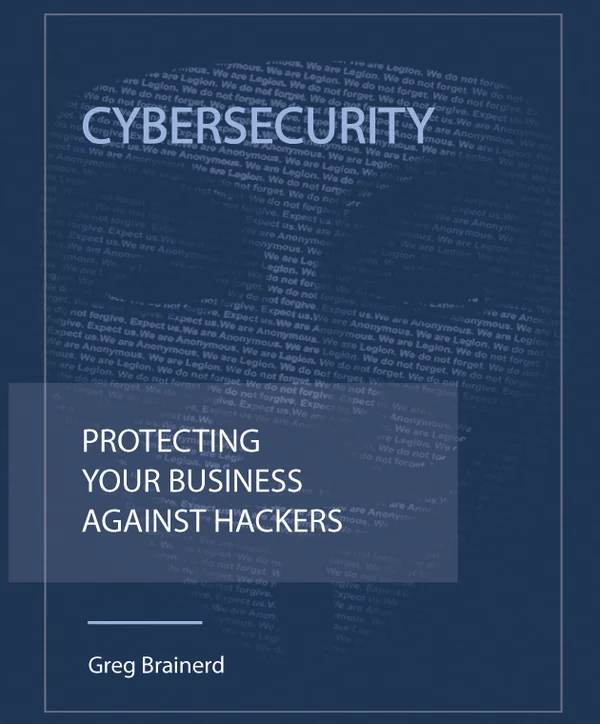 Cybersecurity
 Protecting Your Business Against Hackers
How hackers really get into small businesses — and the plain-English playbook to stop them.
Get the free book →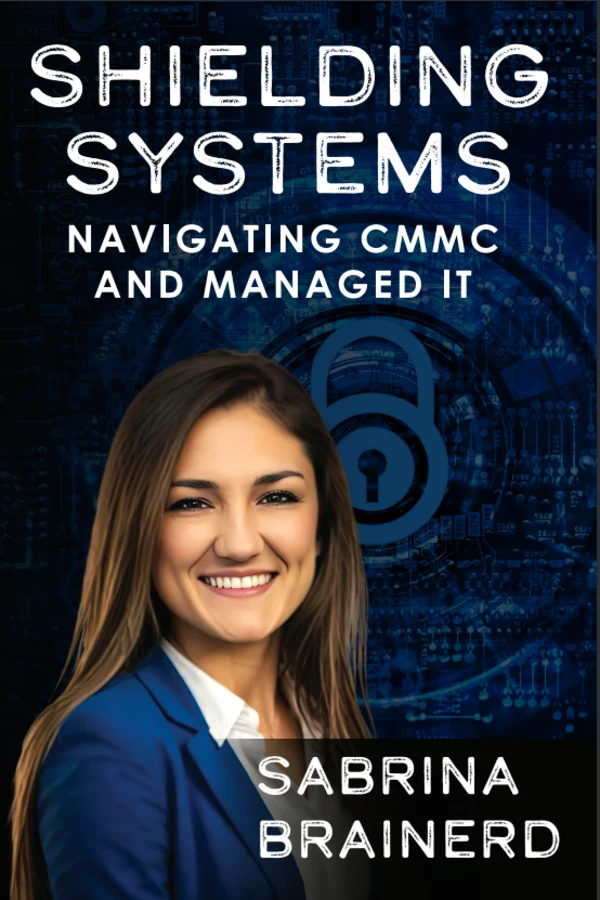 CMMC & Compliance
 Shielding Systems: Navigating CMMC & Managed IT
CMMC compliance without the panic — a clear guide for businesses in the defense supply chain.
Get the free book →Cheat Sheets
Free, printable quick-reference guides for the tools your team uses every day.


Windows 11 Keyboard Shortcuts Cheat Sheet
100+ Windows 11 keyboard shortcuts grouped by task, plus a free printable PDF. Snap layouts, virtual desktops, screenshots, File Explorer and more.
Get it free →
Windows 10 Keyboard Shortcuts Cheat Sheet
A free, printable Windows 10 keyboard shortcuts cheat sheet — the essential shortcuts that save time every day. From Braintek, Houston & DFW managed IT support.
Get it free →

Excel Keyboard Shortcuts Cheat Sheet
120+ Excel keyboard shortcuts grouped by task, plus a free printable PDF. Navigation, selecting, formulas, formatting, tables, pivot tables and more.
Get it free →

Word Keyboard Shortcuts Cheat Sheet
A free, printable Microsoft Word keyboard shortcuts cheat sheet — the shortcuts that speed up every document. From Braintek, Houston & DFW IT support.
Get it free →

PowerPoint Keyboard Shortcuts Cheat Sheet
A free, printable PowerPoint keyboard shortcuts cheat sheet — build slides faster and run the show like a pro. From Braintek, Houston & DFW IT support.
Get it free →

Outlook Keyboard Shortcuts Cheat Sheet
A free, printable Microsoft Outlook keyboard shortcuts cheat sheet — get through email faster and jump between mail, calendar, and tasks.
Get it free →
Claude AI Cheat Sheet — Write Prompts That Actually Work
A practical Claude AI cheat sheet: a prompt ladder with real example responses, plus self-improvement tricks. From Braintek in Houston.
Get it free →
ChatGPT Cheat Sheet — Write Prompts That Actually Work
A practical ChatGPT cheat sheet: a prompt ladder with real example responses, data-analysis tips, and self-improvement tricks. From Braintek.
Get it free →
Google Gemini Cheat Sheet — Write Prompts That Actually Work
A practical Google Gemini cheat sheet — a prompt ladder with real example responses, plus Deep Research and Workspace tips. From Braintek in Houston.
Get it free →
Grok AI Cheat Sheet — Write Prompts That Actually Work
A practical Grok (xAI) cheat sheet: a prompt ladder with real example responses, plus self-improvement tricks. From Braintek in Houston.
Get it free →AI & Automation Guides
Plain-English guides to putting AI and automation to work in your business — safely.

AI Assistants Compared: Copilot, ChatGPT, Claude, Gemini & Grok
A plain-English comparison of the five major AI assistants — what each one is, what it's best at, and which fits your business. From Braintek in Houston.
Read the guide →
What Is EBITDA, and How Do You Get It Out of QuickBooks?
QuickBooks Online has no EBITDA report. See where each add-back lives on your P&L, calculate EBITDA and your margin, and let AI build a one-page summary.
Read the guide →
How to Write AI Prompts That Actually Get You What You Want
Write better AI prompts with a simple framework that works on ChatGPT, Claude, Copilot, Gemini and Grok. Examples, a prompt ladder, and meta-prompting tricks.
Read the guide →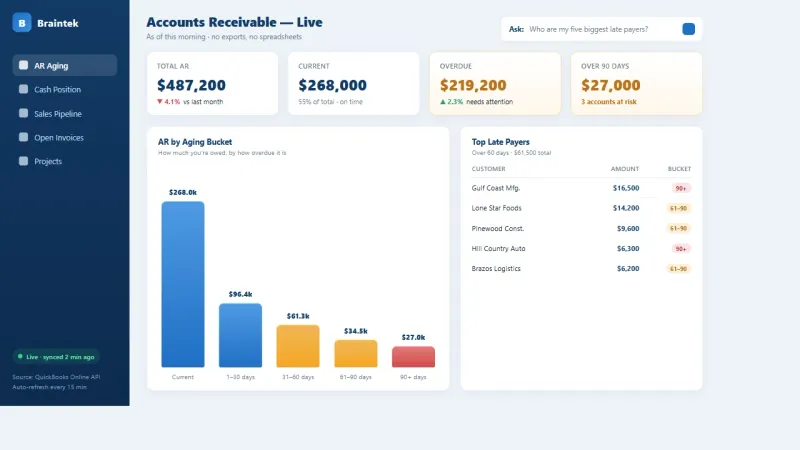
The Excel Report Tax
Rebuilding the same QuickBooks or ERP report in Excel every week has a real cost. See what manual reporting costs you and how a live AI dashboard ends it.
Read the guide →
Connecting to the QuickBooks API: Get Your Keys and Test the Connection
Get your QuickBooks Online API credentials, test the connection in Postman, and pull the Profit and Loss report you need for EBITDA. Part 2 of our series.
Read the guide →
From Database to Dashboard with AI
Your numbers live in QuickBooks, your CRM, and spreadsheets. See how AI and APIs turn that scattered data into a live dashboard you can ask in plain English.
Read the guide →
Building Your Own EBITDA Dashboard from the QuickBooks API
Build a live EBITDA dashboard from the QuickBooks Online API with Claude Code: OAuth, a date-range picker, automatic add-back math, and a 12-month trend. Part 3.
Read the guide →
AI Beyond Chatting: Build Real Apps by Conversation
Most people use AI as a chatbot. The real unlock is building working software — games, websites, internal tools — just by describing what you want.
Read the guide →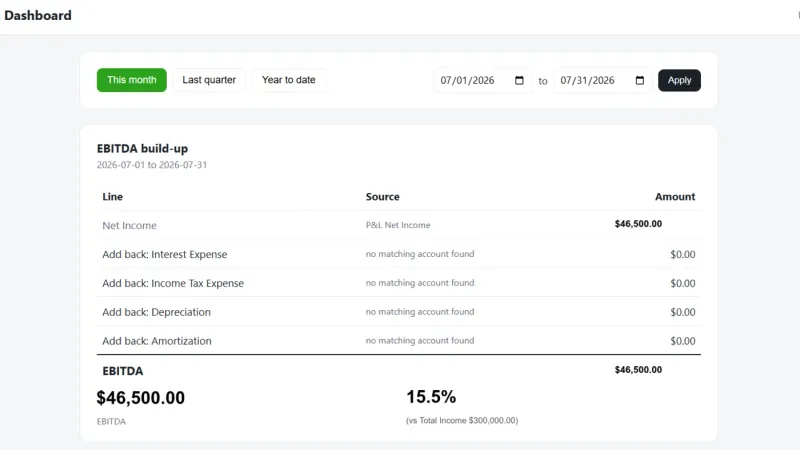
Sharing Your EBITDA Dashboard With Your Team: What Actually Breaks in Production
Moving your QuickBooks EBITDA dashboard from your laptop to a real, shared, production connection. The steps that make it real, and the gotcha that breaks it.
Read the guide →
Claude in Excel — Your AI Spreadsheet Analyst
A plain-English guide to Claude in Excel — what it does, how to turn it on, and the exact prompts to fix formulas, run scenarios, and clean up messy data.
Read the guide →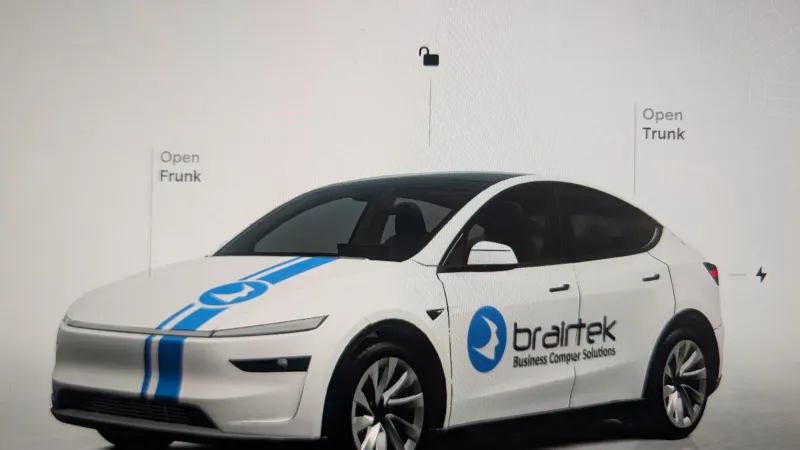
How to Customize Your Tesla's On-Screen Avatar With Your Company Logo
Put your company logo on the Tesla touchscreen avatar with a custom wrap. Step-by-step Model Y guide: template, USB trick, Toybox Paint Shop, AI design tips.
Read the guide →
Build Your Own Website With AI
A practical lab for building a modern, SEO-optimized website with AI — plan, design, build, and launch. No coding required. From Braintek in Houston.
Read the guide →
AI-Search Marketing (GEO): Getting Found by AI Answer Engines
A plain-English guide to AI-search marketing and GEO — how to get your business cited by ChatGPT, Gemini, and Google AI Overviews. From Braintek in Houston.
Read the guide →
We Send Prospects a Personalized AI Video Before We Ever Say Hello
How Braintek built a system that sends prospects a custom AI-generated video, in their name, about their business, within about 70 seconds of booking a call.
Read the guide →
The Benefits of Managed IT Services: What You Actually Get
What are managed IT services and what do you actually get? 12 concrete benefits, the difference between IT support and managed services, and what it all costs.
Read the guide →
How Much Do Managed IT Services Cost?
Managed IT services cost $150 to $250 per device per month plus $15 to $35 per mailbox. See what drives the price, with worked examples for Houston and DFW.
Read the guide →What Is an IT Strategy Assessment?
What an IT strategy assessment covers, what you should receive at the end, what a vCIO does, and how to tell a real one from a sales pitch.
Read the guide →
How Much Does Managed IT Cost for a 10 to 50 Employee Construction Company in Houston?
Managed IT pricing for a 10 to 50 employee Houston construction company, by device and mailbox count, plus what changes the price: jobsites, servers, and construction software.
Read the guide →
Which IT Company Supports Jonas Construction Software in Houston and Dallas–Fort Worth?
IT support for the environment around Jonas construction software: servers, SQL, remote access, backups, and security for Houston and DFW contractors.
Read the guide →
How Can Construction Companies Use AI to Automate RFIs, Change Orders, Invoice Processing, and Project Reporting Safely?
A safe, staged approach for construction companies to automate RFIs, change orders, and invoice processing with AI, with the security controls to keep humans approving every financial and contractual decision.
Read the guide →
What Should a Managed IT Package for a Construction Company Include?
The 8 components a construction company's managed IT package should cover: help desk, jobsite connectivity, cybersecurity, backup, and construction software support.
Read the guide →
Should a Construction Company Choose Fully Managed or Co-Managed IT Support?
Fully managed vs. co-managed IT for construction companies: which fits a company with no internal IT, one IT person, or a small internal team, and why.
Read the guide →
How Long Does It Take to Switch IT Providers Without Disrupting Active Construction Projects?
A realistic timeline for switching IT providers as a construction company without disrupting active jobsites: discovery, parallel run, cutover, and stabilization.
Read the guide →
What Cybersecurity Controls Does a Construction Company Need for Cyber Insurance?
The cybersecurity controls carriers require before they'll write or renew a construction company's cyber policy: MFA, EDR, immutable backups, and more.
Read the guide →
How Should Construction Companies Back Up Jonas, Microsoft 365, SQL Databases, and Project Files?
How to back up construction systems properly: Jonas and SQL databases, Microsoft 365, CAD and project files, and jobsite photos, with real retention numbers.
Read the guide →
How Do You Set Up Secure Internet, Wi-Fi, and Remote Access for a Construction Jobsite Trailer?
How to set up a jobsite trailer network properly: LTE/5G or Starlink internet, segmented Wi-Fi, MFA-protected remote access, real costs and timelines.
Read the guide →
What Computers, Servers, and Network Specifications Are Needed for AutoCAD and SOLIDWORKS?
Real workstation specs for AutoCAD and SOLIDWORKS in 2026: CPU, RAM, GPU tiers with cost ranges, plus what the file server and network actually need.
Read the guide →
How Can Construction Companies Protect Against Email Fraud, Invoice Scams, and Payment Diversion?
How construction companies stop payment diversion fraud: verbal verification of banking changes, MFA, DMARC, mailbox alerts, and what to do in the first hour.
Read the guide →
How Fast Should an IT Company Respond When Something Breaks?
Real IT response time benchmarks: phone answered in about a minute, a technician working urgent issues within 10-15 minutes, email tickets in about two hours.
Read the guide →
How Should a Manufacturing Company Choose an IT Support Provider in Houston or DFW?
A five-factor framework and 100-point scorecard for manufacturers comparing MSPs in Houston or DFW: response, experience, onsite reach, security, resilience.
Read the guide →
Should a Manufacturing Company Hire Internal IT or Outsource to an MSP?
Internal IT vs. MSP for manufacturers: the real cost of an in-house hire, the coverage problem, and when co-managed IT is the smarter middle path.
Read the guide →
What Should a Managed IT Agreement Include for a Manufacturing Company?
The 5 things a manufacturer's IT agreement must put in writing: covered inventory, response targets, security stack, exclusions, and vendor coordination.
Read the guide →
How Fast Should an MSP Respond When a Manufacturing Company Has an IT Problem?
What response times a manufacturer should expect from an MSP: priority tiers by business impact, the three numbers to track, and what to demand in writing.
Read the guide →
How Should Manufacturers Support AutoCAD and SOLIDWORKS Teams Without Slowing Down Engineering?
A practical support playbook for AutoCAD and SOLIDWORKS teams: a diagnostic framework, driver discipline, vendor coordination, and remote CAD performance.
Read the guide →
How Do You Fix Unreliable Wi-Fi in a Warehouse or Manufacturing Facility?
Why warehouse Wi-Fi fails and how to fix it: wireless assessment first, design for metal and machinery, test real scanners, plan roaming, then monitor.
Read the guide →
How Should a Houston Manufacturer Prepare Its IT Systems for Hurricanes, Freezes, and Power Outages?
A five layer IT continuity plan for Houston manufacturers: power protection, redundant connectivity, verified backups, staff coverage, and recovery drills.
Read the guide →
What Should a Manufacturing Company Ask an MSP About Onsite Support Before Signing?
The 10 onsite support questions a manufacturer should ask any MSP before signing: technician location, dispatch triggers, cost structure, and coordination.
Read the guide →
How Much Does Managed IT Cost for a Manufacturing Company in Houston or DFW?
Managed IT pricing for Houston and DFW manufacturers: $150 to $250 per device per month plus mailboxes, with worked examples for 25 and 50 person shops.
Read the guide →
How Much Does Managed IT Cost for a CPA or Accounting Firm in Houston or DFW?
Managed IT pricing for Houston and DFW CPA and accounting firms: $150 to $250 per device per month plus mailboxes, with worked examples for 10 and 25 person firms.
Read the guide →
How Should a CPA or Accounting Firm Choose an IT Provider in Houston or DFW?
A 100-point scorecard for CPA and accounting firms comparing IT providers in Houston or DFW: Safeguards Rule experience, tax season coverage, email security, and more.
Read the guide →
Should an Accounting Firm Hire Internal IT or Use an MSP?
Internal IT vs. managed IT for accounting firms: what one hire can and can't cover, FTC Safeguards, tax season coverage, and when co-managed IT wins.
Read the guide →
What Should a Managed IT Agreement for a CPA Firm Include?
The clauses a CPA firm needs in its managed IT agreement: scope, response expectations, data ownership, confidentiality, FTC Safeguards support, and exit terms.
Read the guide →
What Does the FTC Safeguards Rule Require of a CPA Firm?
What the FTC Safeguards Rule requires of CPA firms: a written security program, a qualified individual, MFA, encryption, and how IRS Pub 4557 fits in.
Read the guide →
How Should a CPA Firm Get Its IT Ready for Tax Season?
A tax season IT readiness checklist for CPA firms: hardware and software upgrades 90 days out, seasonal staff access 30 days out, a change freeze during season, and teardown after.
Read the guide →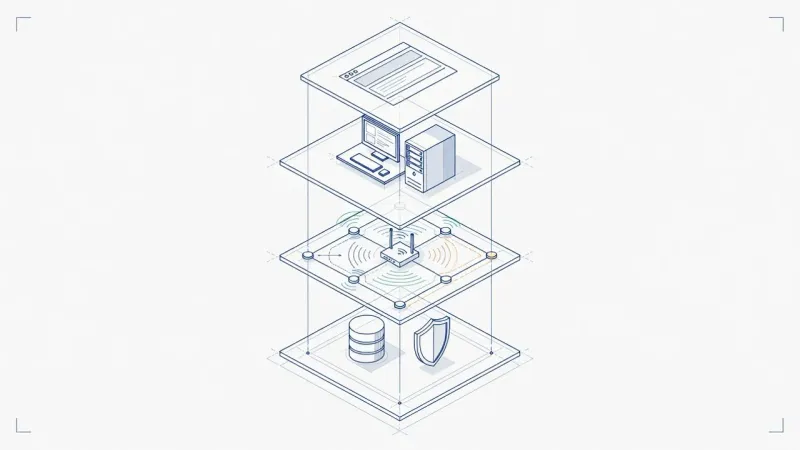
Who Provides IT Support for Tax and Accounting Software in Houston and DFW?
Who supports QuickBooks, tax prep suites, and hosted desktops at a CPA firm? How the vendor and your IT provider split the work, and what accounting IT services cover.
Read the guide →
How Do Accounting Firms Stop Wire Fraud and Business Email Compromise?
How CPA firms stop wire fraud and BEC: callback verification for every payment change, MFA, DMARC, mailbox rule monitoring, and the first-hour response if money moves.
Read the guide →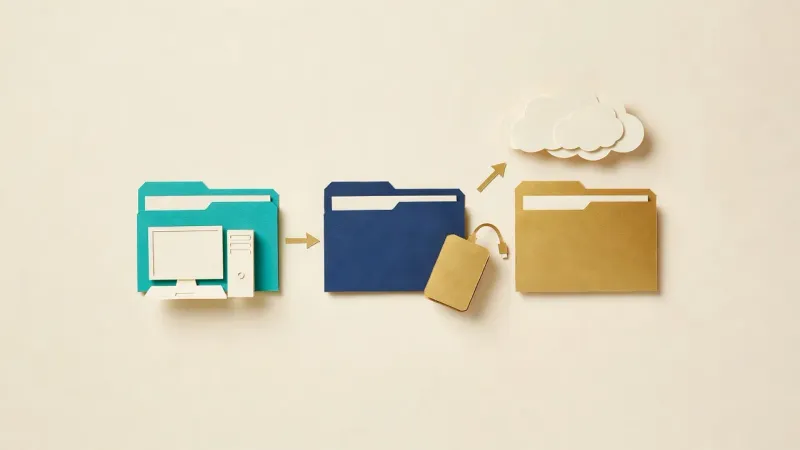
How Should an Accounting Firm Back Up QuickBooks, Tax Software, Microsoft 365, and Client Files?
How accounting firms should back up QuickBooks, tax software, Microsoft 365, and client documents: application-aware backups, version matching, and restore testing.
Read the guide →
How Should a Company Evaluate an MSP's Cybersecurity Stack?
A buyer's framework for judging an MSP's real security stack: the layers to demand, the questions that expose thin coverage, and red flags to walk away from.
Read the guide →
How Much Does Managed IT Cost for a Law Firm in Houston or DFW?
Managed IT pricing for Houston and DFW law firms: $150 to $250 per device per month plus mailboxes, worked out for a 5-attorney litigation firm and a 20-attorney full-service firm.
Read the guide →
How Do Law Firms Protect Trust Accounts and Settlements from Wire Fraud?
How law firms stop settlement and trust-account wire fraud: callback verification on every payment instruction, email authentication, mailbox monitoring, and the first-hour response if funds move.
Read the guide →
How Should a Law Firm Choose a Managed IT Provider in Houston or DFW?
A 100-point scorecard for law firms comparing managed IT providers in Houston or DFW: confidentiality weighted heaviest, plus response, backups, and pricing.
Read the guide →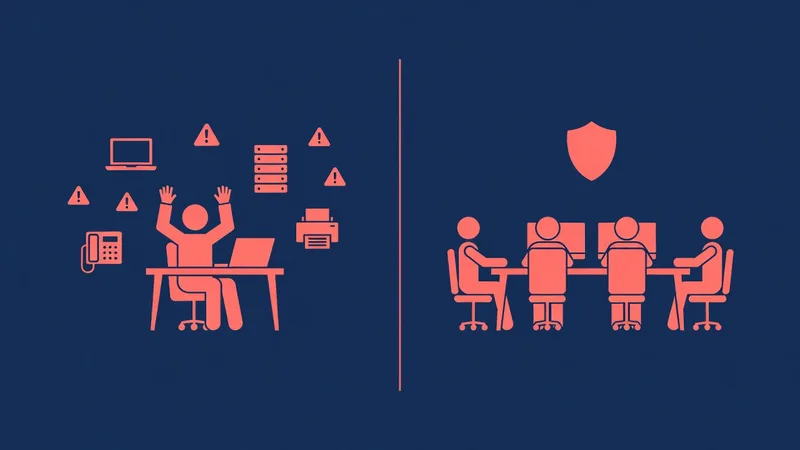
Should a Law Firm Hire Internal IT or Use a Managed Service Provider?
Internal IT hire vs. managed IT for law firms: coverage on filing days, confidentiality duty, after-hours depth, and when co-managed IT beats both.
Read the guide →
What Should a Managed IT Agreement for a Law Firm Include?
The clauses a law firm should demand in a managed IT agreement: written scope, response expectations, confidentiality, security documentation, and exit terms.
Read the guide →
How Do Law Firms Keep IT From Ever Costing Them a Court Deadline?
The IT reliability plan behind e-filing and court deadlines: what has to stay up, filing-day failure modes, redundancy, and a pre-deadline checklist for law firms.
Read the guide →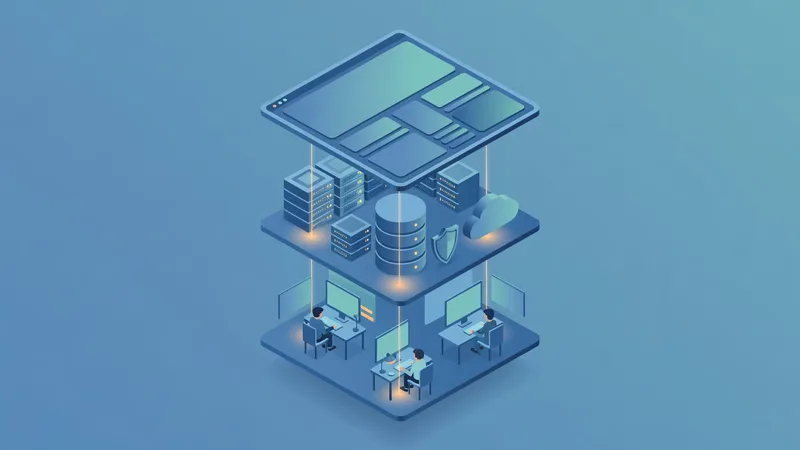
Who Supports the Software a Law Firm Runs On?
Practice management, document management, billing, e-filing: who fixes it when it breaks? The three layers of legal software support, and who owns each.
Read the guide →
How Should a Law Firm Back Up Matter Files, Email, and Microsoft 365?
How law firms should back up matter files, email, Microsoft 365, billing data, and closed-matter archives: 3-2-1 copies, immutability, and tested restores.
Read the guide →
How Should a Law Firm Answer a Client Security Questionnaire?
A client sent your law firm a security questionnaire. What each question means, what a good answer looks like, and how to answer honestly with evidence.
Read the guide →
What Is Included in a Managed IT Agreement?
What a managed IT agreement should include: written scope, response expectations, security controls, backup and data return terms, exclusions, and exit terms.
Read the guide →
How Much Does Managed IT Cost for a Medical Practice in Houston or DFW?
Managed IT for a medical practice runs $150 to $250 per device per month plus mailboxes. See the actual monthly invoice, line by line, for two practice sizes.
Read the guide →
How Do Businesses Switch Managed IT Providers?
How switching managed IT providers actually works: discovery, parallel setup, a one day cutover, and stabilization, usually 2 to 4 weeks with no downtime.
Read the guide →
What Does HIPAA Actually Require From a Medical Practice's IT?
The HIPAA Security Rule translated into IT terms for medical practices: required vs. addressable safeguards, the risk analysis, BAAs, encryption, and audit logs.
Read the guide →
What Should a 25, 50, or 100 Employee Company Budget for IT?
A complete IT budget for 25, 50, and 100 employee companies: support, Microsoft licensing, hardware refresh, security, and projects, as budget lines not one price.
Read the guide →
How Should a Medical Practice Choose an MSP in Houston or DFW?
A 100-point scorecard for medical practices comparing MSPs in Houston or DFW. HIPAA and BAA competence weighted heaviest, plus uptime, EHR, and backups.
Read the guide →
Should a Medical Practice Hire Internal IT or Use an MSP?
Internal IT hire vs. MSP for medical practices: clinic-hours coverage, HIPAA depth, EHR environment support, and when co-managed IT fits larger groups.
Read the guide →
What Should Be in a Managed IT Agreement for a Medical Practice?
The clauses a medical practice should check before signing a managed IT agreement: scope, the BAA, response definitions, security, backups, and exit terms.
Read the guide →
Who Supports the IT Behind Your EHR and Practice Management Software?
Your EHR vendor owns the application. Someone has to own the network, workstations, and exam room hardware underneath it. Here is how the layers split.
Read the guide →
How Should a Medical Practice Back Up Its EHR, Imaging, and Microsoft 365?
How medical practices should back up the EHR, imaging and DICOM files, Microsoft 365, billing data, and scanned charts: 3-2-1, immutability, tested restores.
Read the guide →
How Does a Medical Practice Protect Itself From Ransomware?
How medical practices stop ransomware: closing the phishing and remote access doors, layered defenses, tested backups, downtime plans, and the HIPAA breach question.
Read the guide →
How Does a Medical Practice Do a HIPAA Security Risk Assessment?
What HIPAA's required security risk analysis covers, the free HHS SRA Tool, a practical checklist, and where an MSP fits for a medical practice.
Read the guide →
Does Microsoft 365 Back Up Your Data?
Microsoft 365 does not back up your data. What Exchange, OneDrive, and SharePoint actually retain, what ransomware does to synced files, and what a real M365 backup looks like.
Read the guide →
How Do You Write a Disaster Recovery Plan for a Small Business?
How to write a disaster recovery plan a small business will actually use: system inventory, RTO and RPO targets, restore order, roles, Houston hurricane and freeze planning, and testing.
Read the guide →
Why Should You Never Hardcode API Keys?
Why hardcoded API keys are the fastest way to a breach, where secrets should live instead (Key Vault, environment variables), and how passwordless connections remove the secret entirely.
Read the guide →
Why Should Your Internal Apps Use Microsoft 365 Single Sign-On?
Why every internal app should log in with Microsoft 365 single sign-on: one terminated account kills access everywhere, no more 20-portal password sprawl, and simpler onboarding.
Read the guide →
How Do You Clone Your Voice and Build an AI Avatar That Actually Looks Like You?
Built with AI, part 2: how we cloned our voices with ElevenLabs and built HeyGen avatars that actually look like us — the webcam upgrade, the training audio, and the failures along the way.
Read the guide →
The System Behind the Video: Booking at 8:01, Personalized Page by 8:02
Part 3 of our Built with AI series: the webhook, templates, and rep routing that turn a discovery call booking into a personalized video page in about a minute.
Read the guide →
Can AI Write, Test, and Deploy a Feature by Itself?
Part 4 of our Built with AI series: one prompt, and AI built a new app feature, tested it in a real browser, caught its own bug, and prepped it to deploy.
Read the guide →
IT and Network Assessment Checklist
A usable IT and network assessment checklist: hardware, network, security, backups, Microsoft 365, and documentation. Or get a free professional assessment.
Read the guide →
We Built Our Own Email Signature System With AI in a Weekend
Built with AI part 5: how we replaced a paid signature service by building our own Microsoft 365 email signature system with AI over one weekend.
Read the guide →
Inside the AI-Built Signature Designer
A tour of the drag and drop email signature designer AI helped build: Microsoft 365 field sync, scheduled banners, and per group signature rules.
Read the guide →
What It Actually Takes to Replace a SaaS Subscription With AI-Built Software
I rebuilt an Exclaimer-class email signature tool in four phases and about five focused hours. Here is what it took, and when DIY beats the subscription.
Read the guide →
How We Gave Our AI a Memory of Our Business
AI forgets long conversations. Here is the memory file system we use at Braintek so our AI remembers our rules, projects, and hard-won lessons.
Read the guide →
AI Skills Are Just SOPs: Teach the Procedure Once
Tired of repeating instructions to AI? Build a skill, a written procedure it loads and follows. How we use skills for publishing, image review, and more.
Read the guide →
Agents Do the Work, Hooks Make Sure It Happened
AI agents handle the task, hooks enforce the rules. How we use automatic guardrails to stop deleted data, skipped steps, and runaway AI actions.
Read the guide →
How Five AI Agents Publish One Article
Inside Braintek's multi-agent content pipeline: research, writing, review, images, and SEO handled by separate AI agents before a human says publish.
Read the guide →
The Real Risks of Giving AI Access to Your Computer
Desktop AI tools can read and change your files. That power cuts both ways. Real risks we have hit, and the guardrails that make them manageable.
Read the guide →
Before Your Team Uses AI: The Acceptable Use Policy Conversation
A client asked if AI chats could surface in a lawsuit. Our answer: ask your attorney, then write an acceptable use policy. Here is what that covers.
Read the guide →
Why We Built Our Own CRM Instead of Buying One
We replaced Keap and Microsoft Bookings with a CRM we built ourselves. Here is what it does, why we built it, and when a custom build makes sense.
Read the guide →
Why We Built Our Own Technology Business Review Platform Instead of Buying One
We built our own technology business review platform instead of licensing one. What it does, why we built it, and when custom software makes sense for you.
Read the guide →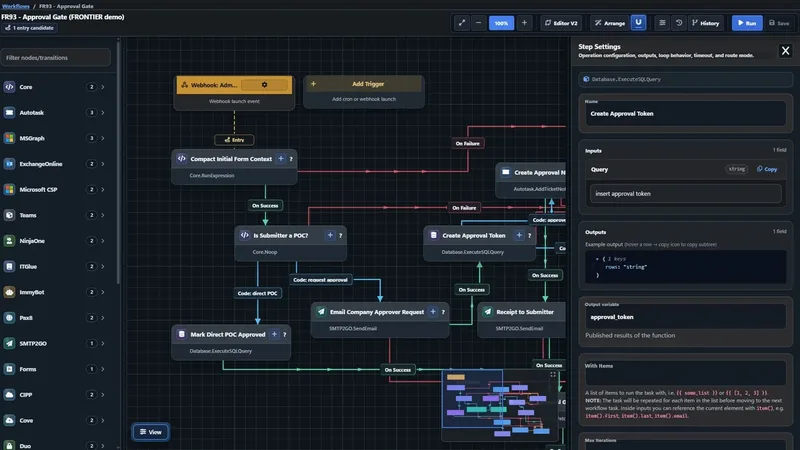
Why We Built W!FE, Our Own Workflow Automation Platform
W!FE, our Work Integration Flow Engine, pulls data from every system we use into one source of truth and automates the work between them. Why we built it.
Read the guide →Plain-English Explainers
The jargon, decoded — what it means and why it matters for your business.

How AI + APIs Work Together
A plain-English guide to how AI uses APIs to take action and pull live data from your CRM, accounting, and ticketing systems — written for business owners.
Read it →
What Is an API? (In Plain English)
What is an API, in plain English? A simple guide for business owners on what APIs are, why they matter, and how they connect your tools and automate work.
Read it →
What Is OAuth 2.0? (In Plain English)
What is OAuth 2.0, in plain English? How the login-and-approve screen behind QuickBooks and Microsoft 365 works, and why it's safer than a password.
Read it →
What Is JSON? (In Plain English)
What is JSON, in plain English? A simple guide to the format APIs and AI tools use to pass data around, why it looks the way it does, and why you'll see it everywhere.
Read it →
Cybersecurity & IT Terms in Plain English
Cybersecurity terms in plain English — a business owner's glossary of common IT and security acronyms: firewall, VPN, MFA, SIEM, endpoint protection and more.
Read it →Built with AI
Real things we built with AI — proof of what's possible when you put it to work.

How I Built a Card Game With AI — Without Writing a Line of Code
A Houston MSP owner built a multiplayer online card game in a weekend using Claude, Gemini, and AI tools — no coding. Here's the exact tool-by-tool process.
See how →
I Built a Dungeon-Crawler Game With AI — Just by Talking to It
How I built Emberfall, a turn-based dungeon crawler, entirely by chatting with AI — no code by hand. The real prompts and what they mean for you.
See how →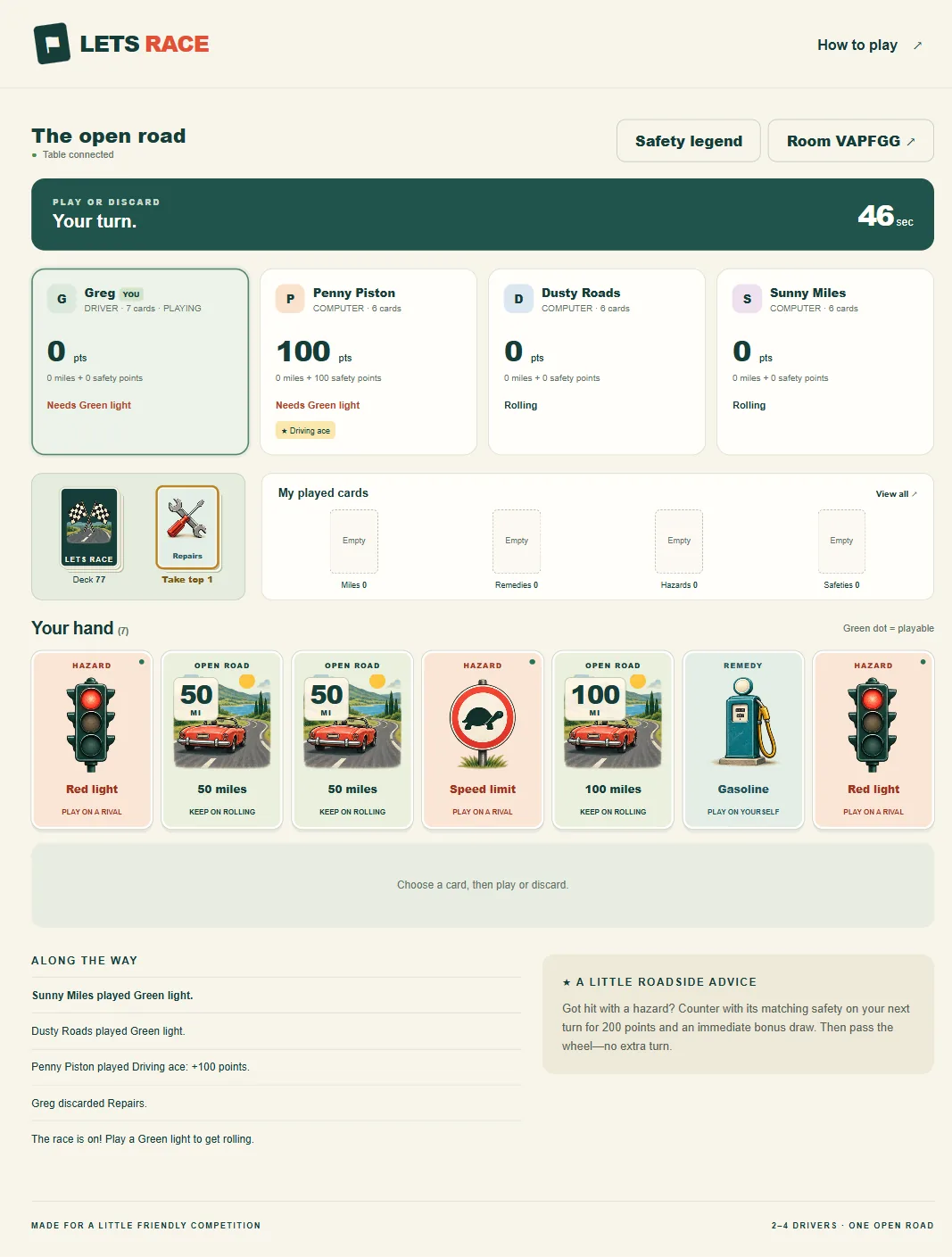
From an Idea to Lets Race: Building a Multiplayer Web Game With AI in Two Hours
A multiplayer card game built in about two hours with an AI coding agent: the rule conversations, the screenshots that fixed mobile, and what tests missed.
See how →
I Rebuilt a 1989 BBS Game in One Evening With Claude
How I built Ember Wyrm, a Legend of the Red Dragon style door game, in one evening with Claude: original content, a balancing bot, and 16-color ANSI art.
See how →Ready for IT that just works?
Book a no-pressure discovery call. We'll review your setup and show you exactly where you stand.