

Services
Microsoft 365 Services for Houston Businesses
Microsoft 365 runs your email, files, and collaboration, but out of the box it is neither secured nor backed up the way your business needs. Braintek sets up, secures, and manages Microsoft 365 for Houston businesses so it is productive, protected, and properly configured.
Schedule a Discovery Call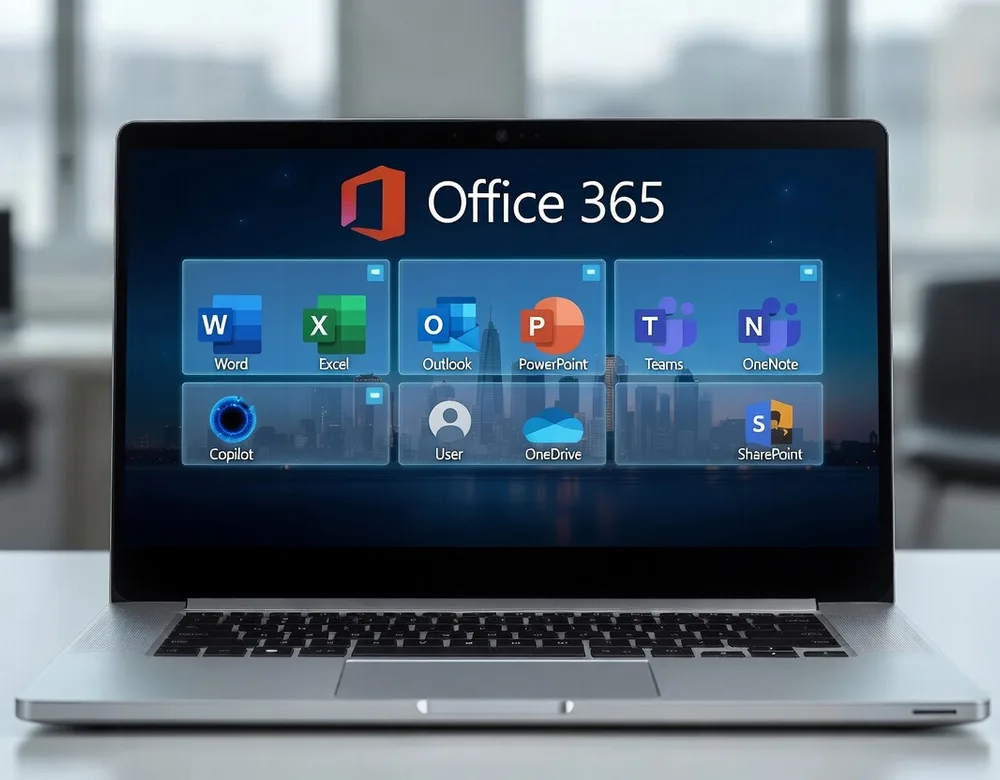
What's Included
- Microsoft 365 setup and migration We move your email, files, and users onto Microsoft 365 — or clean up an existing tenant — with minimal disruption to your team.
- Identity and access security (MFA, conditional access) MFA and conditional access so only your people, on trusted devices, can reach your data.
- Email security and anti-phishing Filtering and impersonation protection that stops the phishing and business-email-compromise attacks aimed at your inbox.
- Third-party M365 backup Independent backup of Exchange, OneDrive, and SharePoint — because Microsoft won't recover what your users delete.
- Teams, SharePoint, and OneDrive configuration Set up so files are organized, shared safely, and easy to find — not scattered across personal drives.
- License optimization We right-size your licenses so you pay for what your team actually uses, not shelfware.
- Ongoing administration and support New hires, departures, permissions, and day-to-day issues handled by a team that owns your tenant.
Why Braintek
We manage Microsoft 365 as part of your overall IT and security — unified identity, backup, and protection — instead of a portal nobody owns. New hires, departures, permissions, and security all stay consistent with the rest of your environment, so nothing falls through the cracks.
Schedule a Discovery Call
Microsoft 365 is far more than email — it’s where your files live, how your team meets, and increasingly where your security perimeter sits. Out of the box, though, it isn’t configured for the way your business actually works, and it isn’t secured or backed up the way you’d assume. That’s the gap Braintek closes.
We start by getting the foundation right: a clean migration or tenant cleanup, MFA and conditional access so only your people on trusted devices get in, and email security that blocks the phishing and impersonation attacks aimed at your inbox. Then we add independent backup for Exchange, OneDrive, and SharePoint, because Microsoft keeps the service running but won’t recover what a user deletes.
From there it’s ongoing management — Teams and SharePoint configured so files are organized and shared safely, licenses right-sized to what your team uses, and day-to-day administration handled by people who own your tenant. For managed-IT clients it’s all included; for in-house teams, we’re glad to run Microsoft 365 alongside you.
Frequently Asked Questions
Can you migrate us to Microsoft 365 without downtime?
Yes — we plan and stage migrations so email and files move over with minimal disruption, typically outside business hours.
Is Microsoft 365 secure by default?
Not fully. We harden it with MFA, conditional access, email security, and backup — the protections most businesses assume are already on but aren't.
Do we still need backup if our files are in the Microsoft cloud?
Yes. Microsoft keeps the service available, but recovering data you deleted is your responsibility — after the retention window it's gone. We add independent backup for Exchange, OneDrive, and SharePoint so deletions and ransomware stay recoverable.
Can you help us get more out of Teams and SharePoint?
Yes — we configure Teams, SharePoint, and OneDrive so files are organized and shared securely, and we help your team adopt them, so collaboration improves instead of becoming another mess to clean up.
Are we paying for the right Microsoft 365 licenses?
Often not. We review your license mix and right-size it to how your team actually works — sometimes that saves money, sometimes it adds a security feature you should already have. Either way, you stop guessing.
Do you support Microsoft 365 as part of managed IT, or separately?
Both. For managed-IT clients, Microsoft 365 administration and security are included. We also manage and secure Microsoft 365 for businesses that keep the rest of IT in-house.
Ready for IT that just works?
Book a no-pressure discovery call. We'll review your setup and show you exactly where you stand.