

The Fake Vacation E-mail That Could Drain Your Bank Account
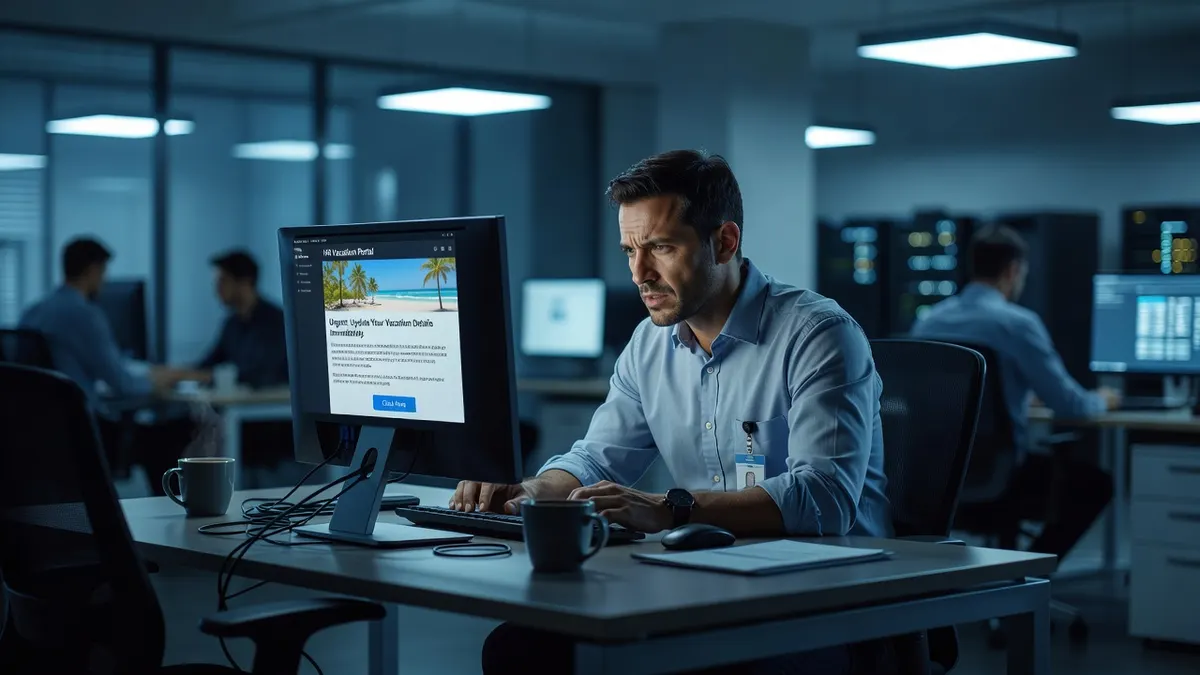
A fake travel confirmation email is a phishing message dressed up as a booking from an airline, hotel, or travel site. It uses the real company’s logo and formatting, tells you something about your trip needs attention, and links to a counterfeit login page that captures whatever you type: passwords, card numbers, sometimes both. Every summer these scams spike, because criminals know inboxes fill with genuine confirmations and one fake slides in easily.
The uncomfortable part is who falls for them: not just careless clickers, but organized, tech-savvy people who happen to be expecting a booking email. If your office manager books flights for your Houston sales team, that inbox gets dozens of confirmations a month, and the scam only needs to fool them once.
How Does the Fake Booking Scam Actually Work?
Three moves, all fast.
First, the email arrives looking like it came from a brand you use, Expedia, Delta, Marriott. The branding is copied precisely, down to footer links and a “customer support” phone number that connects to the scammers themselves. The subject line manufactures urgency:
- “Your Flight Itinerary Has Changed - Click Here For Updates”
- “Action Required: Confirm Your Hotel Stay”
- “Final Step: Complete Your Rental Car Reservation”
Second, the link sends you to a lookalike website with a login or payment form. It renders correctly, uses HTTPS, and looks exactly like the real thing. Nothing on the page warns you.
Third, whatever you enter goes straight to the attacker. Credentials give them your travel account, and since most people reuse passwords, often email and banking too. Card details fund fraudulent charges. Some variants skip the form entirely and deliver malware through the link or an attached “itinerary.”
Why Do Smart People Fall for This One?
Timing and emotion. A message about a flight change lands differently than a generic phishing blast, you either have a trip booked or someone at your company does, so the email is plausible before you read a word. Urgency about a “reservation issue” pushes people to act before thinking. And travel emails get opened on phones, where sender addresses are hidden and lookalike pages are harder to inspect.
Is This a Business Problem or a Personal One?
Both, and the business side is worse. Most small companies route all travel through one person, an office manager, executive assistant, or the owner. That concentrates the risk in a single inbox that handles confirmations constantly, which is exactly the pattern attackers count on. One click there can:
- Expose the company card stored in a corporate travel account
- Hand over credentials that unlock other business systems through password reuse
- Drop malware onto a machine inside your network, turning one bad click into a company-wide incident
At that point the cleanup involves your whole environment, not one person’s Delta login. It is the same trust-exploitation playbook as business email compromise, aimed at your travel coordinator instead of accounts payable.
5 Ways to Protect Yourself and Your Team
- Never act through the email. Open a browser, go directly to the airline or hotel site, and check the reservation there. If something is genuinely wrong, it will show in your account.
- Inspect the sender address, character by character. Scammers register domains one letter off, “deltacom.com” instead of “delta.com.” On a phone, tap the sender name to reveal the actual address.
- Train whoever books travel. Generic phishing training misses this scenario. Show the person who handles reservations these exact templates before summer travel season, not after an incident.
- Turn on multifactor authentication. MFA on email, travel, and financial accounts means a stolen password alone gets the attacker nothing. If MFA is not enforced across your company yet, that is the first gap to close, and standard work within cybersecurity services.
- Filter before humans have to judge. Modern email security blocks lookalike domains and malicious links so most of these never reach an inbox. Managed filtering, monitoring, and patching through managed IT services shrinks the number of decisions your team has to get right.
What If Someone Already Clicked?
Move fast: change the affected password and every account sharing it, turn on MFA, watch card statements, and get the device checked for malware before it reconnects to company resources. Then find out what else is exposed. A cyber security risk assessment shows whether one phished login could reach your email, files, or financials, better to learn that from an assessment than from an incident. Our team supports businesses across Houston and Dallas-Fort Worth on exactly this.
Before your team books another trip, make sure one fake email can’t reach your bank account.