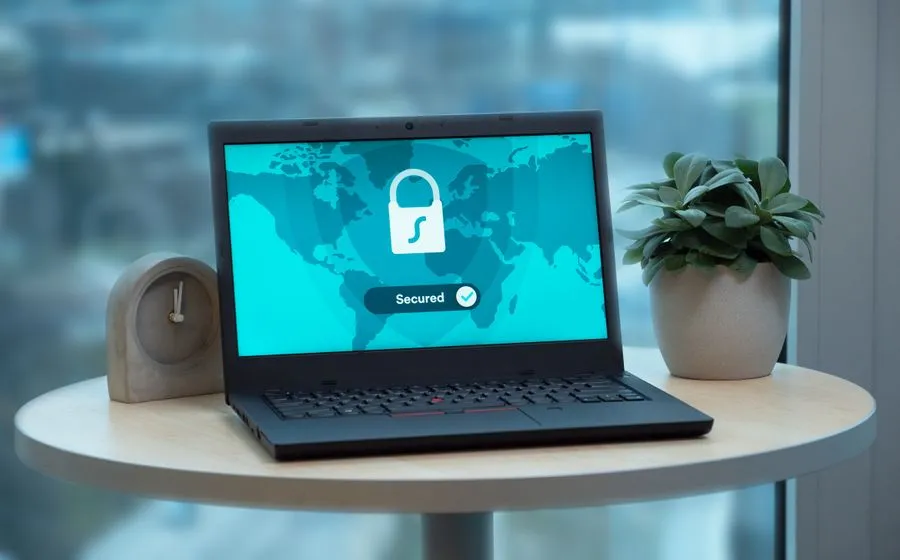
Free for businesses with 15+ computers
How does your network stack up?
The Braintek Security Snapshot is a free, read-only scan of your computers, office network, email, and cloud accounts. It shows you where an attacker would get in, with the evidence behind every finding. When it is done, you will know:
- Which computers are running unsupported Windows, missing updates, or unencrypted drives.
- Whether employee passwords are saved in browsers or already exposed in breach data on the dark web.
- Whether Microsoft 365 or Google Workspace is enforcing multi factor authentication for every account.
- What is on your office network, what the internet can reach, and whether backup and endpoint protection are actually in place.
Nothing is changed and nothing stays installed. A Braintek engineer walks you through the report, and what you do with it is up to you.
Request your free Snapshot
Tell us how to reach you. There is no cost and no obligation.
Prefer to talk now? Call 281-367-8253.
How it works
Once we confirm your request, we send a private link. Someone in your office confirms they are authorized to have the network assessed and runs our signed Windows app on one computer. It reviews that machine, the devices on your office network, and your internet-facing systems, then removes itself. If you choose, an administrator also approves read-only access to Microsoft 365 or Google Workspace. We never see an administrator password.
Evidence, not a sales pitch
Every finding in the report comes with the data behind it: which computer, which account, which setting. Saved passwords are masked. You can check each item yourself or hand the report to your current IT provider, and the findings are mapped to the NIST Cybersecurity Framework so you can see where you stand against a recognized standard.
What happens next
The report is yours to keep. You can act on it with your own team or hand it to your current IT provider. If you would like help closing the gaps, Braintek can handle it through our cybersecurity services, backup and recovery, and security awareness training. See everything the Snapshot checks.