

Before You Click: How to Spot a Phishing Link
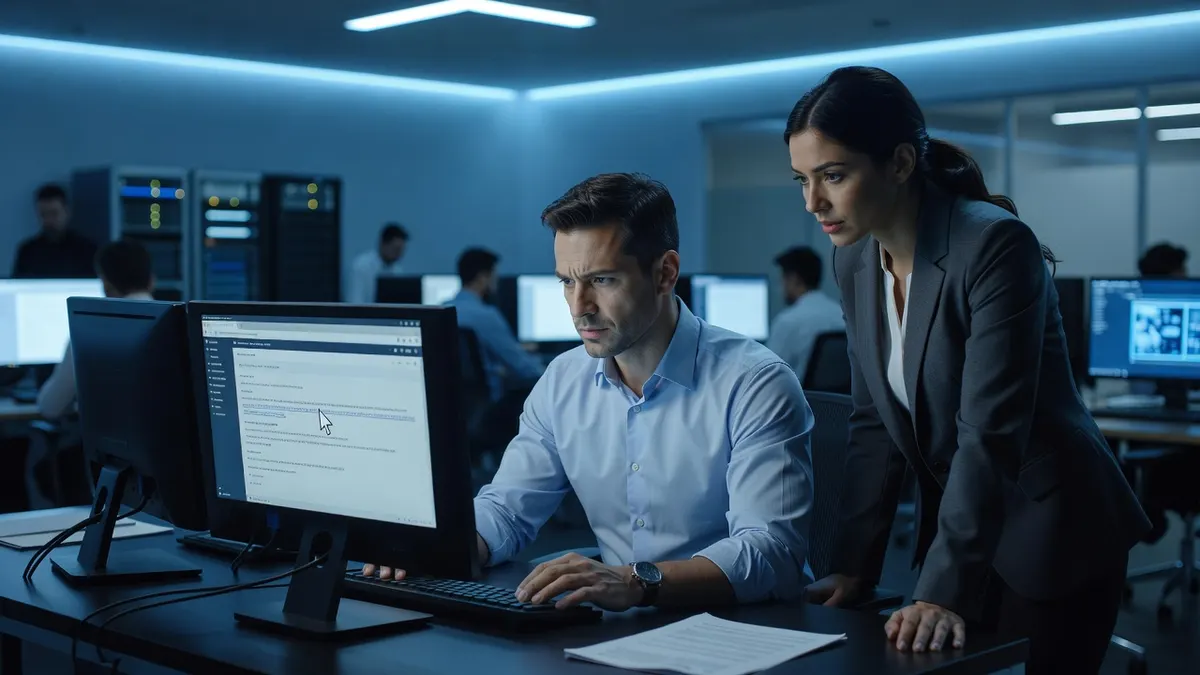
You get an urgent email from Microsoft saying your account will be suspended. Or a message from your bank asking you to verify a transaction. Or maybe it’s your CEO asking you to buy gift cards immediately.
Stop. Don’t click that link.
Phishing emails are designed to trick you into acting fast without thinking. They look legitimate — real logos, professional language, urgent deadlines. But one wrong click can hand over your password, install malware, or give criminals access to your entire network.
Here’s how to protect yourself
- Hover over any link before you click. Look at the actual web address — does it match the real company? If Microsoft is emailing you, the link should go to microsoft.com, not “m1crosoft-secure-login.com.”
- Watch for pressure tactics. Legitimate companies don’t threaten to close your account in 24 hours or demand immediate action.
- When in doubt, don’t click the link at all. Go directly to the company’s website by typing it into your browser yourself.
Remember: criminals only need you to slip up once. Take five seconds to verify before you click.
Train your team to spot the traps
If you’d like Braintek to train your team on spotting phishing attacks or test your defenses, book a free discovery call, explore security awareness training and our cybersecurity services, or call us in Houston at 281-367-8253.