

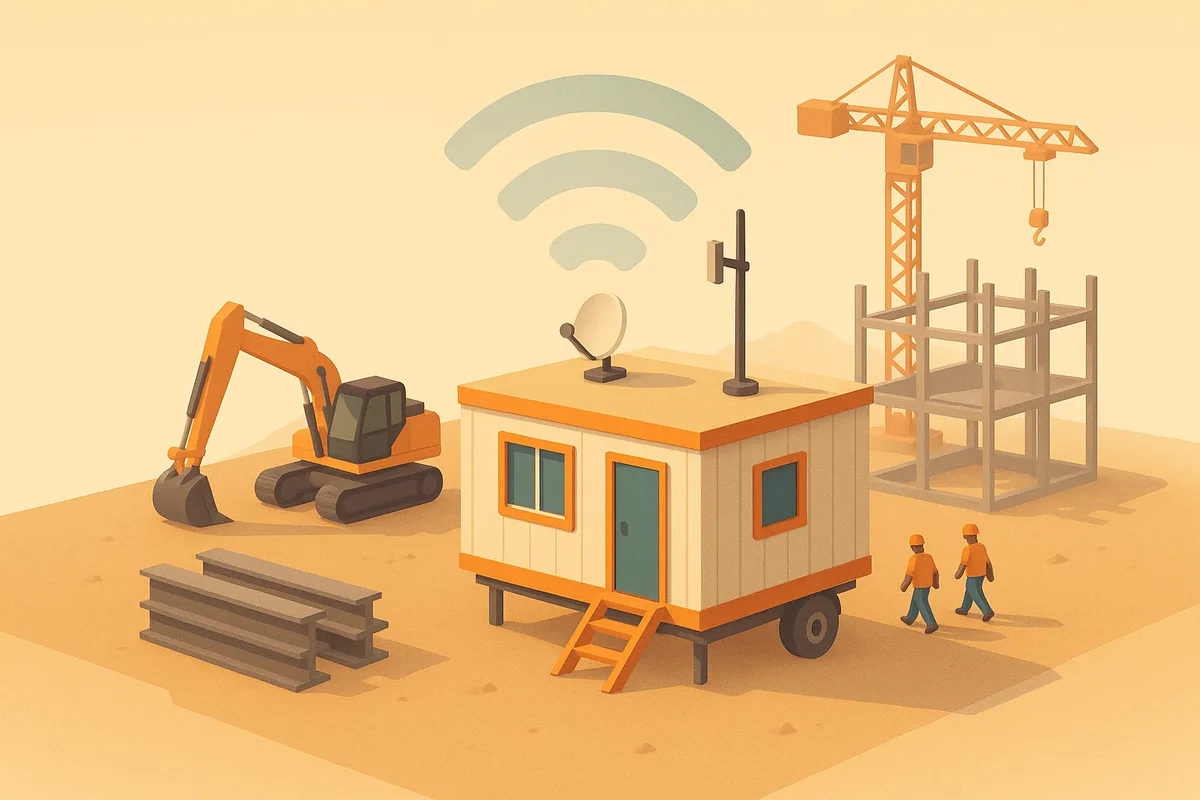
Every construction company solves the trailer problem eventually. The wrong solution is a consumer router from a big box store, a hotspot with a shared password taped to the wall, and a port forwarded so the PM can reach the estimating PC from home. That setup works on day one and becomes the reason a cyber insurance application or a ransomware incident goes badly later.
The right solution is a repeatable kit: business-grade router, cellular or satellite internet, segmented Wi-Fi, and MFA-protected remote access. Here is each piece with real numbers.
What internet options actually work at a jobsite?
Ranked by how often they make sense for a trailer:
1. LTE/5G cellular, the default. A business wireless data plan running through a proper cellular router, not a phone hotspot. Plans typically run $50 to $150 per month depending on data allowance; current pricing is on the AT&T wireless plan page and the Verizon business internet page. Coverage in the Houston and Dallas-Fort Worth metros is strong enough that this works at most urban and suburban sites, and external antennas on the trailer roof make a real difference at the edge of coverage.
2. Starlink, where cellular is weak. For rural sites, greenfield developments, and metal buildings that kill cell signal, Starlink is now the standard answer. Service plans for business use typically run $140 to $500 per month depending on priority data, with hardware roughly $350 to $2,500 depending on the dish; see current Starlink business pricing. It needs a clear view of the sky and a mount that survives wind and curious visitors.
3. Fixed wireless or cable, occasionally. Some sites sit close enough to existing service that a cable or fixed wireless ISP can connect the trailer. Worth a quick check, but do not plan around it.
4. Fiber, almost never. A fiber build-out to a temporary structure typically takes 30 to 90 days and can carry construction charges in the thousands. By the time it is live, the project may be half done. Fiber is for the permanent office, not the trailer.
The practical pattern for a site that cannot afford downtime is primary plus backup: Starlink with an LTE router as failover, or cellular primary with a second carrier’s SIM. A dual-WAN business router handles the switchover automatically.
What hardware does the trailer actually need?
A trailer kit is four pieces, and the whole thing typically lands between $1,000 and $3,000:
- A business-grade router with firewall, ideally with a built-in or attached LTE/5G modem. This is the piece that replaces the consumer router, roughly $400 to $1,200
- One or two wireless access points, enough to cover the trailer and the immediate laydown area, roughly $100 to $300 each
- A small network switch if the trailer has wired devices, printers, cameras, a plotter, roughly $100 to $300
- A lockable enclosure and a UPS, covered below under physical security
The reason to standardize on one kit design is reuse. The same configuration deploys to every new site, your IT provider can support it without relearning each trailer, and when the job ends the kit moves rather than getting rebuilt.
How should the Wi-Fi be segmented?
One network with one shared password is the failure mode. The minimum is three separate networks on the same hardware:
Office network. Company laptops, the trailer PC, printers. This is the only network with a path back to company systems, and only managed devices join it.
Guest and subcontractor network. Internet access only, no visibility into office devices. Subs, inspectors, owners’ reps, and visitors all live here. Rotate the password between projects, since it will be written on a whiteboard within a week regardless of policy.
Device network. Cameras, time clocks, sensors, access control. These devices get internet if they need it and nothing else. Camera firmware vulnerabilities are common, and isolating them means a compromised camera is a nuisance instead of a foothold.
This is standard VLAN configuration on any business router, an hour of setup, not an ongoing cost. It also aligns with the network segmentation questions on cyber insurance applications, which increasingly ask about it directly.
How do PMs get secure remote access back to the office?
Two rules cover almost everything.
First, all remote access runs through a VPN or a zero trust access tool, with multi-factor authentication on every connection. From the trailer, the PM reaches Jonas, the file server, or an Azure-hosted application through an encrypted tunnel that requires their identity, not just a password. Tied into Microsoft Entra ID, the same login and MFA that protect email protect remote access, and disabling a departed employee kills both at once.
Second, no ports forwarded to the internet, ever. Exposed Remote Desktop is the most common ransomware entry point, and it is exactly what an underwriter’s scan of your public IP will find. If someone needs to reach a machine remotely, the answer is the tunnel, not a port.
Cloud-hosted systems simplify this. If project files live in SharePoint and the ERP is hosted, the trailer mostly needs a clean, segmented path to the internet with MFA on the accounts. On-premise servers at the main office are where the VPN or zero trust piece earns its keep.
How do you physically protect equipment in a trailer?
A trailer is a soft target. The network gear should survive both theft and the environment:
- Mount the router, switch, and modem in a lockable enclosure or cabinet, bolted to the structure, typically $100 to $300
- Put the whole stack on a small UPS, since jobsite power drops constantly and generator power is dirty, typically $100 to $200
- Mount the Starlink dish or antennas high and out of casual reach, roof of the trailer or a pole, with cabling run inside conduit
- Enable encryption on the trailer PC and any laptops that live there, so a stolen machine is a hardware loss and not a data breach
- Keep laptops out of sight and anchored: a cable tether to the desk, a locked drawer at the end of the day, or the laptop goes home with its owner
- Keep a written inventory of what is in each trailer, which turns an insurance claim from an argument into a list
Bars on the windows are not enough on their own. One contractor we know kept a laptop on a desk in front of a barred window. Someone smashed the glass, folded the laptop shut, and slid it out between the bars. A cable tether, a drawer, or a backpack ride home would have kept it there.
None of this is expensive. All of it is easier to do on setup day than after the first theft.
What does setup cost and how long does it take?
Rolled together for a typical single trailer:
- Hardware: approximately $1,000 to $3,000 one time, and the kit is reusable across projects
- Internet: approximately $100 to $300 per month depending on cellular versus Starlink and data needs
- Setup labor: one to two days once internet service is live, covering mounting, VLAN and firewall configuration, Wi-Fi, remote access, and testing
- Lead time: the internet service is the long pole, typically same week for cellular and one to two weeks for Starlink hardware to arrive
When the project ends, teardown is a few hours and the kit redeploys to the next site with its configuration intact. Trailer number two is always cheaper than trailer number one.
Who handles this for construction companies in Houston and DFW?
Braintek sets up and supports jobsite connectivity for construction companies across Houston and Dallas-Fort Worth, alongside the office environments those trailers connect back to, Jonas, AutoCAD workstations, SQL databases, Microsoft 365, and Entra ID. Support calls are typically answered within about 60 seconds, which matters more than usual when the person calling is standing in a trailer with a site full of subs and no internet.
Jobsite setup is usually a project inside a broader relationship: managed IT support keeps the trailer network patched and monitored like any other location, network support covers the design and installation itself, and our construction industry page covers the rest of what we do for contractors. If the trailer is one gap among several, that is the better conversation to start with.