

At our September AI workshop, a guest asked me the question everyone eventually asks about tools like Claude Code: what is the risk of letting AI access the files on my computer? I turned to one of our engineers, and his answer stopped the room. “I’ve had it wipe my computer. More than once.”
We still use these tools every single day. This article is about why both of those things can be true.
What actually went wrong when the AI wiped a computer?
One mistyped character. Our engineer was experimenting on his home PC, and the AI was doing something completely mundane, cleaning up a single directory. It got one character wrong, ended up in the wrong context, and deleted everything his user account had access to. Not just the directory it was working in. Everything.
That is the thing to understand about desktop AI agents. They run as you. Whatever your account can read, they can read. Whatever your account can delete, they can delete. The file access that makes them genuinely powerful, finding the right project, editing code, organizing folders, is the exact same access that makes a small mistake expensive.
And note that this was not the AI going rogue. It was a typo, the same kind a tired human makes at a command line. The difference is that the AI executes at machine speed and does not pause to squint at what it just typed.
Can AI connect my computer to things I do not control?
Yes, and this is the risk fewer people see coming. Desktop AI can install connectors called MCPs, which extend what it can do. Most are useful. Anyone can publish one.
Here is how it happens in practice. Say you keep telling your AI it is using too many tokens and you are worried about running out of usage. Trying to be helpful, it might go looking for a solution and find a publicly promoted MCP, the kind you see hyped in social media posts saying everyone should be using this. It connects, and now it can pass information you have access to over to a service you have never vetted, treating it as an authority because it is a legitimately published program. Whether the intent behind it is benign or malicious is not something the AI can tell.
The defense here is mostly attention. When your AI connects to something new, that is a moment to stop and look. “Oh, that’s connecting to something we don’t control” is a sentence you want to say before sensitive data moves, not after.
What guardrails actually prevent the disaster stories?
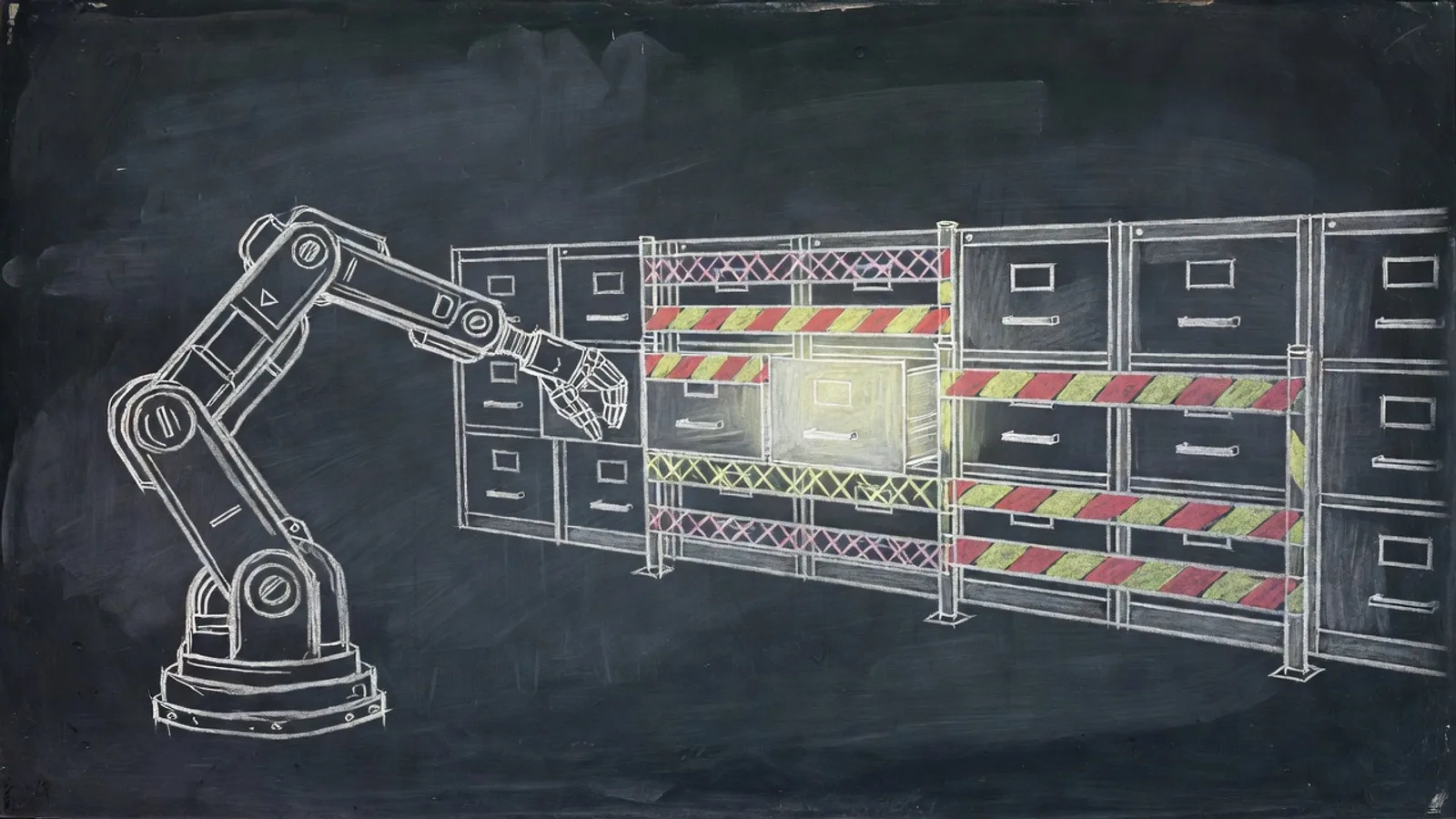
Hooks are the big one, and they would have prevented the wiped PC. A hook is a rule that intercepts the AI before a category of action. Set one up that says anytime you are going to delete something, stop and ask me. The AI hits the hook, halts, and shows you what it intends to do. You look at it and say no, not the whole directory, just this one file. It corrects itself, confirms, and proceeds. We covered how to build these in our article on hooks as guardrails.
Scope is the second guardrail. The engineer’s wipe happened on a machine where the AI could reach everything his account could. On our work setups the risk is far lower because the AI operates inside specific project folders. Give it access to what the job needs, not to your whole digital life.
The third is the one we preach as an IT company anyway: backup, backup, backup. And here is the trap. OneDrive is not a backup, it is a synchronizing tool. If the AI deletes files in a OneDrive folder, that deletion synchronizes to every device you use, and the files are gone everywhere at once. You are left digging through the recycle bin and hoping. Any folder AI works in should be covered by a real backup, so the worst case is a restore, not a loss.
What about letting AI touch money?
Give it a dollar limit and an escalation path, never a blank check. A client asked whether AI could go into email, find all the invoices, and pay them. My answer was that we absolutely could build that. The better question is whether you want it to, unrestricted.
The setup we recommend looks like this: the AI may pay invoices up to $500 on its own. Then a hook escalates anything above the line. This one is $501, what do you want me to do? It stops and waits for a human. You get the time savings on the routine ninety percent and a mandatory pause on anything that could actually hurt.
That pattern, autonomy inside a boundary and a human decision at the edge, is the shape of every good AI guardrail. It works for deletions, for spending, and for new connections alike.
So is desktop AI safe enough for a business to use?
With guardrails, yes, and we are the proof, because we run it daily on the same machines we run our business on. The engineer who lost his home PC to a typo still uses these tools constantly. He just uses them with delete hooks, scoped folders, and backups behind him.
The honest framing is that desktop AI is like every other powerful tool in IT. Admin rights can destroy a server, so we control them. Internet access invites attacks, so we layer security on it. Nobody responds to those risks by unplugging. AI file access belongs in the same category: real risk, known failure modes, manageable with controls, and worth it for what you get back.
Start with the guardrails before the first prompt, not after the first disaster. Ask first on deletes. Back up what it touches. Scope what it sees. Cap what it spends. And when it reaches out to connect to something new, look up and pay attention. That short list covers almost everything that has ever gone wrong for us, including the stories we now get to tell at workshops instead of living through twice.