


Most “personalized” marketing isn’t. It’s a mail-merge first name in a subject line, or a form field echoed back at you on a landing page. We wanted something that actually felt personal, the moment a prospect took the first step toward talking to us, without anyone on our team lifting a finger to make it happen.
So we built a system that does this: a prospect books a discovery call through our booking page, and within roughly a minute their booking confirmation arrives alongside a private link to a page built specifically for them, with a short AI-generated video of the assigned team member greeting them by name, referencing their company, and previewing the call. No login. No app. Just a link.
What we built
- A booking trigger. The moment someone books a call, an automation wakes up, no manual step, nobody clicking “send.”
- An AI voice clone of the team member assigned to that prospect, trained once and reused for every video since.
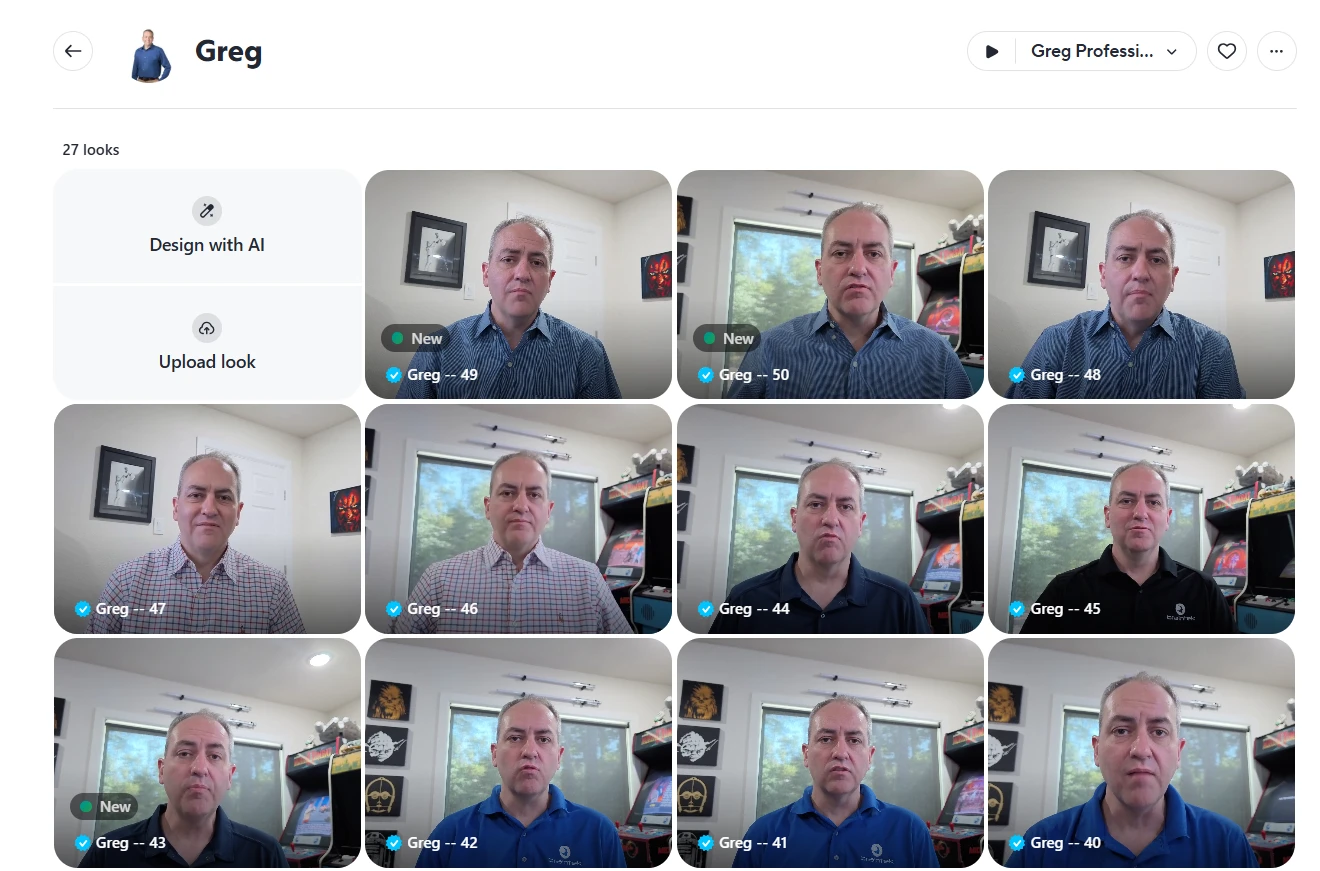
- An AI video avatar of that same team member, so the video is a real, natural-looking clip, not a slideshow with a voiceover.
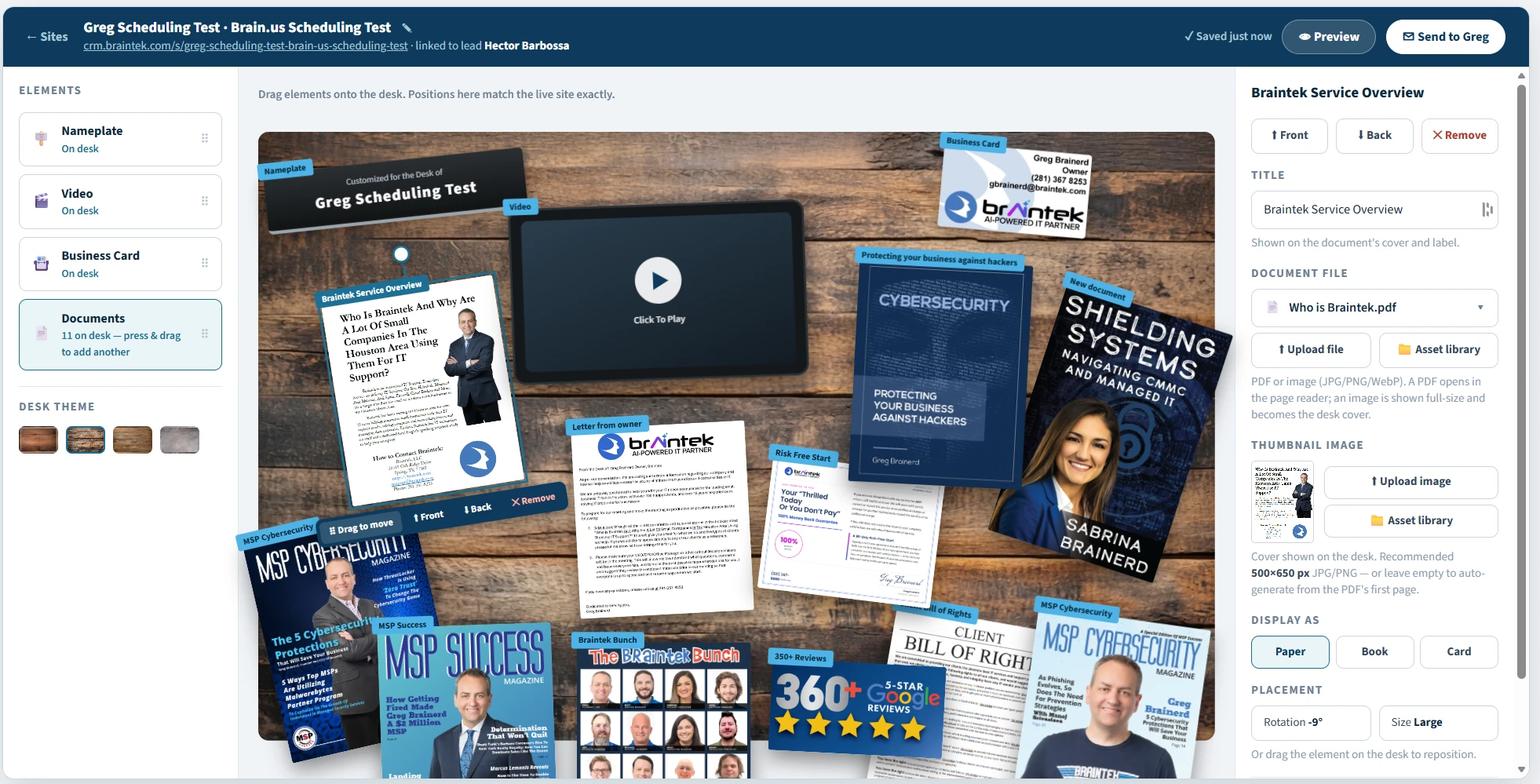
- A management platform where we build the page layout prospects see, drop in images, PDFs, and other videos, and save it all as reusable templates.
- Dynamic routing, so the right team member’s voice and face show up depending on who the prospect actually booked with.
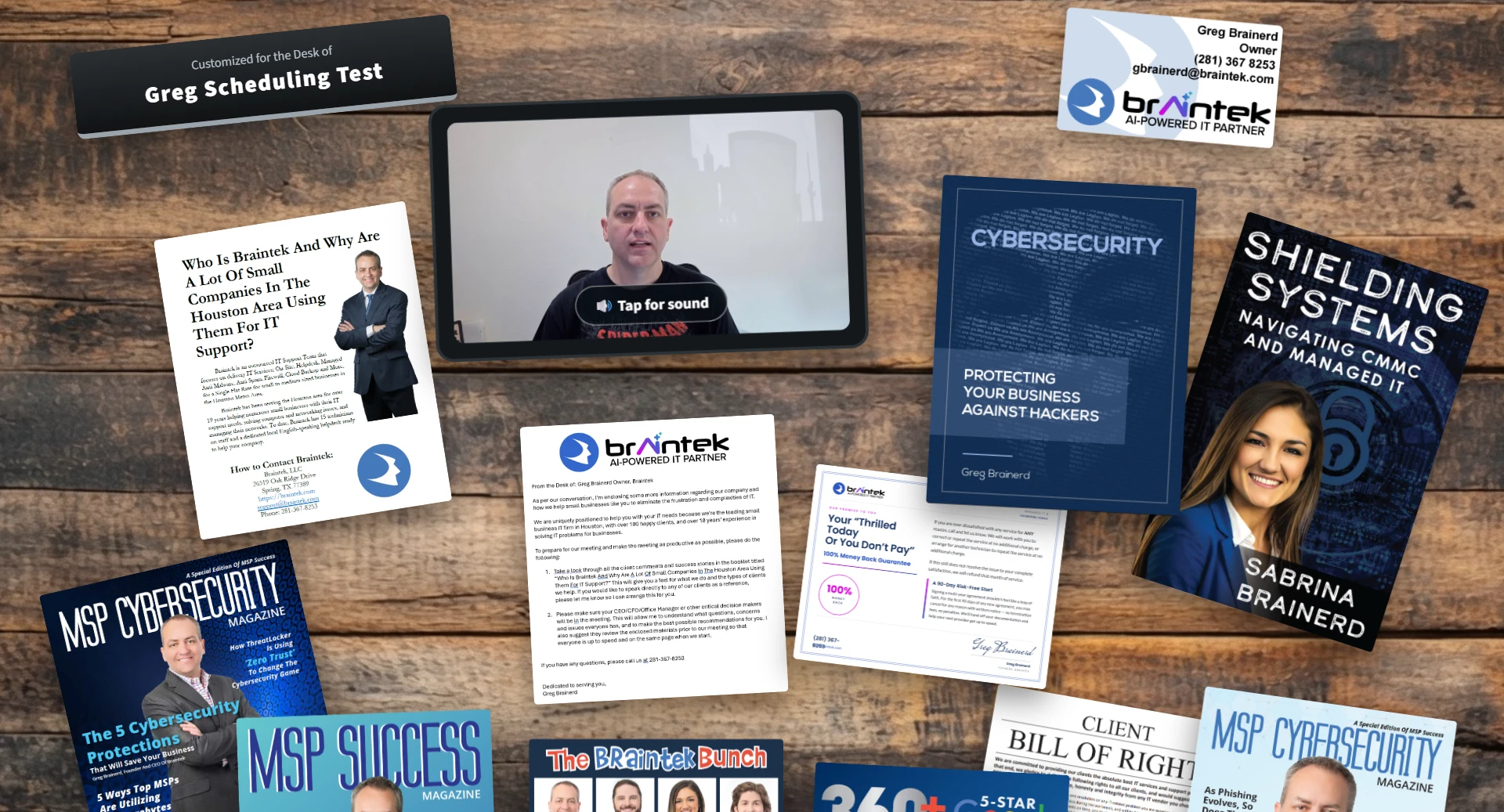
- A public page, no login required, that a prospect can open from any device and immediately see their name, their video, and next steps.
What it took to get started
Before any of the automation existed, we needed two AI accounts and some source material:
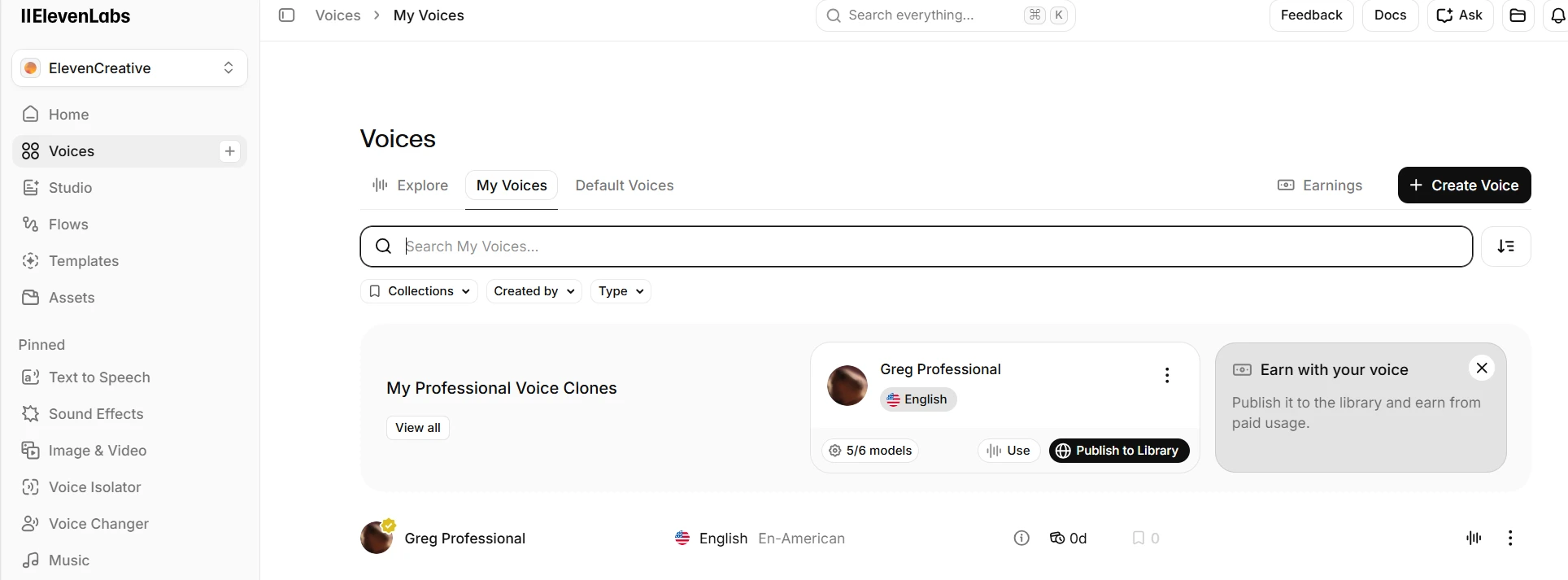
- An ElevenLabs account, for the voice clone. We uploaded about an hour of clean audio pulled from real recordings, our team member’s actual voice from past videos and talks, to train a professional voice clone that sounds like them, not a generic AI voice.
- A HeyGen account, for the video avatar. This takes either a short recorded video or a set of photos, depending on the avatar style, and turns it into a digital presenter that can speak any script. We picked up a 4K camera specifically for this, since the avatar is only as sharp and natural-looking as the source footage you feed it.
- API keys for both, stored securely so our automation platform can call them, and Azure Key Vault to hold those keys rather than pasting them into config files.
- A quiet recording session. The voice clone and avatar are only as good as the source material. Getting this right took a couple of iterations, more on that in the next article.
Once both accounts existed and the first avatar and voice were trained, the remaining work was entirely automation and platform-building, no more new accounts needed.
How the pieces fit together
- A prospect books a call on our site.
- The booking triggers an automation that looks up who they booked with and pulls their name and company from the booking details.
- That information becomes a script, personalized with their name and company, for whichever team member they booked.
- The AI video platform renders the clip using that team member’s trained voice and avatar.
- A private page is generated from a template, the video attached once it’s ready, along with any other assets we’ve set up (images, PDFs, a calendar embed).
- An email goes out from the actual team member’s mailbox, not a no-reply address, with the link.
- The prospect opens the link on any device, no account required, and sees their video.
Why we built it this way
We didn’t set out to build a novelty. The goal was to close the gap between “we have your information” and “we’ve actually acknowledged you’re a real business with a real name,” at the exact moment a prospect is most curious about us, right after they’ve booked. A generic confirmation email does none of that. A video with their name and company, arriving within a minute of booking, does.
Building it ourselves first, before offering anything like it to clients, meant we could find every rough edge on our own sales process rather than a client’s. That’s the same philosophy behind everything else we build with AI: prove it internally, then bring it to the people we work for.
What’s next
This article covers the shape of the system and what it took to start. The next two go deeper:
- How we cloned a real voice with ElevenLabs and built a HeyGen avatar that doesn’t feel uncanny, including what didn’t work the first time.
- The automation, template system, and testing that make the whole thing reliable, not just a demo that worked once.
Where Braintek fits
We built this for ourselves first, as a real test of what AI can responsibly automate in a sales process without losing the personal touch that actually earns trust. If you’re looking at AI seriously and wondering what it could do for your business beyond a chatbot, this is the kind of thing we mean, real automation, tied to real outcomes, built and proven before we’d ever recommend it to you.
Book a discovery call and see what a personalized first impression could look like for your prospects, or read on for how we built the voice and the avatar behind it.