

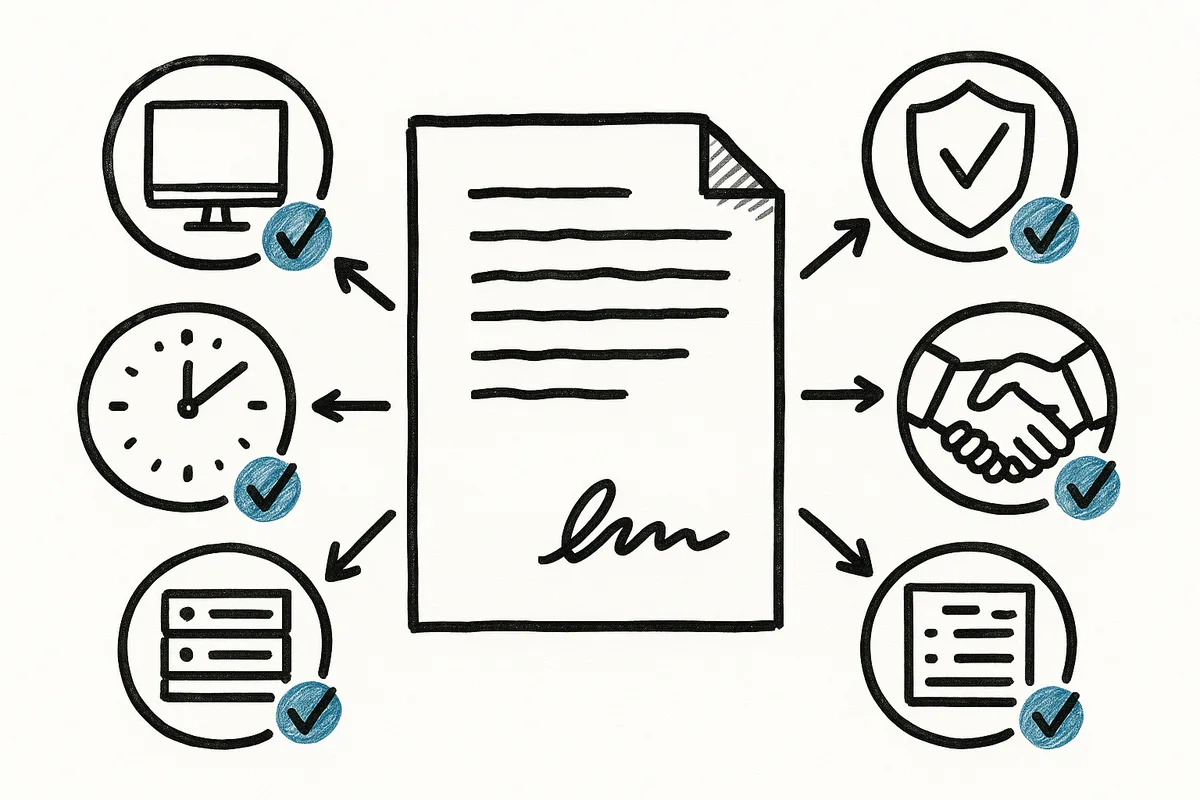
A managed IT agreement for a manufacturing company should define five things in writing: exactly which users, devices, and systems are covered, how support works and how fast it responds, which security controls are included, what falls outside the monthly rate, and who handles onsite work and vendor coordination. This article is about the contract itself. If you want the flip side, what a good service package contains, see what a managed IT package should include, and our managed IT services page for how we structure ours.
The pattern we see with Houston and DFW manufacturers is consistent: the disputes that sour an IT relationship almost never come from bad intentions. They come from things both sides assumed but nobody wrote down.
What exactly is covered? Demand a written inventory
The agreement should list what it covers, item by item:
- Users
- Workstations and laptops
- Servers
- Locations
- Network equipment
- Cloud services and tenants
- Business applications
For a manufacturer, two categories deserve a direct question: engineering workstations and shop-floor devices. CAD machines, HMIs, and the aging PC bolted to a CNC controller are the equipment providers most often leave out or cover only “best effort.” Whatever the answer is, get it into the inventory. A limited scope stated in writing beats a full scope implied in a sales call.
How is support delivered, and how fast? Get response expectations in writing
“Unlimited support” tells you how much you can ask for, not how quickly anyone shows up. The agreement should spell out:
- Support hours, and what after-hours coverage looks like
- How your team submits a ticket or reaches a person
- How priorities are defined, and where a stopped production line ranks
- Response targets for each priority level
- How escalation works when the first response doesn’t resolve it
- Emergency procedures for outages and suspected security incidents
As a reference point for what a written commitment can look like: we answer the phone in about 60 seconds and respond to emailed tickets in roughly two hours. You don’t need those exact numbers from every provider, but you do need their numbers, on paper.
Which security controls are included? Name the stack
“Security is included” is not a security stack. Ask the provider to enumerate the controls that are part of the monthly rate:
- Multi-factor authentication
- Endpoint detection and response
- Email security and phishing protection
- Patch management, including servers
- DNS and web filtering
- Security monitoring, and who watches the alerts
- Backup monitoring and restore testing
- Security awareness training for staff
This list matters twice: once for your actual protection, and again when a cyber insurance application or a customer security questionnaire asks you to document exactly these items. If the agreement names the controls, that paperwork takes minutes instead of a scramble.
What costs extra? Make the exclusions explicit
Every managed agreement has exclusions, and that’s fine. The failure mode is discovering them on an invoice. Common items billed outside the monthly rate:
- Major projects, like a server migration or ERP upgrade
- Network cabling
- Hardware purchases
- Software licensing
- After-hours project work
- New-facility or new-office deployments
- Deep support for specialized applications
A written exclusions list also makes competing quotes comparable. A low monthly number with silent exclusions and a higher number with everything stated are not the same price, and you can only see that when both scopes are on paper. As context, Braintek’s managed IT runs about $150 to $250 per device per month plus $15 to $35 per mailbox, with the scope stated up front.
Who comes onsite, and who calls the vendors?
Manufacturers rarely have one technology vendor. There’s the ISP, the ERP or MES vendor, the CAD provider, the copier company, the phone system, and the equipment manufacturers behind the machines on the floor. When something breaks at the seam between two of them, someone has to own the call. The agreement should name who coordinates with:
- Your internet provider
- ERP and MES vendors
- CAD and engineering software providers
- Copier and printer vendors
- Machine and equipment vendors
- Your phone provider
The same section should state when an onsite visit is part of the monthly rate and when it’s billed separately. Both models exist; the unacceptable version is finding out which one you bought after the technician leaves.
How do you know a provider will honor all this?
One useful signal: whether the provider is willing to show you their terms before you ask. We publish our client terms and conditions publicly at braintek.com/legal, because an agreement you can read before the first meeting is harder to quietly change later. A provider who treats their contract like a secret is telling you something about how negotiations will go after you sign.
Braintek has supported manufacturers and other small businesses across Houston and Dallas-Fort Worth since 2002, with US teams in both metros plus an offshore team in the Philippines for coverage. If you’re comparing agreements, or you suspect your current one is thinner than you thought, send it over. We’ll tell you plainly what’s covered, what’s missing, and what to ask for in writing, whether or not you ever work with us. Start at our manufacturing IT services page or use the form below.