

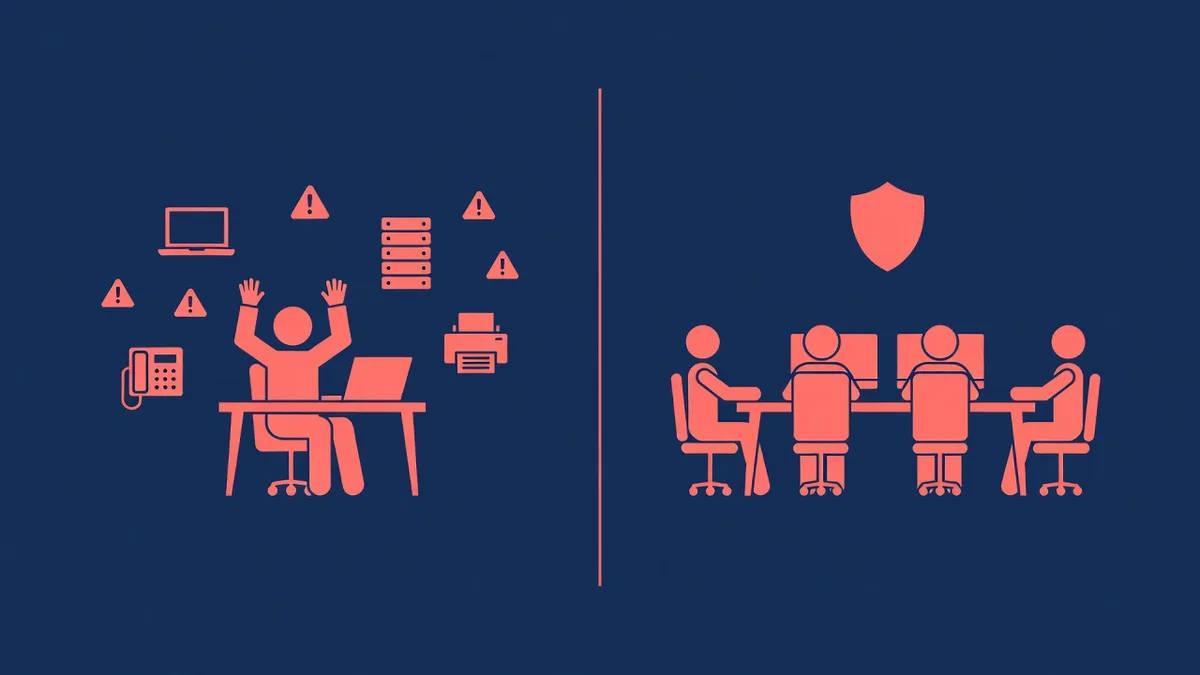
Here’s the question underneath the question. When something breaks at your firm, on a filing day, at 7 PM before a deposition, during the week your one technical person is at the beach, who picks up? A law firm doesn’t buy IT for the quiet weeks. It buys IT for the worst hour of the worst day, because that hour has a court deadline attached to it.
So the real comparison between an internal hire and a managed IT provider isn’t a line item comparison. It’s a coverage comparison across three dimensions: breadth (how many kinds of problems get handled), depth (how well the hard ones get handled), and continuity (what happens when the person handling them is unavailable). One hire can win on familiarity. It’s structurally unable to win on all three.
What is a firm actually asking one IT hire to do?
Write out the job description honestly and it stops looking like one job. A single IT employee at a mid-size firm is expected to cover:
- Help desk for every attorney and staff member, at the pace a filing day demands
- The servers or hosted platforms behind document management, practice management, and billing
- Email, and the phishing and fraud attempts aimed at it
- Backups of matter files, tested, not assumed
- Security controls and the written documentation behind them
- Network, phones, printers, conference rooms, the office move next year
- Vendor relationships for every application the practice runs on
That’s a help desk technician, a systems administrator, a security specialist, and a project manager sharing one chair. All four roles generate work every week. When they collide, the urgent beats the important: the password reset happens now, and the backup test, the security review, and the documentation update happen “when things calm down.” At a busy firm, things do not calm down.
None of that is a criticism of the person in the seat. It’s arithmetic about the seat itself.
Where does the single-hire model break for a law firm specifically?
Every small business has some version of this problem. Law firms have four aggravating factors that most don’t.
Deadlines that don’t negotiate. A retailer with a server down loses sales hours. A firm with a document system down on a filing day is measuring the outage against a court clock, with an idle attorney’s billable time burning alongside it. Continuity of support isn’t a nice-to-have in that world, it’s the product.
A confidentiality duty with teeth. Client files aren’t just business data. The duty to protect them now carries technical expectations, and clients and cyber insurers increasingly ask firms to prove their controls in writing: MFA, encryption, monitoring, incident response, tested backups. Building and maintaining that program is specialist work. A generalist can run pieces of it; keeping the whole thing current, documented, and defensible is where one person runs out of hours. A cyber security risk assessment is the fastest way to see where your firm stands today.
Attackers who target trust accounts. Wire fraud and email compromise campaigns go after organizations that move client money on instructions received by email, which describes every firm with a trust account. Defending against that takes layered email and endpoint security plus monitoring and staff training, a discipline in itself, not an item on a to-do list.
After-hours reality. Trial prep, closings, and filing crunches don’t respect business hours. One employee cannot reasonably be on call every night and weekend, and the nights they’re not covered are the nights systems pick to fail.
When does an internal hire genuinely make sense?
An honest framework has to include this side. Internal IT earns its keep when:
- The firm is large enough, usually past 50 people or multiple offices, that there’s a full week of the right kind of work every week
- Daily physical presence genuinely matters: heavy on-premises infrastructure, frequent hands-on needs, courtroom technology support
- Institutional knowledge is the point: someone who knows the partners, the workflows, and the ten years of quirks in how the firm actually operates
Notice what’s on that list and what isn’t. Presence and familiarity are real advantages of a hire. Security depth, after-hours coverage, and continuity are not, because no single human can supply them alone. Which is why, for firms that hit the size where internal IT makes sense, the answer usually isn’t internal instead of a provider. It’s both.
What does co-managed IT look like at a law firm?
Co-managed IT keeps your internal person as the owner of the environment and puts a provider behind them for everything one person can’t cover:
| Your internal IT person keeps | The provider adds |
|---|---|
| Day to day ownership and priorities | Help desk overflow when the queue spikes |
| Relationships with attorneys and staff | After-hours, vacation, and sick coverage |
| The systems closest to the practice | Security tooling, monitoring, and documentation |
| Vendor knowledge built over years | Escalation depth for hard server and network problems |
| First call on anything local | Project capacity for migrations and office moves |
The firm stops betting its continuity on one person’s calendar, and the person in the seat stops drowning in password resets and starts doing the work that actually uses what they know. For growing firms it’s also the scaling path: instead of hiring a second and third IT employee as offices are added, the internal person stays the owner and the provider scales behind them.
How should a managing partner compare the cost?
Without quoting anyone’s salary, the structural point stands on its own. An internal hire is a fixed full-time cost that buys one person’s hours and one person’s skill set, with the security, monitoring, and backup tooling they need licensed separately on top. A managed agreement is a variable cost that tracks the environment you actually run and includes the tooling.
Braintek publishes its pricing: $150 to $250 per device per month plus $15 to $35 per mailbox, shared mailboxes free, Microsoft licensing billed separately. Law firms tend to run more devices per person than most businesses because attorneys often carry a courtroom laptop alongside a desk setup, and we’ve worked that math through for two real firm shapes in how much managed IT costs for a law firm.
The comparison a managing partner should actually run: for each model, what’s covered at 9 AM on a Tuesday, at 7 PM before a filing, and during the two weeks a year your IT resource is on vacation? Price the model that covers all three, not the one that covers the first.
A decision checklist for your firm
Work through these honestly and the answer usually declares itself.
- List the five systems your firm cannot produce work without. Document management, practice management, email, remote access, backups is the usual five. For each, could at least two people support it tomorrow morning? Every “no” is a single point of failure you’re currently accepting.
- Ask what happened the last time something broke after hours. If the answer involves one person’s cell phone and some luck, that’s your continuity plan.
- Pull your last client security questionnaire or cyber insurance application. Who filled it out, how long did it take, and would the answers survive an audit?
- Count your real after-hours exposure. Filing weeks, closings, trial prep. How many hours a month does the firm operate outside anyone’s IT coverage?
- If you have an internal IT person, ask what they’d do with ten reclaimed hours a week. If the answer is valuable, that’s the co-managed case in one sentence.
So which model fits?
- No internal IT, roughly 10 to 50 people: fully managed. One provider, one predictable monthly number, security documentation handled, no single point of failure.
- A good internal IT person, or a larger or multi-office firm: co-managed. Keep the person and the institutional knowledge, add the depth and coverage one seat can’t hold.
- In between and unsure: start with an assessment rather than a guess. Where the gaps actually are matters more than where they feel like they are.
If the answer lands on outsourcing some or all of it, our guide on how a law firm should choose a managed IT provider in Houston or DFW gives you a scorecard for vetting the candidates.
Braintek has supported Texas businesses since 2002, with local teams in Houston and DFW, and most issues are resolved remotely within minutes. If you want a no-pressure read on which model fits your firm, book a discovery call or use the form below.