

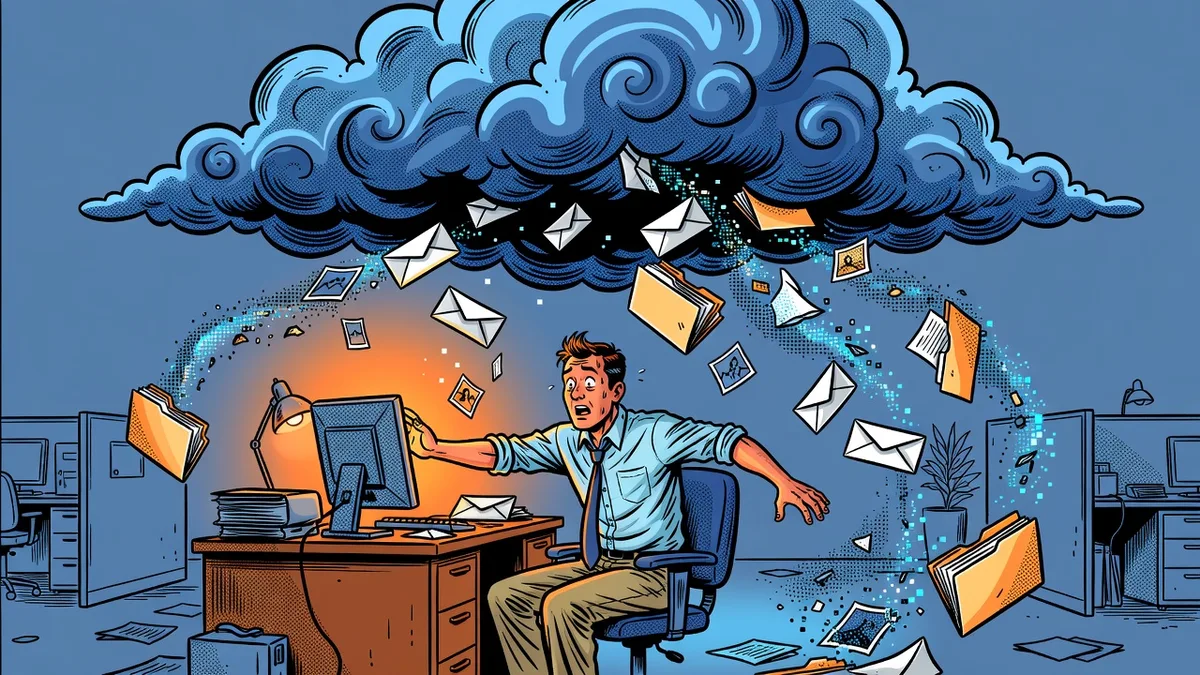
Ask most business owners whether their email and files are backed up and the answer is “it’s in the cloud.” Microsoft 365 is where the business actually lives now, email in Exchange Online, files in OneDrive and SharePoint, conversations in Teams, and almost none of it is backed up unless someone deliberately set that up. Microsoft is explicit about this, but the assumption survives because the service itself is so reliable. The service being up and your data being recoverable are two different things.
Here’s what the platform actually retains, where it fails, and what a real backup looks like.
What is the shared responsibility model?
Microsoft operates Microsoft 365 under a shared responsibility model. Their side: the infrastructure, the uptime, protection against failures in their own data centers. Your side: the data. Accidental deletion, malicious deletion, overwrites, sync conflicts, ransomware, a bad third-party app with write access — recovering from all of it is your problem, not Microsoft’s.
This isn’t a gotcha buried in fine print. Microsoft’s own service agreement recommends third-party backup. The confusion comes from the retention features that ship with the platform, which look like backup until the day you need them to behave like one.
What do Exchange, OneDrive, and SharePoint actually retain?
The built-in windows are deletion grace periods, and each has an expiration:
- Exchange Online: deleted items move to the Recoverable Items folder for 14 days by default, extendable to 30
- SharePoint and OneDrive: the two-stage recycle bin reaches back a combined 93 days
- Departed employees: a deleted account’s OneDrive is retained 30 days by default, then removed
Inside those windows, recovery is genuinely easy, and for the everyday “I just deleted that” moment they’re fine. The failure mode is time. A folder deleted in March and missed until June is gone. A former employee’s OneDrive full of client correspondence quietly expires a month after offboarding. The windows only help when someone notices fast, and most real data loss is noticed slowly.
Why doesn’t sync protect you from ransomware?
Because sync is not backup — it’s replication, and it replicates damage as faithfully as it replicates work. When ransomware encrypts files on a synced workstation, OneDrive uploads the encrypted versions as ordinary edits. Version history can sometimes recover individual files, but a real incident means thousands of files across many libraries, and attackers who reach admin credentials routinely empty recycle bins and purge version history before they announce themselves. Everything the platform retains lives inside the tenant the attacker now controls.
The same logic applies to the quieter disasters: a compromised account mass-forwarding then deleting mail, a misconfigured third-party app overwriting records, an employee cleaning out “old junk” on their way to a competitor. In each case the platform did exactly what it was told. An independent copy is the one thing that wasn’t listening.
Don’t retention policies or litigation hold count?
They’re compliance tools. Retention policies and litigation hold preserve data so it can be produced for discovery or audit, and they’re good at that. As recovery tools they fail three ways: restoring at scale from them is slow and manual, they don’t help with corruption or overwrites where nothing was technically deleted, and they live inside the same tenant, under the same admin credentials, as everything else. Preservation and recoverability are different jobs.
What does a real Microsoft 365 backup look like?
Four properties separate a backup from a retention feature:
- Independent storage. The copy lives outside your tenant, so compromised admin credentials can’t reach it. This is the 3-2-1 rule applied to the cloud: the cloud copy of your data still needs its own second home
- Full coverage. Exchange, OneDrive, SharePoint, and Teams — not just mailboxes. In most businesses the SharePoint libraries are now the file server
- Retention you choose. Months or years of reach-back set by your needs, not a platform default measured in days
- Tested restores. A mailbox, a library, a single file from a specific date, actually restored on a schedule. A backup that has never been restored is an assumption
We walk through the industry-specific versions of this in our backup guides for accounting firms, law firms, medical practices, and construction companies — the M365 gap is the most common finding in every one of them.
What should a Houston business do about it?
Inventory first: what’s in the tenant, what third-party backup exists today (often the honest answer is none), and how far back it can reach. Then close the gap with an independent M365 backup sized to your retention needs, and put a restore test on the calendar.
Braintek has supported Houston and Dallas-Fort Worth businesses since 2002. Microsoft 365 backup is part of our backup and disaster recovery service, and for most clients it folds into managed IT support alongside monitoring and restore testing, so “we have backups” stays true between the days anyone checks. If you want to know what your tenant would actually give back today, the form below is the fastest way to find out.