

Turn One Photo Into a Video That Speaks in Your Voice
One still photo, a written script, and ninety seconds of you reading out loud is now enough to produce a talking-head video in your own voice. The finished thirty seconds costs about a dollar fifty in raw model charges, or about twenty-nine dollars a month if you rent the tooling instead.
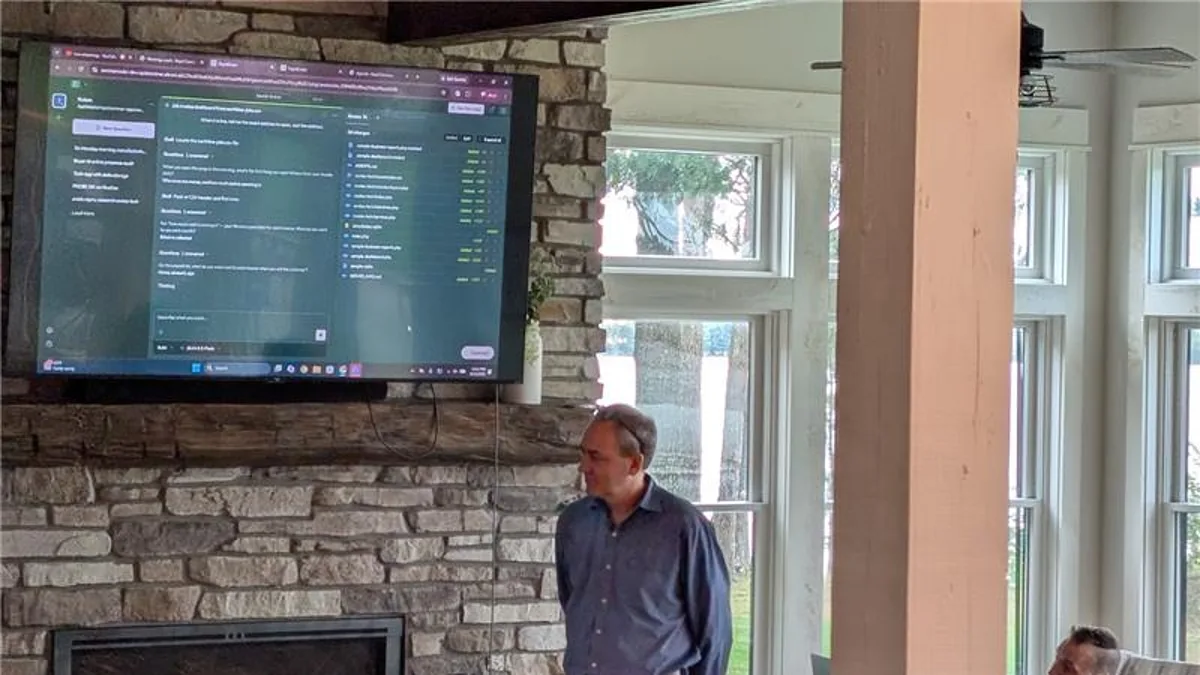
That gap is the whole decision, and it is narrower than most people expect in both directions. This was my second session at the AI Business Retreat 2026 in Spooner, Wisconsin, hosted by Coulee Tech. Everyone in the room made a video before lunch. Here is the same walkthrough.
What does the workflow actually look like?
Three steps, and only the first one takes real effort.
Write the script first. Thirty seconds is about seventy-five words. That constraint is not stylistic. It is the bill, because animation is charged by the second of finished video and the finished video is exactly as long as the speech. You decide the price in the text box before a cent is spent.
Record your voice once. Ninety seconds of reading, done one time, ever. Every video after that is spoken by that recording. Find a quiet room, get close to the microphone, read the whole passage, and use your normal voice rather than a presenter voice. Reading in a presenter voice clones the presenter.
Pick the photo carefully. The photo decides more of the outcome than the script or the model does. One clear face looking at the camera. Eyes open, mouth visible, nothing across the jaw. Head and shoulders beats a full-length shot every time. A phone photo from the last ten years is plenty of resolution. Sunglasses, a hard profile, or three people in the frame is how you get a result that looks wrong in a way you cannot quite name.
What is really happening under the hood?
Three API calls. That is the entire product, whether you rent it or build it.
- Clone. Your recording goes to a voice model and comes back as a voice tied to your account.
- Speak. Your script is read by that voice in one continuous take.
- Animate. The photo and that audio go to a lip-sync model and come back as video.
No segmenting, no word-level timing, no audio mixing. Every part of this that people assume is the hard part is a call to a vendor whose entire business is that one thing. The commercial platforms are calling the same models you would call.
Knowing that does not make the commercial products worthless. It makes the pricing legible, which is the point.
Should you rent it or build it?
Both columns are honest. Pick by volume and by where your customers’ faces are allowed to live.
Rent it. Working this afternoon with nobody’s help. Somebody else handles the upgrades and the outages. You get avatar and translation features you would never build yourself. You pay per seat, per month, forever. Your customer’s face sits on their server under their terms.
Own it. It costs what the models cost and nothing else. Your box, your key, your sign-in, your retention rules. It does exactly what you need and nothing you don’t. Somebody has to build it and somebody has to keep it alive. Only worth it past a volume you can actually name out loud.
Here is the honest cut line. If you make about four videos a month, go pay the twenty-nine dollars tonight and stop reading. The build-it conversation is for people who answered a bigger number, or who work in an industry where a customer’s face cannot go on a third party’s infrastructure. In healthcare and legal work in Houston and Dallas Fort Worth, that second condition decides it more often than volume does.
What should you actually make with it?
The demo everyone reaches for is a marketing video posted to a feed. That is the least valuable use.
The one that makes money is answering a real customer on video. Take a genuine email or support ticket, write a thirty-second reply, and send it back to that person by name. They are not technical, they have already paid you, and they are a little worried. Thirty seconds of your face and voice saying their question back to them lands differently than a ticket update.
The second best use is turning a page you already have into a month of material. Point an assistant at one of your service pages and ask for twenty thirty-second scripts, each answering a different question a real customer asks before they buy, in the order they ask them. Not twenty ways of saying the same thing. Twenty different questions.
If prompt structure is where this stalls for you, our guide on how to write AI prompts covers the Role, Task, Context, Format shape we used for every prompt at the retreat. The tooling itself is covered in our voice clone and avatar walkthrough.
What are the rules you should set before anyone makes one?
Say this part out loud in your own company before somebody makes the mistake for you.
Disclose it, every time. Put it on the video: AI-generated voice and animation, the words are mine. You wrote it and you recorded the voice. That is a very short thing to explain and a very long thing to be caught not explaining.
Never put words in anyone else’s mouth. Including a competitor. Including as a joke.
Your face, your voice, your property, or written permission first. Before you upload, not after it goes well. A customer’s face is a release form, not a favor. So is an employee’s, after they leave.
One voice per account, and deletion means deletion. Re-recording should replace yours. There should be no shelf of other people’s voices to browse. When you delete the voice, the clone goes with it.
These are not legal advice, they are operating rules. Write them down before the first video, because the conversation is much harder after one has already gone out.
Start with one video today
Record the ninety seconds. Write seventy-five words. Pick a photo where you are looking at the camera. Send the result to one person by name, today, not Friday, and not to everybody.
If you land on the rent-it side, that is a solved problem and you do not need us. If a customer’s face cannot sit on someone else’s server, or the volume math pushed you toward owning the pipeline, that is the conversation worth having. We build this kind of thing for businesses across Houston and Dallas Fort Worth, usually on infrastructure the client already owns.