

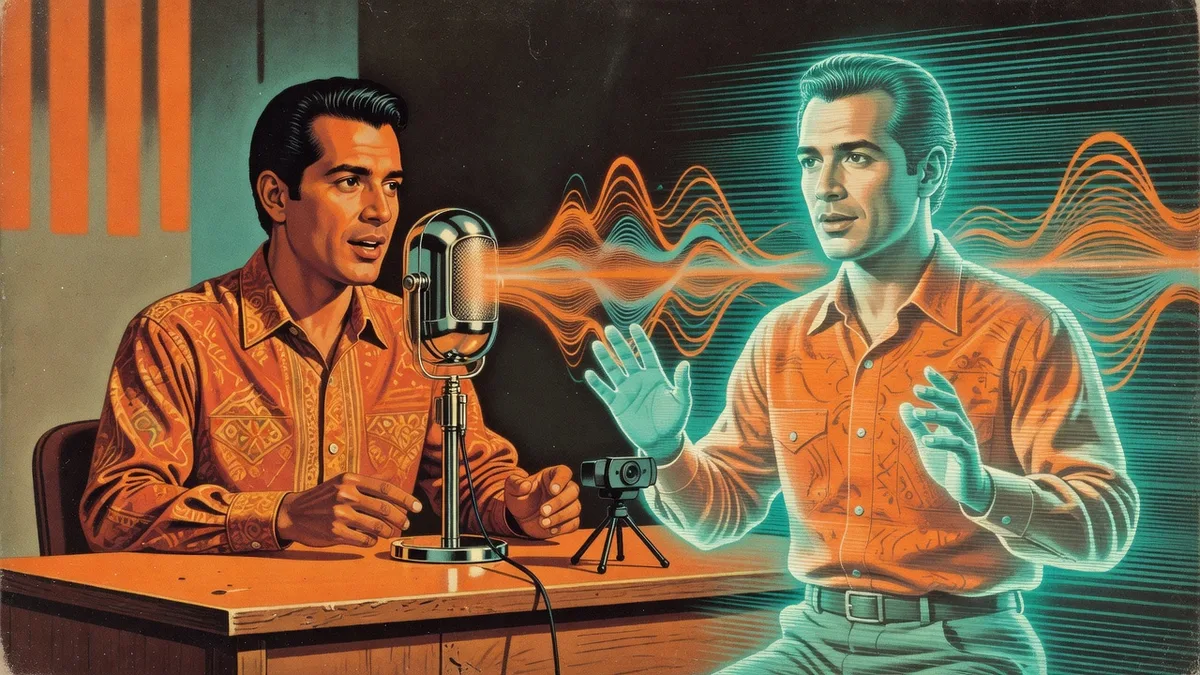
When a prospect books a meeting with us, a video lands in their inbox a minute later — Sabrina or Greg, by name, greeting them and previewing the meeting. Part 1 of this series covers that pipeline. This part covers the question everyone asks when they see it: how do you get an AI version of yourself that actually looks and sounds like you?
The short answer is two services — ElevenLabs for voice, HeyGen for video — and some honest trial and error we’ll save you from repeating.
How did the voice cloning work?
ElevenLabs builds a synthetic voice from recordings of the real one, and the quality tracks the training audio almost linearly.
The instant clone takes a small sample and sounds close — close enough to be interesting, not close enough to be you. The professional clone wants substantially more audio, thirty minutes to an hour, and the difference was obvious immediately: it’s the one we actually use.
The practical trick: you probably have the training audio already. Ours came from YouTube videos we’d published and radio ads we’d recorded over the years. If you have webinars, podcasts, or voicemail greetings recorded cleanly, you’re most of the way there before you record anything new.
How did the avatars come out looking right?
HeyGen trains a video avatar from footage of the real person, and this is where the equipment lesson got paid for. Our first training videos came from a laptop webcam: grainy, badly lit, and the avatars inherited all of it. A 4K webcam — two or three hundred dollars — visibly improved every avatar trained after it. We shot in the conference room and Sabrina’s office with real lighting.
Expect variations. HeyGen generates multiple versions of you, and some simply don’t look like the original person — ours ranged from “came out really well” to attempts we deleted immediately. That’s the actual workflow: generate, keep the good one, delete the misses, and retrain with better footage when nothing lands. Nobody’s first avatar is their shipping avatar.
How do the two services come together?
Out of the box, a HeyGen avatar speaks with a HeyGen-generated voice, and it wasn’t our favorite. The fix: import your ElevenLabs voices into HeyGen and set the professional clone as your avatar’s default. Real cloned voice, trained avatar — that pairing is what crosses from “AI demo” to “that’s actually Greg.”
Then the automation takes over. We gave Claude the API keys and had it wire avatar selection into our CRM: each template has a settings panel where every team member’s avatar and voice are picked once, and when a booking comes in, the workflow generates the video with whichever rep the meeting was assigned to, drops in the meeting details, and publishes the personalized page. Booked at 8:01, video in the inbox at 8:02, no human in the loop.
What would we tell another business trying this?
- Feed the professional clone everything you have. Old marketing audio and video is training data, not archive material
- Buy the camera before you record. The cheapest quality upgrade in the whole project
- Plan to delete. Avatar generation is probabilistic; taste is the quality control
- Automate or it won’t happen. A video someone has to log in and generate manually becomes a stock video within a month — that’s exactly where we were with the previous marketing-company version of this, and personalization is the whole point
Part 3 will cover the system around it: the booking webhook, templates, and dynamic rep routing that turn one good avatar into an always-on process.
Braintek builds AI-powered automation like this for our own sales process first, then for clients across Houston and Dallas-Fort Worth. If you’d like to see the whole thing live — or figure out what the equivalent looks like in your business — book a discovery call and, yes, a personalized video will beat you to the meeting.