

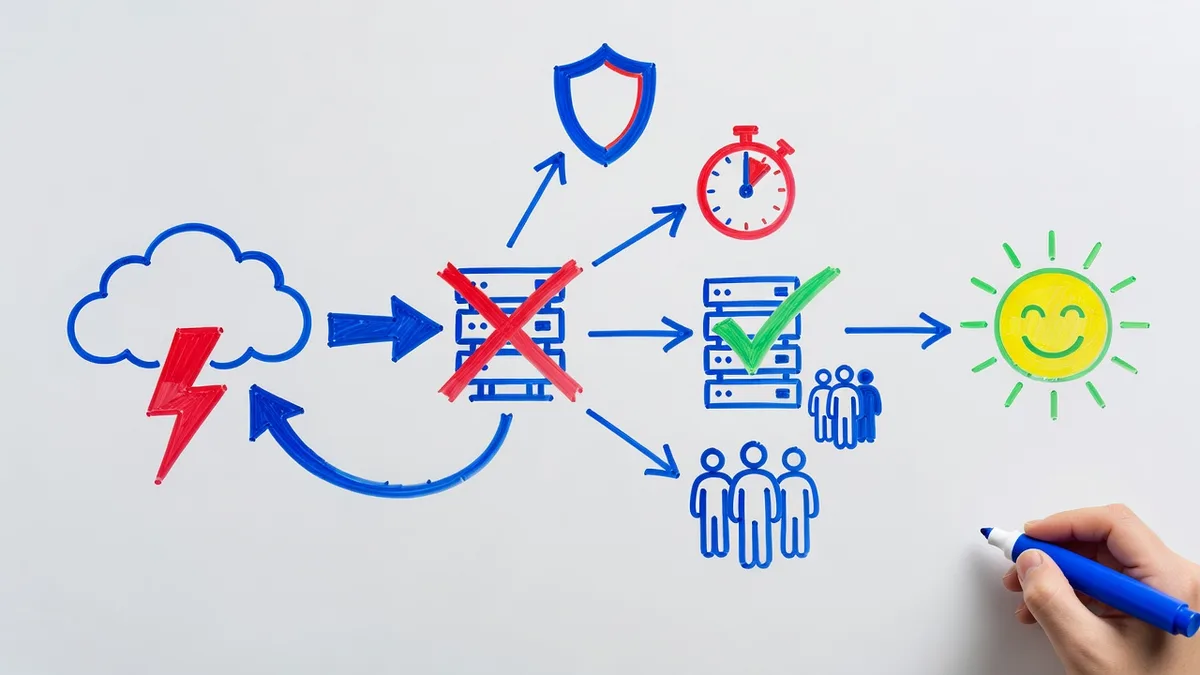
Most businesses that lose data don’t lose it to a hurricane. They lose it to ransomware, a dead server, a deleted folder — and then discover, mid-crisis, that “we have backups” was the entire recovery plan. The data survives; the week is still chaos, because nobody knows what comes back first, how long restores take, or who’s supposed to be doing what.
A disaster recovery plan closes that gap, and for a 10-to-50-person business it doesn’t need to be a binder. It needs to be a few pages that are true. Here’s what goes in them.
What goes in the plan?
Five sections cover it:
1. System inventory, in restore order. Every system the business runs, ranked by what comes back first. Order matters more than completeness: authentication and networking usually precede everything (nothing works if nobody can log in), then the line-of-business application, then email and files, then the long tail. Writing the order down is the step that turns a bad week into a sequence instead of an argument.
2. RTO and RPO per system. For each system, two numbers: how long you can afford it down (Recovery Time Objective) and how much work you can afford to lose (Recovery Point Objective). Be honest and unequal — the ERP might warrant a 4-hour RTO while the archive server can wait a week. These numbers drive the backup design and most of the cost, so inflating them everywhere is expensive and deflating them is fiction.
3. Where the backups are, and who can reach them. Locations, credentials, and the access path when the office is dark — including the 3-2-1 basics: three copies, two media types, one off-site, and at least one copy immutable so ransomware can’t take the recovery plan hostage along with the network. Remember that Microsoft 365 needs its own backup; for many businesses the tenant is now half the data.
4. Roles for the first hours. Who declares the disaster, who talks to the insurance carrier and (if relevant) law enforcement, who communicates with staff and customers, who does the restoring. Names and backups for each, with phone numbers that live outside the systems that just failed.
5. Communication when systems are down. How you reach staff without company email, what customers are told and by whom, and where the plan itself lives — printed and off-site, or in a personal-device-reachable cloud location, not solely on the server being recovered.
How do Houston risks change the plan?
The most likely disaster is the same here as anywhere: ransomware or hardware failure. But Gulf Coast businesses plan for three regional additions — hurricanes, flooding, and extended power loss, plus the hard freezes Texas winters have delivered.
Two design consequences. First, off-site means out of the flood plain, not across the parking lot. A backup drive in the same building, or a second office 10 miles away, can share the same storm. Cloud copies solve the geography problem cleanly. Second, plan for the slow disaster. A hurricane gives days of warning and can take power for a week or more; the plan should say what gets shut down cleanly in advance, who works remotely and how, and what the threshold is for failing over to cloud infrastructure versus waiting out the outage. A freeze gives less warning but the same shape.
The reassuring part: cause barely matters to the mechanics. Flood, fire, and ransomware all reduce to the same question — how fast can you restore to clean infrastructure from a copy the event couldn’t touch?
How do you test it?
Two rhythms:
- Quarterly: restore something real. A server, a mailbox, a folder from a specific date. Time it. The measured time is your actual RTO, whatever the plan says
- Annually: walk the whole plan. Pick a scenario, get the named people on a call, and step through it. Every plan fails its first walkthrough somewhere — a phone number that’s stale, a credential nobody has, a system missing from the inventory. Finding those on a calm Tuesday is the entire value of the exercise
Update the plan after every test, every major system change, and every staffing change in a named role. A plan last touched three years ago is historical fiction.
Who maintains it, and what does it cost?
Someone has to own the plan, run the tests, and keep the inventory current — which is why disaster recovery folds naturally into managed IT support rather than living as a standalone document nobody revisits. For our clients, the plan, the restore testing, and the monitoring behind it are part of our backup and disaster recovery service; managed support for most businesses runs $150 to $250 per device per month, with backup and DR sized to the RTO and RPO targets rather than sold as one-size-fits-all.
Braintek has supported Houston and Dallas-Fort Worth businesses since 2002, which in this region means planning around hurricane seasons and freezes is routine work, not a specialty. If you’d like to know what your current backups could actually deliver, and what a plan for a business your size looks like, start with the form below.