

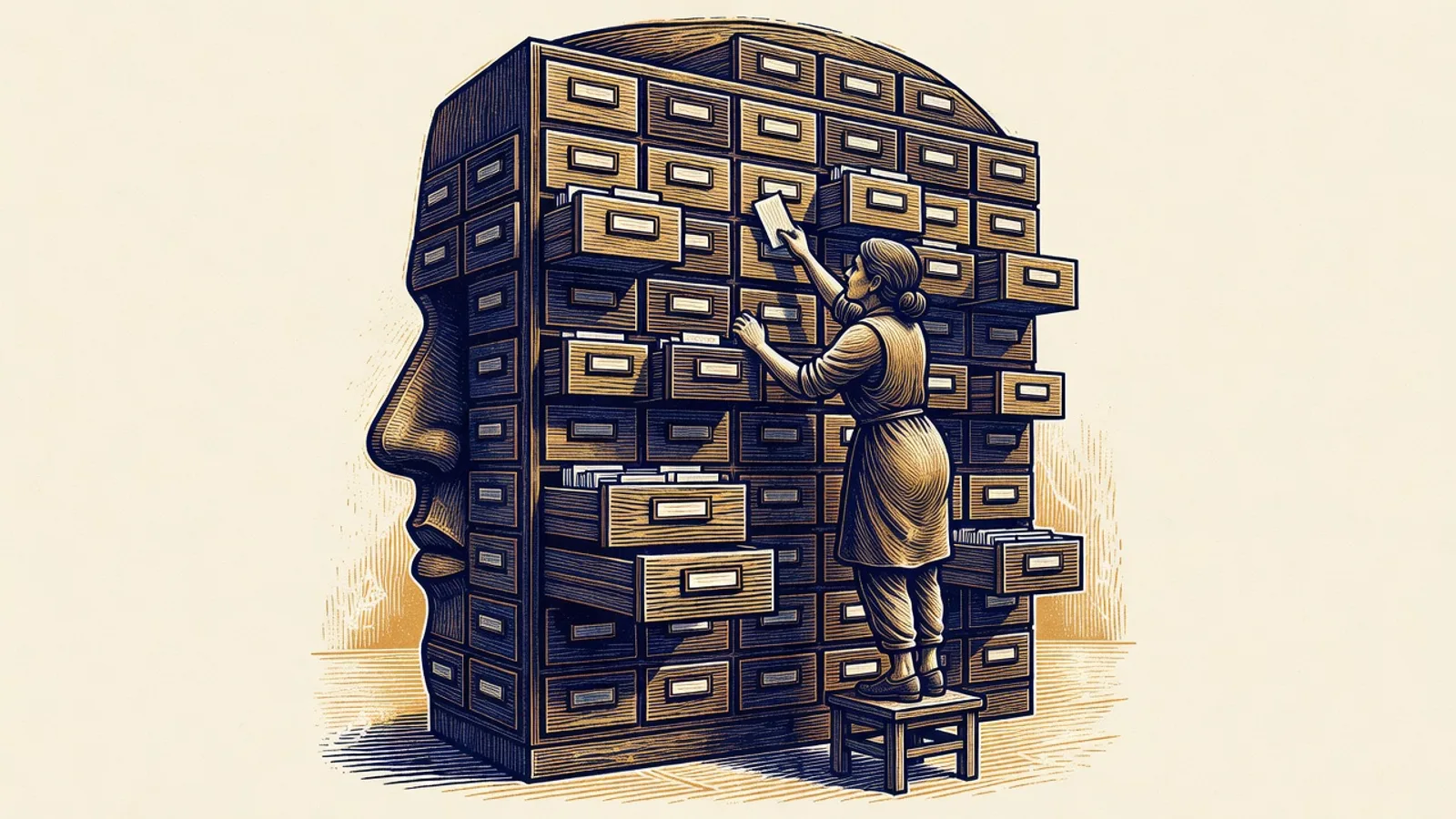
We build a lot with AI at Braintek, including the email signature system I demoed at the same workshop. But the thing that makes daily AI work sustainable is less flashy than any demo. It is a folder of plain text memory files. Here is how we organize them and why.
Why does AI forget what you told it?
AI forgets because long conversations eventually get compacted, and details you gave it hours or days ago fall out of its working view. Whether you are in ChatGPT, Claude, Claude Code, or any of the other tools, the pattern is the same. Keep a conversation going long enough and the AI starts trimming to make room. Then you reference something from earlier and get the sheepish “oh, you’re right, I forgot.”
Early on I noticed this constantly. I would explain how our environment works, or how I want something done, and a day later I was explaining it again. That repetition is the hidden tax on AI work, and it is exactly what memory files eliminate.
What is a memory file?
A memory file is a plain text note the AI reads at the start of a session and updates as you work, so knowledge survives outside any single conversation. The AI tools support this natively, and Claude maintains ours on its own as we talk.
But there is a catch that shapes everything else in this article: memory files can only be a certain size. Stuff everything into one file and it grows past its limit. The fix is structure, and the structure we landed on has three layers.
How do you keep the main memory file from bloating?
You keep the main file small by treating it as an index, not a diary, and pushing detail down into per-project files. Our main memory file holds general rules, facts about Braintek and how I work, and a running list of active topics: the website, the CRM, a VoIP app I am building, whatever is live right now. Each topic gets a line or two, not a page.
One example of a rule that lives there: never use Python. Python is a scripting language the AI loves to reach for, but our security tool, ThreatLocker, blocks scripts in our environment, and I am not going to whitelist every one the AI generates. So the rule went into memory once, and the AI simply stopped trying. I never had to say it again.
That is the payoff in miniature. A lesson learned once is learned permanently. A bug the AI figured out once can never cost hours again, because the answer is sitting in a file it reads every session.
Why does each project get its own memory file?
Each project gets its own file because project detail would drown the main index, and because the detail is only relevant when you are working on that project. The signature system has its own memory file, and it is very specific: what we have completed, what we are working on now, what is planned for later, and the problems we hit along the way. One of our security tools was blocking part of it at one point, so the workaround is recorded right there. Next session, the AI already knows.
When you open a project, the AI loads the main index plus that project’s file, and it is instantly back up to speed. No re-explaining, no rediscovery.
What happens to finished work?
Finished work moves to an archive file, which keeps the active memory small without throwing anything away. When we are done with something, the AI moves it out of the main memory or the project memory and into the archive. It is still there if we need to reference it in the future, but it is not eating the size limit on the files the AI reads constantly. Our main file stays lean because of this pruning, and the archive quietly grows behind it.
What are global preference files?
Global preferences are a memory file about how you want the AI to behave, separate from what it knows about your projects. Mine includes things like: no cute emojis in responses, I just do not care to see them in a chat reply or a Word document. Keep responses short and to the point, because Claude can get wordy even with the rule in place. Which databases we use. My general working preferences.
None of that is project knowledge. It is taste and standards, and putting it in a preferences file means every session starts already calibrated. It pairs naturally with writing better prompts, because the preferences handle the standing instructions so your prompts can focus on the task.
What belongs in memory, and what doesn’t?
Put in memory the things the AI cannot rediscover on its own: your rules, your environment’s quirks, decisions you made and why, problems already solved. Leave out anything the AI can figure out fresh by reading your files or asking, because that material just burns the size limit.
The related habit is skills, repeatable step-by-step procedures you save so the AI does not have to rediscover how to do a job each time. If you find yourself repeating the same instructions often, that is the signal to write the steps down once. We use skills for things like publishing blog posts and reviewing AI-generated images, and the AI can even update a skill itself when it discovers a step was missing.
How do you start?
Start with three files: a main index, one project file for whatever you work on most, and an archive. Tell your AI to maintain them, record rules and lessons as they come up, and prune closed items to the archive. That is the whole system. It is not a technology problem, it is a filing habit, and it is one of the highest-return habits in our AI services practice, for us and for the clients we set up. The first time your AI remembers something painful so you do not have to relive it, you will wonder why you ran it any other way.