

Every earlier piece in this series showed you something we had already built: the personalized prospect videos, the cloned voice and avatar, and the automation machinery behind them. This one is different. This time the building happened live, in front of an audience, with no rehearsal.
The setup: one portal, one annoying problem
We keep an internal portal that collects all the apps our team uses in one place, a tile for each tool, signed in with Microsoft 365. It works fine, with one irritation: every time we added a tool, someone had to edit the code and republish the site just to add an icon.
That is exactly the kind of small, real problem AI coding is good for. So the workshop prompt asked for the fix in plain English: make the tiles dynamic. Add a slide-out panel where we can add, move, edit, and delete tiles, upload icons for light and dark mode, or pick a color when there is no logo. And one more instruction that matters more than the rest: test the functionality using Playwright.
What happened while we talked about something else
The AI found the right project on disk, read the existing code, and started modifying it. And then, honestly, we ignored it, because watching code generate is boring. A guest showed off the company dashboard he had been building, and the demo chugged along behind his screen share.
About five minutes later we switched back, and the panel existed. Slide-out drawer, reorder arrows, logo upload for both display modes, a color picker fallback. Nobody had touched the keyboard.
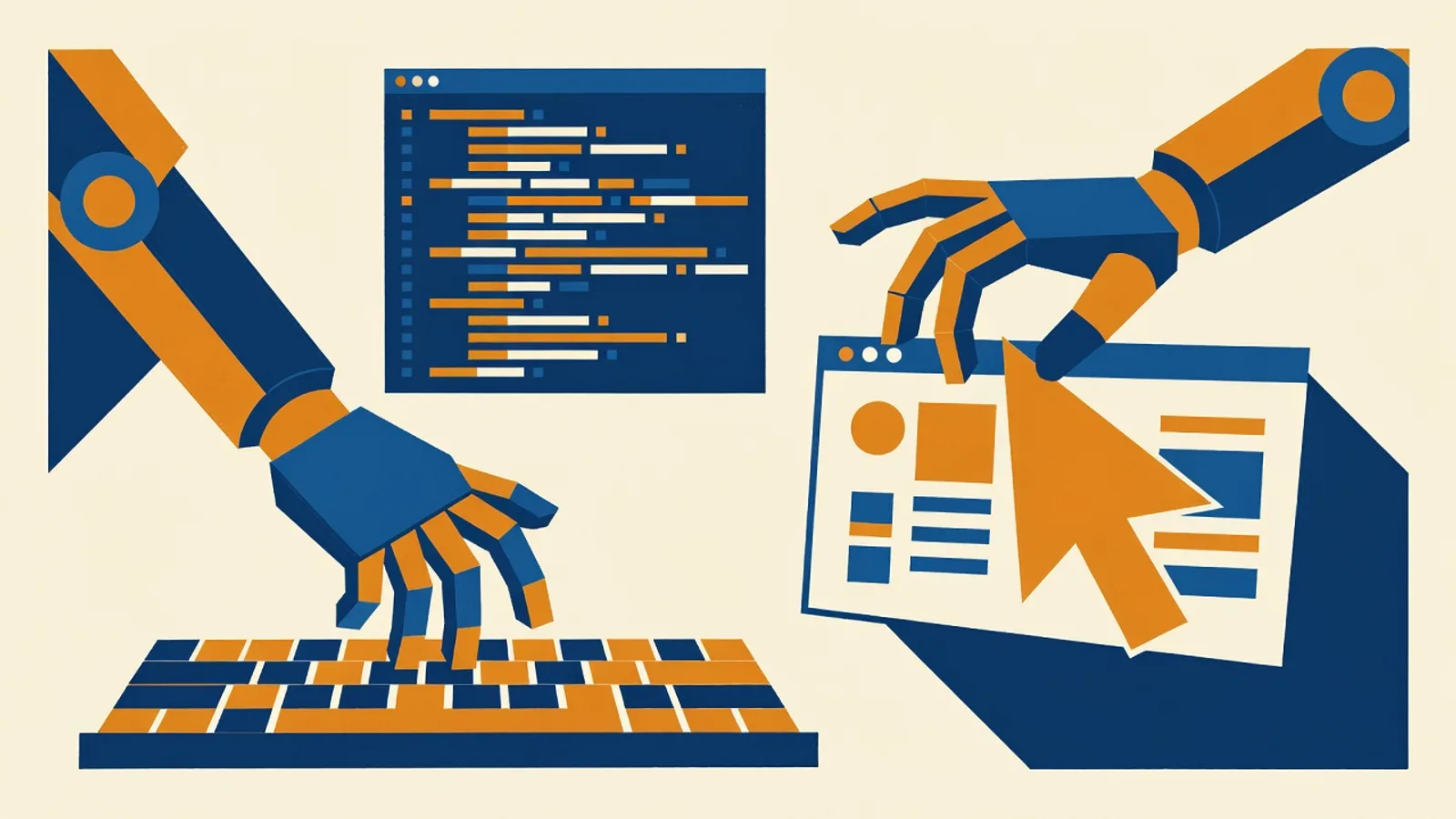
Then came the part worth the whole demo. A Chrome window opened by itself and started clicking. The AI had written the feature, and now it was testing it, creating a tile named for its own end-to-end test, dragging it up and down the grid, editing it, deleting it. “I’m not controlling the mouse at all on this,” Greg told the room, while the mouse moved.
Mid-test, the app threw an error. The AI noticed its own failure, went back into the code, corrected it, and continued testing. The bug was caught and fixed before a human ever would have seen it.
The browser is the difference
The self-testing is what separates this from copy-pasting code out of a chatbot. Playwright is a tool that lets AI drive a real browser, and it changes the relationship: instead of the AI claiming the feature works and you discovering otherwise, the AI has to demonstrate it works, to itself, before handing it over.
You can hand it your standards, too. Test every function on the page. Confirm it looks right in dark mode. Check it on a mobile-sized screen. Make sure nothing overlaps. Give it those expectations up front, the way you would brief an employee, and it verifies each one instead of you clicking through them all after every change.
One honest limitation from the live run: a browser under Playwright’s control cannot open the operating system’s file-picker dialog, so the icon-upload step had to be verified in a normal browser. Small thing, worth knowing before it confuses you at 11 pm.
Built by AI does not mean deployed by AI
Nothing shipped during the demo, deliberately. The feature ran on a local machine, where a person could try the panel, catch the things taste catches, and ask for adjustments. The AI had also flagged, on its own, that the change needed database work before the tile settings would persist for everyone, exactly the kind of note you want surfaced rather than discovered.
When a feature passes human review, the AI commits the code to GitHub, and GitHub automatically publishes to Azure. That pipeline matters beyond convenience. Version control means every AI-made change is recorded and reversible. As Matt, one of our engineers, put it: “If it makes a change you hate, it’s very easy to roll back. The agent will know how to do it.”
Two working habits from the demo worth stealing. First, finish the feature before you deploy, rather than edit-deploy-edit-deploy through the afternoon; publish when a colleague needs to test, or when you are done for the day. Second, resist stacking five half-finished features in one session. The AI will gamely juggle them, and the result is the same mess it would be with a human juggling them.
What this means if you are not a software company
We are an IT company, so we build our own tools this way daily. But the lesson is not “become programmers.” It is that the cost of small custom software has collapsed. The portal panel in this demo is the kind of improvement that historically died in the backlog, too small to hire out, too fiddly to prioritize. It took one written prompt and five minutes of background work.
If your business runs on a spreadsheet someone is afraid to touch, a portal that never gets updated, or a report assembled by hand every Monday, that is the shape of problem this fixes. We build custom tools and AI-assisted workflows for clients with exactly this approach, described in plain English, tested by the machine, reviewed by people, and deployed only when a human says go.