

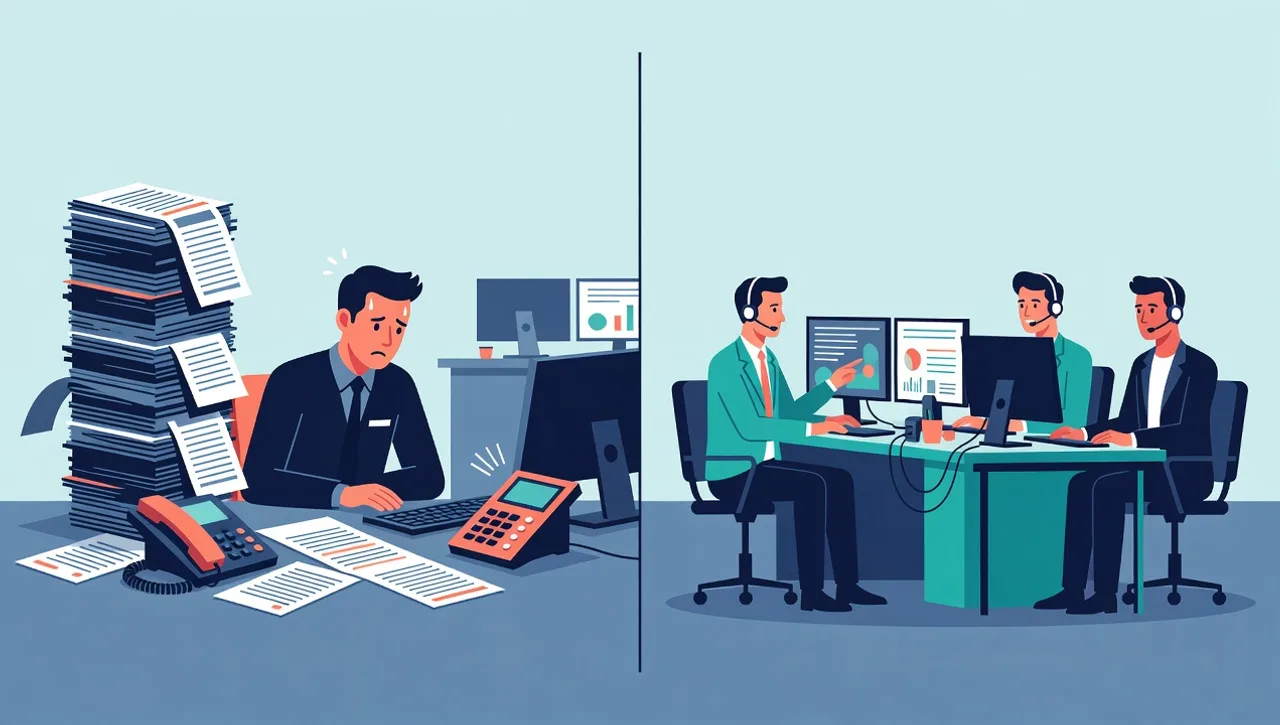
The question sounds binary, but accounting firms really have three options: build internal IT, outsource everything to a managed IT provider, or run a co-managed setup where an internal person and an MSP split the work. The right answer depends mostly on firm size, whether you already have someone good in the seat, and how much weight you put on the two pressures unique to your industry: the FTC Safeguards Rule and the tax season calendar.
What does the answer look like by firm size?
Solo and small practices, under about 10 people. A full internal hire is off the table at this size, and the real choice is between an MSP and getting by on the office’s most technical partner plus a break-fix computer guy. The Safeguards Rule is what changes this math. Even a three person firm handling client financial data needs a documented security program, and “we’ll figure it out if something happens” is no longer a defensible position. A managed agreement gets a small firm the same security stack and documentation a larger firm runs, priced by device.
Firms of roughly 10 to 50 employees. This is the range where owners start asking whether it’s time to hire. It’s also the range where fully managed IT fits best. The environment is complex enough to need real coverage, tax software servers, file shares, remote access for seasonal staff, compliance documentation, but not big enough to keep a dedicated hire busy with the right kind of work. Most firms this size do better with a provider than a hire, and the cost section below explains why.
Multi-office and larger firms. Once a firm has multiple locations or grows past 50 people, some internal IT presence usually earns its keep, someone who knows the partners, the workflows, and the quirks of the practice. The question shifts from “hire or outsource” to “what do we build around that person,” which is where co-managed IT comes in. Braintek supports co-managed environments up to around 1,500 employees.
What can one internal IT generalist actually cover?
A single IT hire at an accounting firm is expected to handle Microsoft 365, networking, firewalls, backups, workstations, the servers behind the tax and document management software, vendor relationships, and now a federally required security program. That’s five or six specialties wearing one badge. Here’s where the one person model breaks specifically for accounting firms:
- FTC Safeguards documentation. The rule doesn’t just require controls, it requires a written program: risk assessments, access reviews, encryption standards, monitoring, incident response, and a designated person accountable for all of it. Maintaining that paperwork is a job in itself, and it’s the first thing that slides when the same person is also resetting passwords.
- After-hours coverage during tax season. Your firm’s busiest hours in March and April are not 9 to 5. One employee cannot reasonably be on call every night and weekend through the crunch, and the nights they’re not are the nights the file server picks to fail.
- Security depth. Wire fraud and business email compromise attacks specifically target firms that move client money and hold financial data. Defending against that takes layered email security, monitoring, and awareness training, a specialty in its own right, not a task on a generalist’s list.
- Vacation and sick coverage. One person means zero coverage every time they’re out. There is no version of a single hire that fixes this.
A useful test: list the five systems your firm cannot produce work without, the tax software server, the document management system, email, remote access, backups. For each, ask whether at least two people could support it today. Every “no” is a single point of failure you’re currently accepting.
What does internal IT really cost compared to an MSP?
The common mistake is comparing a salary against an MSP invoice. A salary is the starting point of the internal number, not the total. The real comparison is a full time hire plus payroll taxes, benefits, recruiting, ongoing training, and the security, monitoring, and backup tooling that person needs licensed separately, against a per-device monthly fee that includes the tooling.
Braintek’s managed IT runs $150 to $250 per device per month plus $15 to $35 per mailbox, with Microsoft licensing billed separately. For a firm under about 50 people, stack the fully loaded internal figure against that and the managed number usually wins, and it’s not close, because the firm is paying for exactly the devices it runs instead of a full salary that’s idle between problems. We’ve broken the per-device math down with worked examples in how much managed IT costs for a CPA firm.
One honest caveat in the other direction: an internal person is physically present and knows your people. If your firm genuinely needs daily hands-on presence, weight that. Most firms find that the large majority of issues resolve remotely and that a team answering the phone in about 60 seconds beats one busy person walking the hall.
Does an MSP understand tax and accounting software?
Fair question, and worth asking any provider directly. The honest framing: an MSP’s job is the environment your applications live in, the servers, workstations, file shares, networking, and backups that your tax prep, accounting, and document management software depend on, plus vendor coordination when a problem is inside the application itself. You call one number, and if the fix requires the software vendor, the MSP works that ticket with them instead of leaving you stuck in the middle.
Be skeptical of any provider claiming certified expertise inside every tax package. What matters is whether they keep those systems patched, performing, and backed up, and whether they’ve done it for firms like yours. Braintek supports CPA firms and financial advisors across Houston and DFW, including Safeguards Rule programs and tax season readiness, which we’ve written up separately in tax season IT readiness for CPA firms.
Already have an IT person? That’s what co-managed is for
If you have a good internal IT employee, the answer usually isn’t replacing them. Co-managed IT keeps that person and the institutional knowledge they’ve built while the MSP fills what one person can’t cover: help desk overflow during the crunch, after-hours and vacation coverage, the security stack and monitoring behind your Safeguards program, escalation for hard server and network problems, and project capacity. Your internal person focuses on the systems closest to the practice instead of drowning in password resets.
This is also the natural path for growing firms. Rather than hiring a second and third IT employee as you add offices, the internal person stays the owner and the MSP scales behind them.
So which model should your firm pick?
- No internal IT: fully managed. One provider, one predictable monthly number, Safeguards documentation handled, no single point of failure. Best fit is roughly 10 to 50 employees.
- One solid internal IT person: co-managed. Keep them, fill the gaps around them, especially after-hours and security depth.
- Compliance or wire fraud keeps you up at night: whichever model you pick, weight security specialization heavily. This is the area where a lone generalist is most exposed.
The same decision logic applies outside accounting; we’ve written the manufacturing version of this question if you want to see how the tradeoffs shift by industry. And if you’re leaning toward outsourcing, how to choose an MSP for your accounting firm covers what to ask before signing.
Braintek has supported Texas businesses since 2002, with staff in Houston, DFW, and the Philippines. Phone calls typically reach a live person in about 60 seconds and emailed tickets typically get a response within about 2 hours. If you want a no-pressure read on which model fits your practice, the form below is the fastest way to get one.