Building Slides
| Shortcut | What it does |
|---|---|
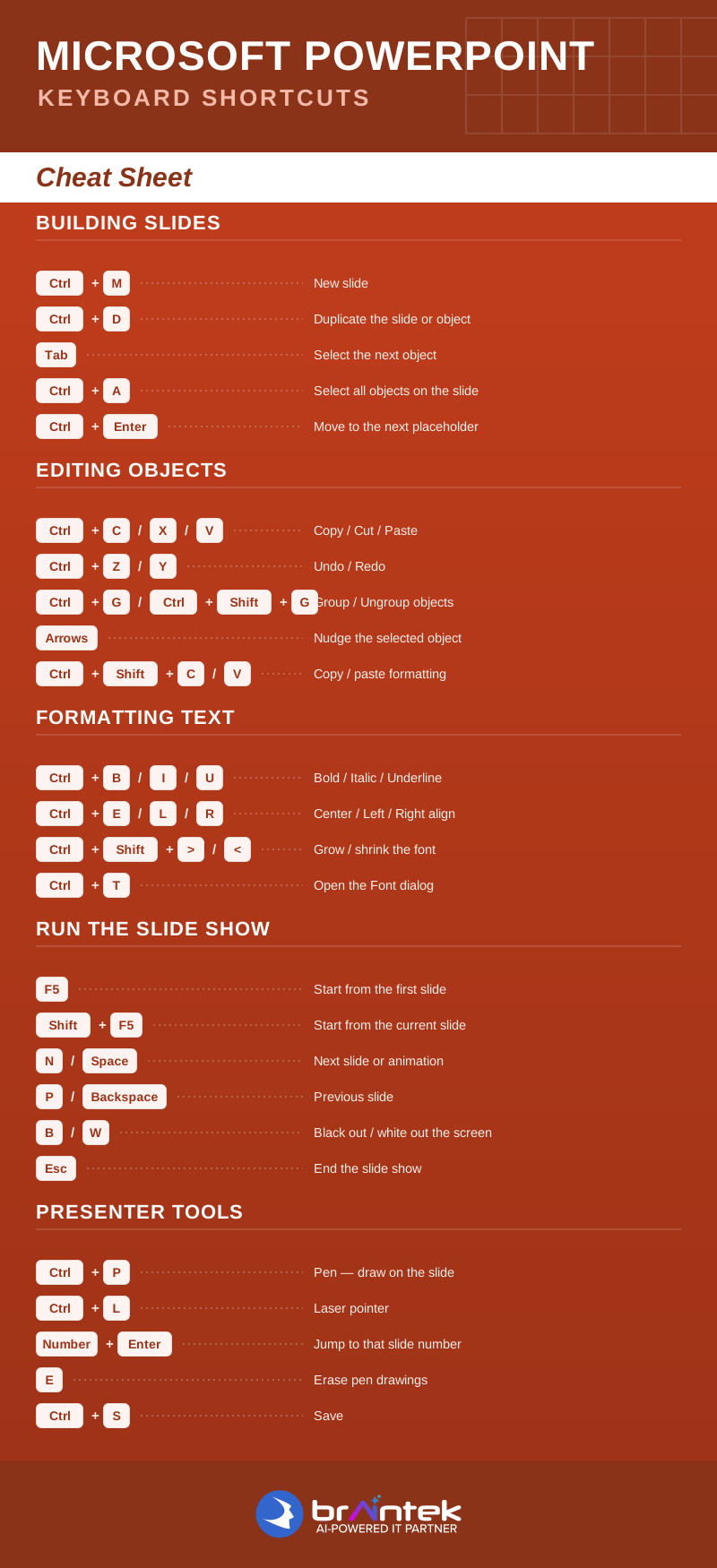
| Ctrl + M | New slide |
| Ctrl + D | Duplicate the slide or object |
| Tab | Select the next object |
| Ctrl + A | Select all objects on the slide |
| Ctrl + Enter | Move to the next placeholder |
Editing Objects
| Shortcut | What it does |
|---|---|
| Ctrl + C / X / V | Copy / Cut / Paste |
| Ctrl + Z / Y | Undo / Redo |
| Ctrl + G / Ctrl + Shift + G | Group / Ungroup objects |
| Arrow keys | Nudge the selected object |
| Ctrl + Shift + C / V | Copy / paste formatting |
Formatting Text
| Shortcut | What it does |
|---|---|
| Ctrl + B / I / U | Bold / Italic / Underline |
| Ctrl + E / L / R | Center / Left / Right align |
| Ctrl + Shift + > / < | Grow / shrink the font |
| Ctrl + T | Open the Font dialog |
Run the Slide Show
| Shortcut | What it does |
|---|---|
| F5 | Start from the first slide |
| Shift + F5 | Start from the current slide |
| N / Spacebar | Next slide or animation |
| P / Backspace | Previous slide |
| B / W | Black out / white out the screen |
| Esc | End the slide show |
Presenter Tools
| Shortcut | What it does |
|---|---|
| Ctrl + P | Pen — draw on the slide |
| Ctrl + L | Laser pointer |
| Number + Enter | Jump to that slide number |
| E | Erase pen drawings |
| Ctrl + S | Save |
Open the full one-page version above to view or print — these pay for themselves the next time you’re in front of a room.
More Microsoft shortcuts: Excel · Word · Outlook · Windows 11