Navigation
| Shortcut | What it does |
|---|---|
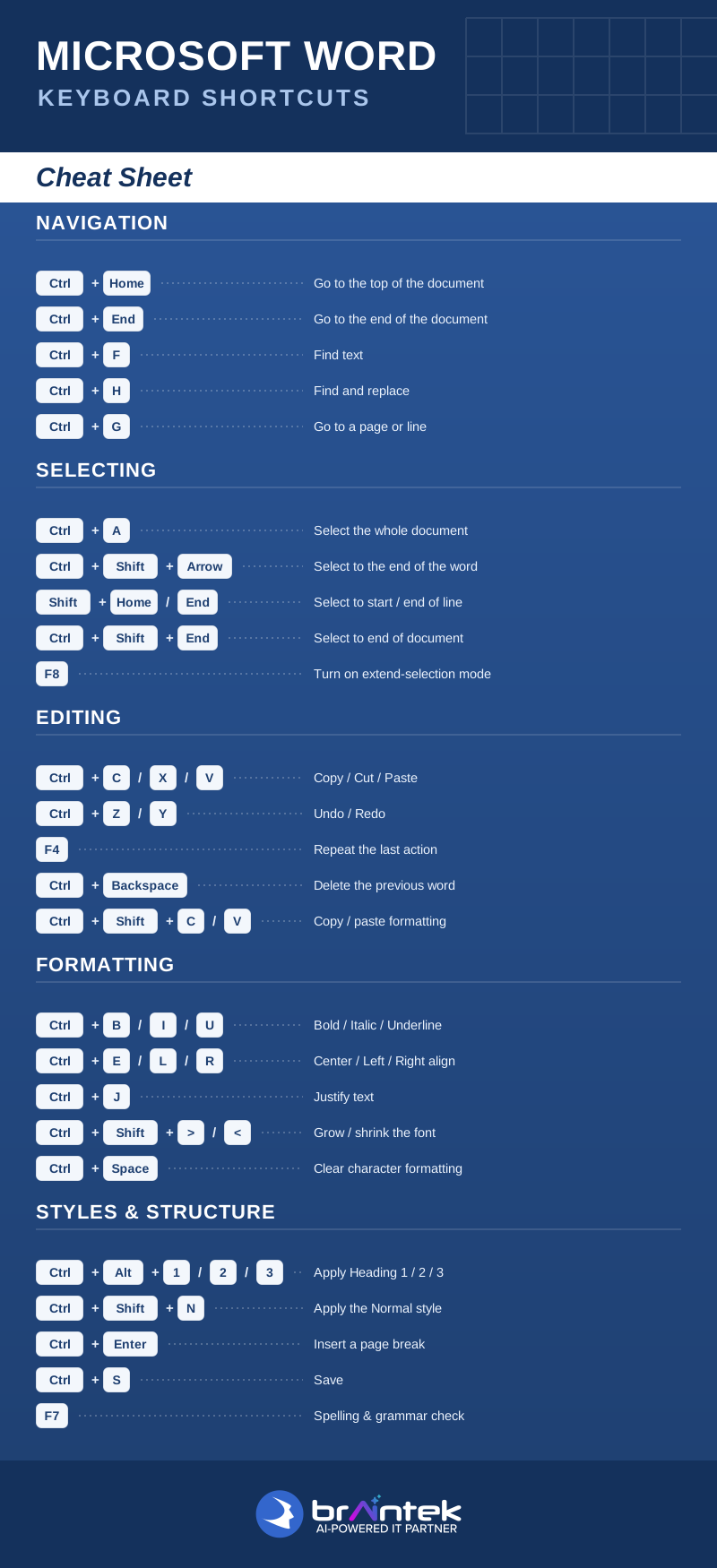
| Ctrl + Home | Go to the top of the document |
| Ctrl + End | Go to the end of the document |
| Ctrl + F | Find text |
| Ctrl + H | Find and replace |
| Ctrl + G | Go to a page or line |
Selecting
| Shortcut | What it does |
|---|---|
| Ctrl + A | Select the whole document |
| Ctrl + Shift + Arrow | Select to the end of the word |
| Shift + Home / End | Select to the start / end of the line |
| Ctrl + Shift + End | Select to the end of the document |
| F8 | Turn on extend-selection mode |
Editing
| Shortcut | What it does |
|---|---|
| Ctrl + C / X / V | Copy / Cut / Paste |
| Ctrl + Z / Y | Undo / Redo |
| F4 | Repeat the last action |
| Ctrl + Backspace | Delete the previous word |
| Ctrl + Shift + C / V | Copy / paste formatting |
Formatting
| Shortcut | What it does |
|---|---|
| Ctrl + B / I / U | Bold / Italic / Underline |
| Ctrl + E / L / R | Center / Left / Right align |
| Ctrl + J | Justify text |
| Ctrl + Shift + > / < | Grow / shrink the font |
| Ctrl + Spacebar | Clear character formatting |
Styles & Structure
| Shortcut | What it does |
|---|---|
| Ctrl + Alt + 1 / 2 / 3 | Apply Heading 1 / 2 / 3 |
| Ctrl + Shift + N | Apply the Normal style |
| Ctrl + Enter | Insert a page break |
| Ctrl + S | Save |
| F7 | Spelling & grammar check |
Open the full one-page version above to view or print, and keep it where the team can see it — the shortcuts stick fast once they’re in front of you every day.
More Microsoft shortcuts: Excel · Outlook · PowerPoint · Windows 11