

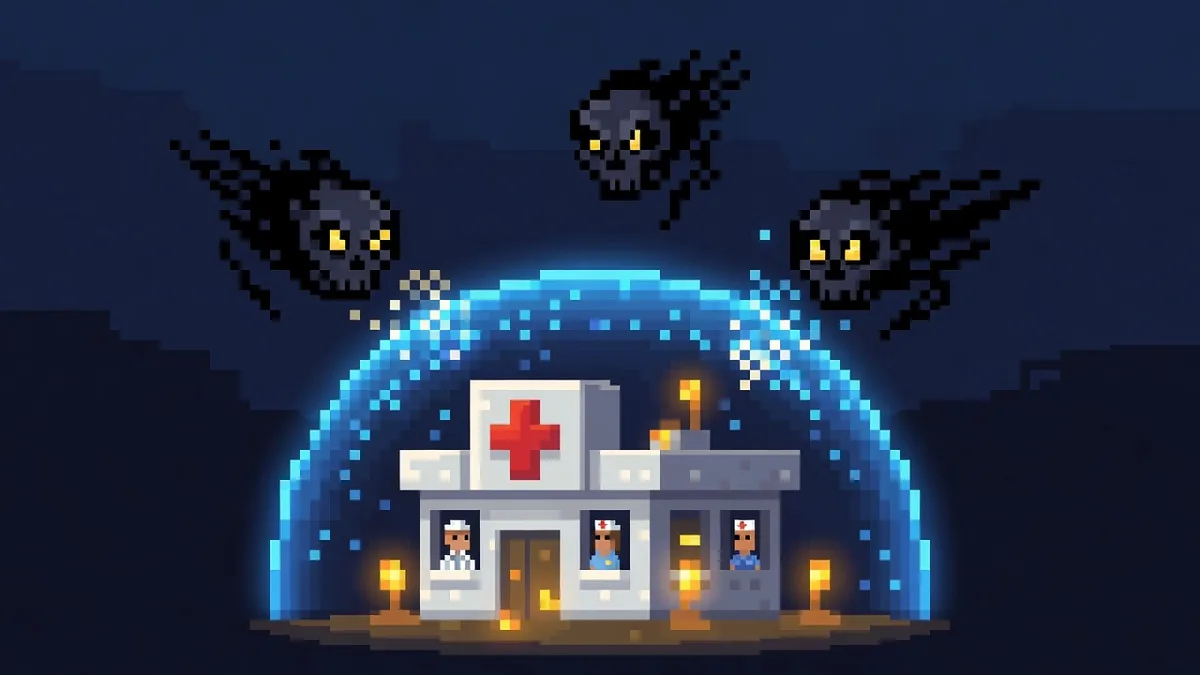
Ransomware against a medical practice is a business model, and the model works because of pressure. The attacker encrypts your systems, and suddenly the schedule is gone, charts are unreachable, imaging won’t load, and the billing queue is frozen. Every hour closed is lost revenue and rescheduled patients, and the attacker knows it. Many operators add a second lever: they steal patient data before encrypting, then threaten to publish it. The FBI’s Internet Crime Complaint Center has reported healthcare among the critical infrastructure sectors most frequently named in ransomware complaints, and federal agencies run a dedicated StopRansomware program largely because of what these attacks do to sectors like this one.
The good news is that ransomware is one of the more preventable disasters in IT, because the ways in are well known and the defenses are established. Here is why practices get targeted, how the attack actually starts, the layered defense that works, how to keep seeing patients if it happens anyway, and where HIPAA enters the picture.
Why are medical practices such attractive targets?
- Downtime pressure is maximal. A retailer that loses its systems has a bad week. A practice that loses its EHR can’t safely chart, prescribe, or verify histories, and the waiting room feels it within the hour. Attackers price ransoms against the victim’s pain, and few businesses hurt faster than a clinic.
- The data is the second payday. Patient records bundle identity, insurance, and clinical details, which makes them durably valuable to criminals and gives the attacker a second threat, publication, even if you restore from backup.
- Regulatory stakes raise the temperature. The attacker knows a ransomware event drags HIPAA into the room, and counts on that fear to speed up payment.
- Small practices look easy. Hospitals have security teams. A 15 person practice often has no dedicated IT at all, and the automated scanning that finds exposed systems doesn’t distinguish between them. Being small makes you a softer target, not a smaller one.
How does ransomware actually get into a practice?
Almost every incident starts through one of three doors:
- Phishing. An email carries a malicious attachment or a link to a fake login page. One set of stolen credentials or one enabled macro gives the attacker a foothold, and front desk and billing staff, who open attachments from strangers all day as part of the job, are the most exposed people in the building.
- Exposed remote access. Remote desktop left open to the internet, a VPN without MFA, or a remote support tool with a weak password. Attackers scan the whole internet for these constantly and buy stolen credentials in bulk. This is how many practices get hit without anyone clicking anything.
- Unpatched systems. Known vulnerabilities in operating systems, firewalls, and applications that vendors fixed months ago but nobody applied. Practices running an old server because the practice management system “needs it” are carrying exactly this risk.
A fourth path deserves a mention in healthcare specifically: vendors. EHR platforms, transcription services, billing companies, and IT tools all connect to your environment, and a compromise on their side can reach you. You can’t patch a vendor, but you can limit what their connections can touch and know which ones exist.
Once inside, the attacker rarely encrypts immediately. They spend days or weeks moving through the network, escalating privileges, locating and destroying backups, and often copying data out. That dwell time is the defender’s window, which is why detection matters as much as prevention.
What does the layered defense stack look like?
No single product stops ransomware. What works is layers, so that a failure at one level gets caught at the next:
- Email security and phishing defense. Advanced filtering that catches credential harvest links and malicious attachments before staff see them, plus visible tagging of external mail. This thins out door number one.
- MFA on everything. Email, EHR access, VPN, remote tools, admin accounts. Most intrusions start with a stolen password, and MFA turns a stolen password from a master key into a dead end. Prefer app based methods over SMS.
- Close or harden remote access. Nothing answers to the open internet without MFA in front of it. Remote desktop exposed directly is not acceptable in 2026, full stop.
- Patching as a process, not an event. Operating systems, firewalls, and third party applications updated on a schedule, with the stragglers tracked instead of forgotten. Legacy systems that can’t be patched get isolated from everything else.
- Endpoint detection and response (EDR). Modern EDR watches behavior, a process suddenly encrypting files in bulk, credential theft tools running, and can isolate a machine automatically. This is the layer that catches the attacker during dwell time, and it has largely replaced traditional antivirus for this threat.
- Least privilege. Staff accounts that can’t install software, no shared logins, and admin rights limited to the few who need them. Ransomware runs with the permissions of the account it lands on, so a locked down account means a contained blast radius.
- Backups that survive the attack. At least one copy offline or immutable, meaning the attacker can’t delete or encrypt it even with stolen admin credentials, and restore tests on a calendar. Cover the whole practice, not just the EHR: imaging, documents, email, the practice management data. Our guide to what a medical practice actually needs to back up walks through the full list.
- Security awareness training. Short, recurring, and scenario based, with simulated phishing so the training meets the real thing. The goal isn’t zero clicks, it’s a team that reports the weird email instead of ignoring it.
- A written incident response plan. Who isolates machines, who calls the insurer, who talks to patients, decided before the bad day.
If that list looks familiar, it should. It overlaps heavily with the technical safeguards HIPAA’s Security Rule already expects, which we cover in our HIPAA IT requirements guide. Building the ransomware defense and building the compliance program are largely the same work, and a current security risk assessment is where both start. This stack is the core of the cybersecurity services we run for healthcare clients.
How do you keep seeing patients when systems are down?
Downtime procedures are the piece most practices skip, and the piece that determines whether an attack closes your doors. The clinical and front office questions need answers on paper, literally on paper, because the answers live somewhere that might be encrypted:
- Schedule access. A printed or independently stored copy of the next few days of appointments, refreshed on a routine, so you know who is walking in tomorrow morning.
- Paper charting kit. Encounter forms, prescription pads where appropriate, superbills, and a defined process for capturing the visit on paper and entering it into the EHR after restoration.
- Phones and messages. Know whether your phone system depends on the same network, and have a fallback, even if it’s a list of cell numbers, so patients can still reach you.
- Communication plan. Who tells staff what to do and what not to say, and how you handle patient questions without speculating about their data before the facts are in.
- Defined restoration order. Which systems come back first, usually EHR and scheduling, then imaging, then billing, so recovery is a sequence instead of a scramble.
Hospitals drill this. A small practice doesn’t need a hospital’s program, it needs a binder, a short annual walkthrough, and staff who have seen the plan before the day they need it. Practices with tested downtime procedures see patients through an outage. Practices without them send everyone home.
Where does HIPAA come into a ransomware event?
This is the dimension that separates a medical practice’s ransomware event from anyone else’s, so it deserves plain language, with the caveat that your counsel drives the actual determination.
HHS Office for Civil Rights has published guidance on ransomware and HIPAA stating that when ransomware encrypts electronic protected health information, a breach is presumed to have occurred, because unauthorized individuals took control of the data. That presumption is rebuttable: if a documented risk assessment demonstrates a low probability that PHI was compromised, considering factors like what data was involved, whether it was actually viewed or acquired, and the extent of mitigation, the incident may not require notification. If the presumption stands, the Breach Notification Rule timelines apply, including notice to affected patients and to HHS.
Three practical consequences follow:
- The analysis is mandatory even when the answer turns out to be “not reportable.” You need the documented risk assessment either way, which means you need evidence: logs, forensic findings, a timeline. Wiping and reinstalling everything on day one can destroy the record you need.
- Encryption at rest changes the math. If the data the attacker touched was properly encrypted by you and the keys weren’t compromised, the risk analysis looks very different. This is one of several reasons encryption shows up in the Security Rule.
- Restoring from backup doesn’t end the inquiry. Getting operational again answers the downtime problem, not the data question. If the attacker copied records out before encrypting, notification obligations can exist even with a flawless recovery.
None of this is a reason to panic, it’s a reason to have the response plan, the counsel relationship, and the cyber insurance in place beforehand, so the HIPAA workstream starts on hour one instead of week two.
What should you do in the first hour?
If you’re reading this during an incident: disconnect affected machines from the network, unplug the cable or kill the Wi-Fi, but leave them powered on, memory can hold evidence. Don’t pay or respond to the attacker reflexively. Call your IT provider and your cyber insurance carrier, most policies include a breach hotline and approved forensics and legal teams, and using them keeps coverage intact. Preserve everything, no wiping, no deleting, no “cleaning up.” Activate your downtime procedures so patients keep getting seen. CISA’s StopRansomware guidance covers reporting and response in depth, and reporting to the FBI via ic3.gov helps you and the next victim. Beyond that, your incident response plan and your counsel drive the specifics, including the ransom decision and the HIPAA analysis.
Who handles this for medical practices in Houston and DFW?
Braintek has supported Texas businesses since 2002, with staff in Houston, DFW, and the Philippines, and healthcare practices are one of our core specialties. We sign business associate agreements, build the layered stack above, monitor it, and keep the documentation your HIPAA program and your insurance application both need. We secure the environment your EHR runs in and coordinate with your EHR vendor when issues cross the line between their software and your infrastructure. Fully managed support fits independent practices of roughly 10 to 50 employees, and co-managed arrangements support larger groups with in-house IT. When something looks wrong, a machine acting strangely, a suspicious email, that call typically gets a live answer in about 60 seconds.
If you’re weighing what this should cost or who should run it, see our guides to managed IT costs for a medical practice and how to choose an MSP for your practice.