

An IT strategy assessment is a structured review of your technology measured against where the business is going, and it ends with a written, prioritized roadmap and a budget. That last part is what separates it from everything else sold under similar names. A scan produces findings. A proposal produces a price. An assessment should produce a plan you could hand to your CFO and act on without the company that wrote it.
The distinction matters because the word “assessment” gets used loosely. Plenty of providers run an automated tool across your network, export the vulnerability list, and present it as strategy. That is a network assessment, and it is a useful thing, but it answers a narrower question. The technical picture tells you what is wrong today. A strategy assessment tells you what to do about it, in what order, and what it will cost over the next one to three years.
What does an IT strategy assessment actually examine?
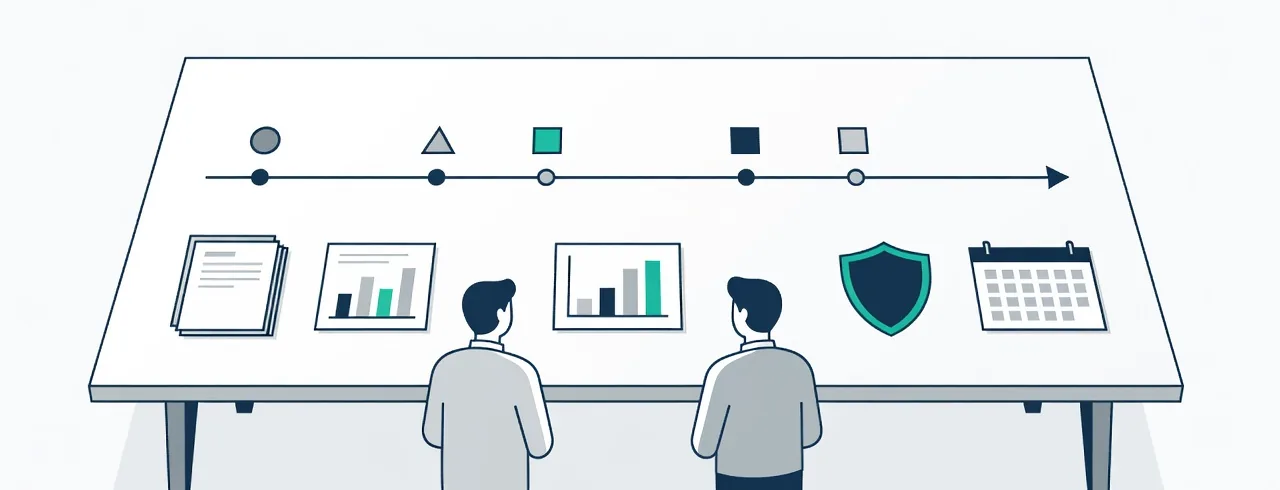
Six areas, and a real assessment covers all of them. If a provider only looks at the first two, you are getting a technical audit with a strategy label.
Systems and their ages. Every server, workstation, firewall, switch, and access point, with its age and its replacement horizon. This is the foundation of the budget, because hardware refreshes are the largest predictable IT expense most companies fail to plan for and then absorb as an emergency.
Security posture. Measured against what insurers and clients now require rather than a generic checklist: multi-factor authentication coverage, endpoint detection, patch status, email filtering, backup isolation and restore history, and whether credentials are already circulating from prior breaches. Cyber insurance applications ask these questions under penalty of a denied claim, so the answers need to be true.
Licensing and vendor contracts. What you are paying for, what is actually in use, and when each agreement renews. This is consistently where assessments find money. Unused licenses, duplicate tools, auto-renewing contracts nobody reviewed, and services that were right for a company half your current size.
Capacity and performance against how the business works. Not synthetic benchmarks. Whether the network holds up when the whole team is on video calls, whether the line-of-business application is slow because of the server or because of the database, whether the Wi-Fi reaches where people actually work.
Risk and recovery expectations. Two numbers most businesses have never been asked for: how long you can be down, and how much data you can afford to lose. Everything in a backup and continuity plan follows from those, and buying protection without setting them means guessing.
Spending. Total technology cost, broken down and compared against the size and shape of your business. The useful output is not a benchmark figure but an answer to whether the money is going toward the things that carry the most risk.
What should you receive at the end?
Three documents. If you get fewer, ask why.
- A prioritized roadmap. Ranked by risk and business impact, split into what to fix now, what to plan for this year, and what belongs in next year’s budget. Prioritized is the operative word — a list of thirty findings with no order is a way of transferring the hard decisions back to you.
- A budget with real numbers. Ranges are fine, unpriced recommendations are not. A roadmap without costs cannot be approved by anyone.
- A plain-language summary for ownership. Two pages that a non-technical owner or board can read and act on. If the whole deliverable requires an IT background to interpret, it will not get funded.
What is a vCIO, and do you need one?
A vCIO, or virtual chief information officer, is an outside advisor who handles the strategic half of an IT leader’s job without the full-time salary. Planning, budgeting, vendor decisions, risk conversations, and translating technology choices into business language.
Most companies between roughly 10 and 200 employees are in an awkward position here. They are large enough that technology decisions carry real consequence, and too small to justify a CIO. The work still needs doing, so it usually falls to an owner, a CFO, or an office manager who inherited it. A vCIO arrangement, typically a few hours a quarter, puts that judgement in place without the hire.
An assessment is often how the relationship starts. The assessment produces the roadmap; the vCIO keeps it current as the business changes.
How to tell a real assessment from a sales pitch
Four questions, and the answers are revealing.
“Will I own the deliverable if I don’t hire you?” A genuine assessment is work product you paid for. If the roadmap disappears when you decline the proposal, it was a sales document.
“Will you include things that don’t make you money?” Cancelling a service you don’t need, keeping a vendor that works, or telling you to do nothing for a year are all legitimate findings. An assessment that recommends only the provider’s own services is not an assessment.
“What are you comparing us against?” Look for business context and insurer or client requirements, not a vendor’s product matrix.
“Who does the analysis?” If the deliverable is a tool’s automated export with a cover page, you are buying a scan.
Where this fits at Braintek
We build strategy and budget planning into IT consulting in Houston and into managed agreements rather than selling it as a separate line, because the team running your environment already has the context an assessment needs. Pricing is flat per device and per mailbox, published on our pricing page, and a network assessment covers the technical layer if that is the narrower thing you actually want.
If you are not sure which you need, that is a reasonable place to start a conversation. Sometimes the honest answer is that your current arrangement is fine and the money is better spent elsewhere.