

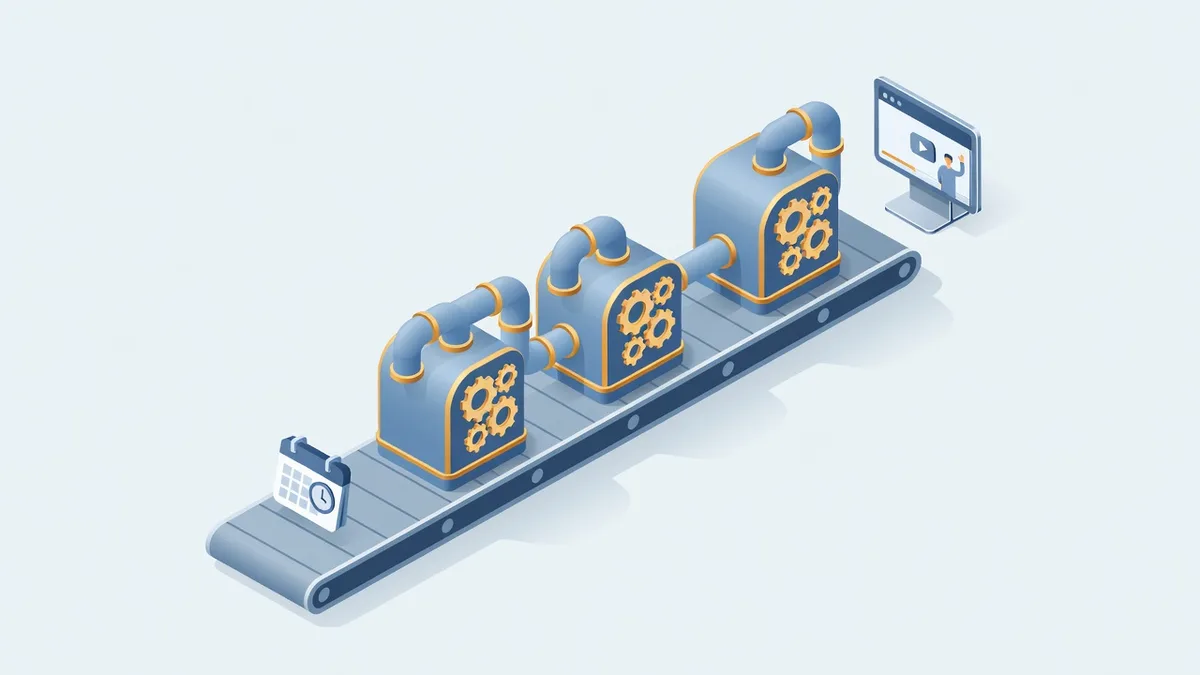
Most automation demos skip the part that matters. The video is impressive, the personalized page is impressive, but the reason the whole thing works as a sales tool is duller and more valuable: an event fires, a workflow catches it, and a template becomes a finished page with nobody watching.
Here is the shape of it. A prospect fills out the form on our website and books a discovery call. The confirmation email and calendar invite go out like normal. Behind that, a webhook fires into our workflow engine, which builds a private marketing page for that exact person, generates an AI video greeting them by name with their meeting date and time, creates the lead in our CRM, links the page to the lead, and emails the private link. In a real run from our own calendar, the booking landed at 8:01 and the video was in the inbox at 8:02.
If you have read part one of this series, you have seen the prospect’s side of this. This is the operator’s side.
What is the webhook actually listening for?
The booking system is the event source. When a discovery call gets scheduled, it posts a webhook, and a workflow in our automation platform is subscribed to that event. That workflow runs the next several steps in order: copy the page template, request the personalized video, place the video into the page, mint the unique link, create and link the CRM lead, and send the email.
That is the entire trick. There is no batch job checking a calendar every hour, and no human forwarding anything. The prospect’s own action starts the machine, which is why the turnaround is about a minute instead of about a workday.
Why templates instead of generating each page from scratch?
Because the page around the video should be boring and reliable. Our template holds the marketing material we want every prospect to see: the magazines we have been featured in, books, guarantees, Google reviews, and the documents that answer the questions buyers actually have. The generator copies that template and inserts the one thing that is genuinely unique, the video.
The generated page stays editable. Open it in the admin and you can rearrange documents, add or remove assets, swap whether the video plays on a phone or laptop mockup, or change the background. If a meeting deserves a fully custom video, we change the script, pick the presenter, and regenerate. A couple of minutes later the new video is on the page.
Templates are also where this system grows next. The sales version exists today. The same machinery can greet a client’s new decision maker, introduce the field technician being assigned to an account, or welcome a new hire, each as its own template with its own presenter.
How does the right person’s avatar end up in the video?
Our discovery call link is a group schedule, so the scheduler assigns each booking to a team member. The workflow reads that assignment and selects the matching avatar and voice. Booked with Sabrina, the video is Sabrina. Booked with Greg, it is Greg.
Each template has a settings section where the avatar and voice are chosen from the library we built in part two, the voice and avatar work. The script supports variables, meeting date, time, prospect name, company, so one script serves every booking without sounding like it does.
Where do all the documents and videos live?
An asset library inside the same admin. PDFs, images, and videos get uploaded once and reused across templates and pages, and videos the system generates land there automatically. When a guarantee document or magazine feature gets updated, it gets updated in one place.
That sounds like a small feature. It is the difference between a demo and a system you still trust a year in.
How much of this was designed before any code existed?
All of the layout. Before building anything, we designed the full interface in a conversation with Claude, screen by screen: the prospect page, the mobile view, the expired link page, the admin dashboard, the configuration panels. We moved elements around, said what we liked and disliked, and marked what should be interactive, all before committing to code.
The shipped version has since drifted from that first draft, real use always teaches you things, but the structure held. Designing in conversation first meant the expensive part, the build, started from a plan instead of a guess.
What should a business owner take from this?
The pattern is bigger than sales videos. Event, webhook, workflow, template, personal output. That loop applies to client onboarding, renewals, review requests, service follow ups, and every touchpoint you currently handle “when someone gets to it.” We build this kind of automation for Houston and DFW businesses on top of the systems they already run, and the first step is usually one well chosen event and one template.
If you want to see the prospect experience end to end, start with part one. If you want to talk about what this pattern could automate in your business, schedule a discovery call, and yes, booking one triggers exactly the system described above.