

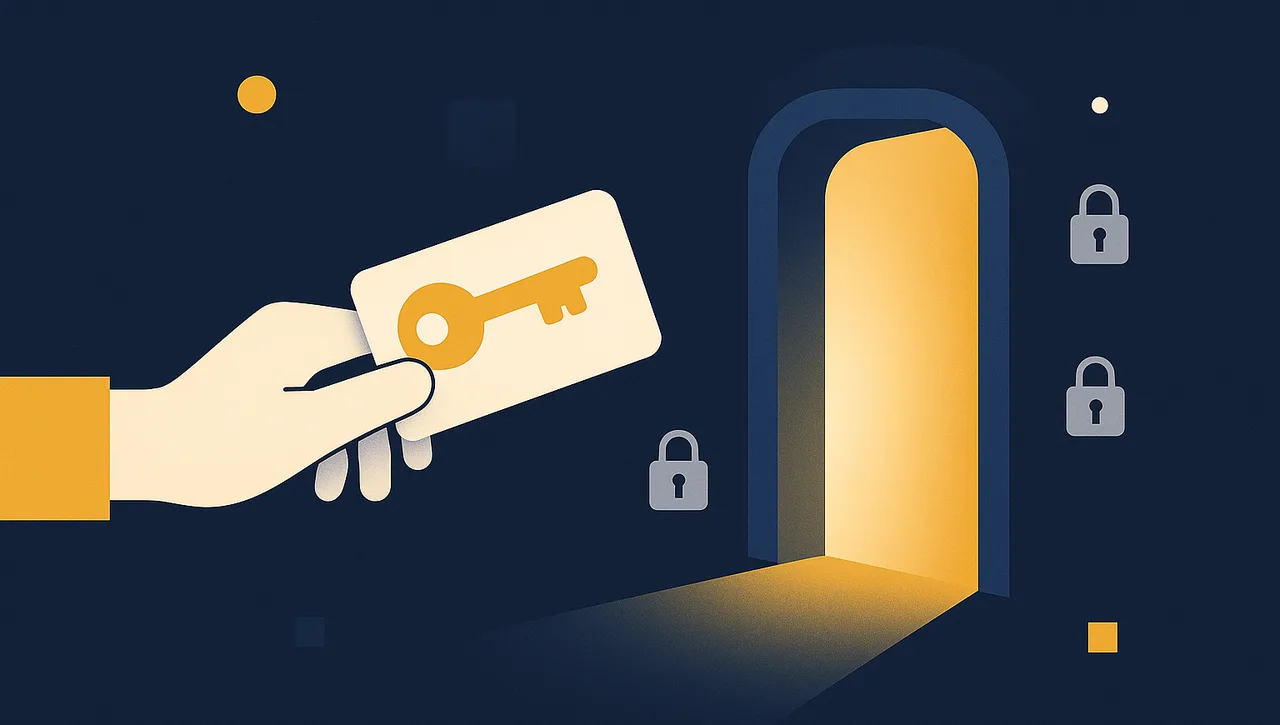
The Simple Version
OAuth 2.0 is the standard way one piece of software gets permission to act on your behalf inside another one, without you ever handing over your actual password.
Think of it like a hotel key card instead of your house key. You don’t give the hotel your house key, they issue you a card that opens specific doors, for a specific amount of time, and they can deactivate it the moment you check out. OAuth 2.0 works the same way: an app asks to connect, you see exactly what it wants to access, you approve it, and the app gets a limited, revocable credential instead of your real login.
That “Sign in with Google,” “Connect to Microsoft 365,” or “Authorize this app to access your QuickBooks” screen you’ve clicked through before? That’s OAuth 2.0.
Why It Exists
Before OAuth became standard, the only way to let one tool talk to another was to hand over your actual username and password. That meant:
- The other tool could do anything your account could do, not just the one task you wanted
- Changing your password broke every connection at once
- There was no clean way to cut off just one app without resetting everything
OAuth 2.0 fixes all three. It hands out narrow, named permissions (“read your accounting reports,” not “do anything as you”), issues credentials that expire on their own, and lets you disconnect one app without touching the rest.
The Two Credentials That Do the Work
Once you approve a connection, OAuth 2.0 usually hands back two things:
- Access token, the credential actually sent with every request. Short-lived on purpose (often about an hour), so a leaked one goes stale fast.
- Refresh token, a longer-lived credential whose only job is getting a fresh access token without making you log in again. This one lives much longer (QuickBooks currently allows up to 5 years), which makes it the more sensitive of the two to protect.
Both matter. Losing an access token is a bad hour. Losing a refresh token can be a bad few years if nobody notices.
The Catch
OAuth 2.0 is safer than sharing a password, but it isn’t automatically foolproof. The permission an app requests (its “scope”) is sometimes broader than you’d like, some services only offer one all-or-nothing scope, QuickBooks Online’s accounting API is a real example. And a leaked access or refresh token is still a real credential, worth protecting the same way you’d protect a password: never in plain text in a shared file, never committed to code, and rotated or revoked the moment you suspect it’s exposed.
How Braintek Uses This for You
When we connect your business systems, whether that’s QuickBooks, Microsoft 365, your CRM, or your phone system, we set the connection up through proper OAuth 2.0 authorization, scoped as narrowly as each service allows, with tokens stored securely instead of a password sitting in a spreadsheet. See it in action in Part 2 of our EBITDA series: Connect to the QuickBooks API in Postman.