

Most companies do not need to build a CRM. We did it anyway, and the reasons are specific enough that they may help you decide which side of that line you are on.
What is the Braintek CRM?
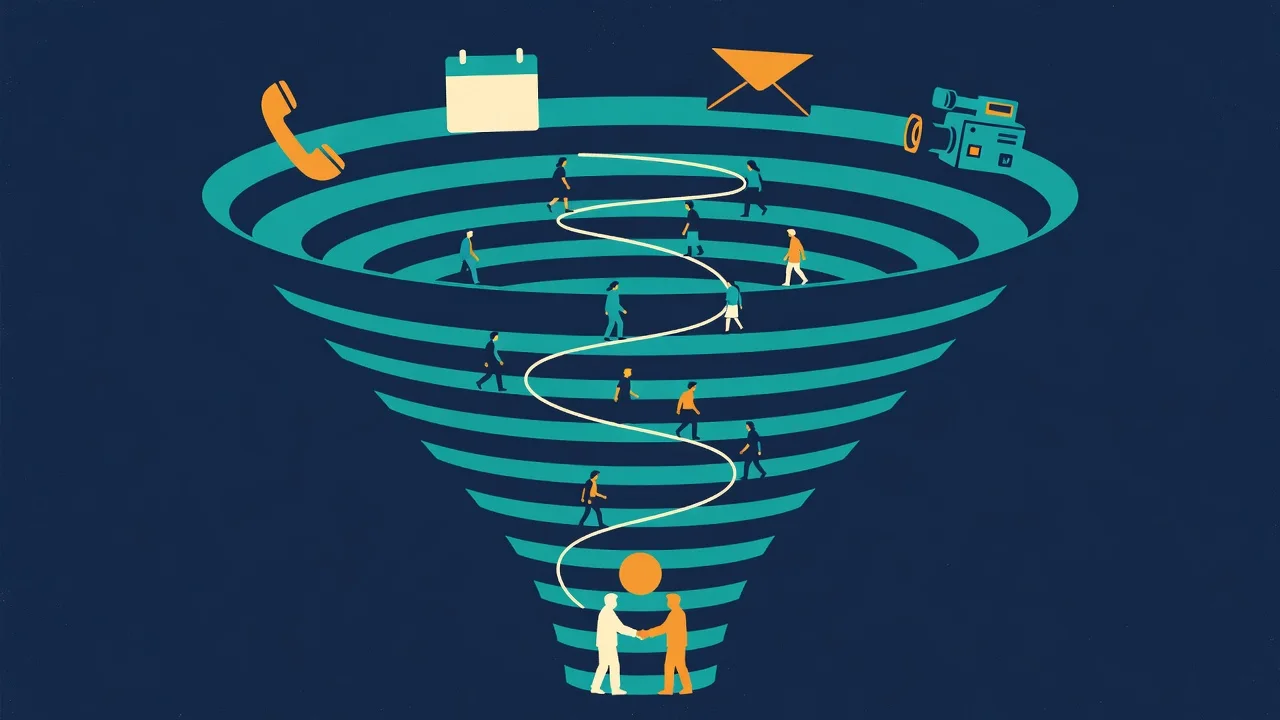
The Braintek CRM is a web application our sales and marketing team works in all day, built around one idea: the CRM is a sales funnel, and every feature exists to move a prospect through it or show where they are.
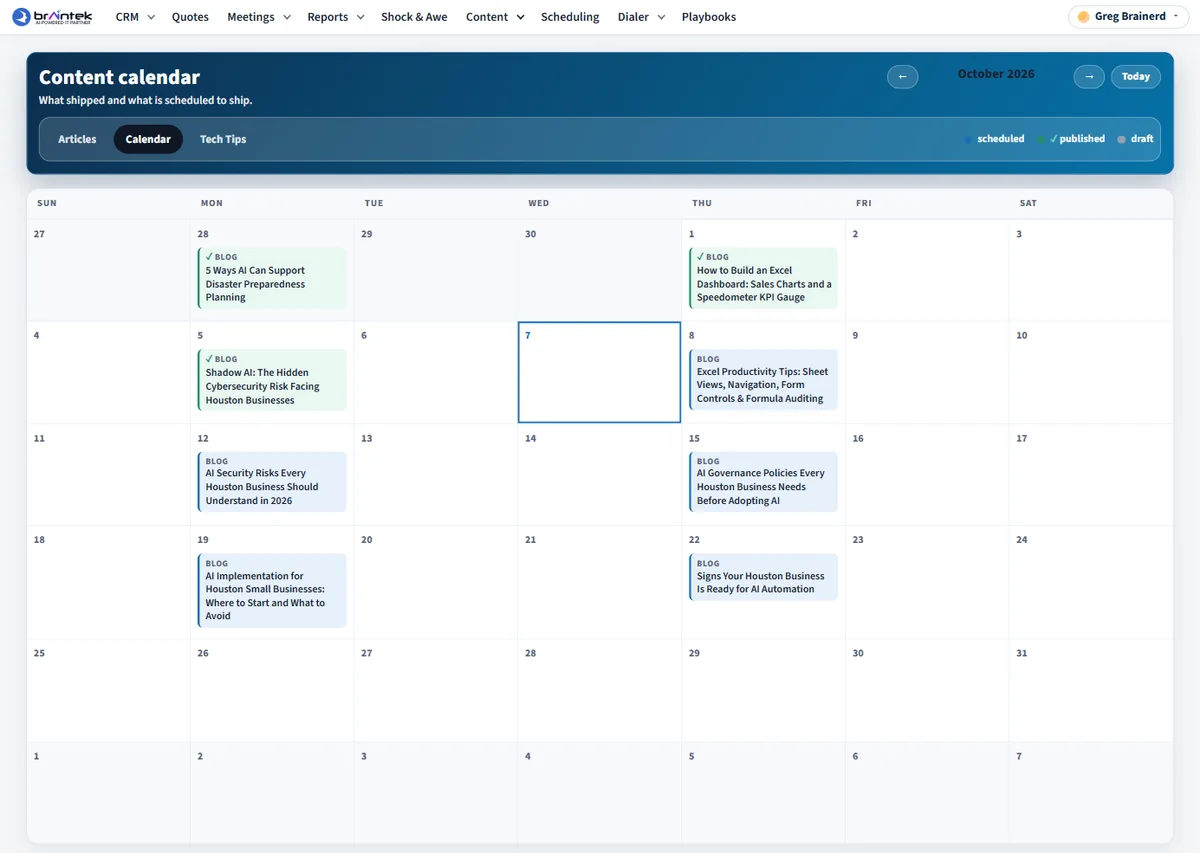
In plain English, it holds every lead and the full history of what has happened with them. A rep can place and receive calls in the browser, send text messages, book meetings, send a security assessment, build a quote, and publish a proposal without leaving the lead’s record. A companion Windows app keeps the dialer running so calls ring even when no browser tab is open. The marketing side schedules our weekly Tech Tips emails and gives us an editor and calendar for the articles planned for this website.
Why did we build a CRM instead of buying one?
Because our sales process did not match the shape of the tools we were paying for, and the gaps between those tools were where prospects got lost.
Before we cancelled Keap, we inventoried the account. We found more than 70 automations and only eight campaigns still running. Most of what we were paying for was history. Meanwhile the steps that actually win a client for a managed IT provider were happening somewhere else: a discovery call on the phone system, a meeting booked in Microsoft Bookings, an assessment of the prospect’s network, a quote built by hand.
A larger commercial CRM could have absorbed some of that. It would not have absorbed our dialer, our assessment tool, or the way we plan outbound work, and we would have been bending our process to fit its screens.
What does the Braintek CRM do that the alternatives did not?
It keeps the whole funnel in one record, so anyone can open a lead and see exactly where things stand. A few examples from daily use:
- Calls and coaching in one screen. The dialer shows the lead, the live transcript, and a guide side by side. As the conversation goes, AI picks out details like device count or timeframe and offers them as chips the rep confirms to save.
- Scheduling that feeds the pipeline. Our booking pages are embedded on braintek.com, rotate appointments across reps, ask custom questions, and create or match the lead automatically. That replaced Microsoft Bookings.
- A personal video before the first meeting. We call it Shock and Awe. When a prospect books a call, the CRM sends them a page with a short video that greets them by name, from the rep they are about to meet. We wrote up how the personalized video works and the automation behind it separately.
- Assessments attached to the opportunity. A prospect who agrees to a security assessment gets an emailed link, runs a signed tool, and the findings come back as a report on their record.
- One opt out list for every channel. An unsubscribe or a bounce lands in a single suppression list that every send checks first, which is the piece we most wanted to get right when leaving Keap.
- Website visitors without another vendor. The CRM shows which companies are reading our site and when a known lead comes back. We built that ourselves instead of buying a visitor identification service.
- Automatic research on new leads. New leads are enriched in the background, with hard caps on how much AI each one is allowed to use.
Not everything is finished. The direct mail and outbound calling waves we designed the marketing module around are still being built out, and the app is an internal tool, not a polished product.
How was the Braintek CRM built?
On the same stack we use for client work: ASP.NET Core, an Azure SQL database, and Azure App Service for hosting. Pushing a finished change deploys it to production, so improvements reach the team quickly.
Sign in is handled by Microsoft 365. Staff use the account they already have, so there is no separate password to manage. We wrote more about that approach in our guide to internal apps with Microsoft 365 single sign on.
Much of the code was written through AI assisted development with Claude, with a person describing what was needed, reviewing the result, and testing it in a browser. That is why a small company could take on something this broad. Features arrived one module at a time over a few months, and Keap stayed on until the last thing depending on it had moved. If you want the general method, start with how to build apps with AI.
When does building a custom CRM make sense?
When your process is the product, when the work is spread across several tools that do not share data, and when someone will own the software afterward. All three were true for us. Selling managed IT in Houston and DFW involves phone calls, site visits, and technical assessments that a generic sales tool treats as notes fields. And we maintain software for a living, so upkeep is part of the job.
It also helps to build in pieces. We did not replace everything on day one. The dialer came first, then scheduling, then email, and each piece had to earn its place before the old tool was switched off.
When should you just buy a CRM?
When a standard product already matches how you sell, or when nobody will look after custom software once the excitement fades. Commercial CRMs are good, and for most small businesses they are the right answer. Software is never done. Something changes upstream, an edge case shows up, and someone has to care.
We work through this question with clients often, and we are as quick to recommend the subscription as the build. Our article on replacing a SaaS subscription with AI built software covers the math in more detail. If you suspect your process has outgrown your tools, our custom software development team can look at what you have, or you can book a discovery call and talk it through.